Leaderboard
-

Mike
Administrator32Points23150Posts -

UM240
Community Member11Points97Posts -
lonetreesteve
Community Member11Points1702Posts -

siteunseen
Community Member8Points15359Posts


Popular Content
Showing content with the highest reputation since 10/25/06 in Images
-
5 points
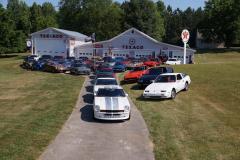
From the album: Georgia Z Club
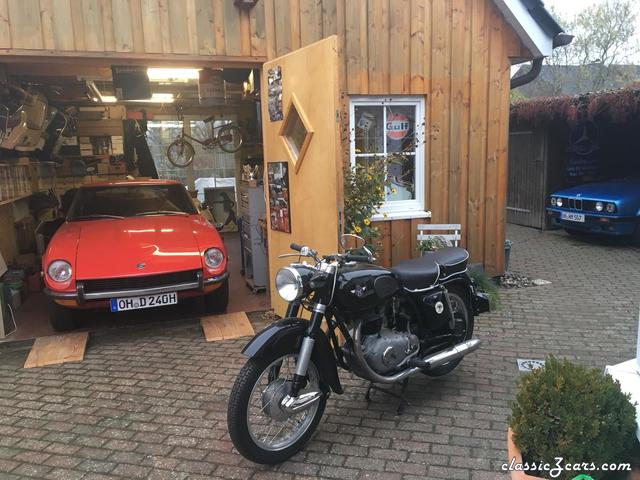
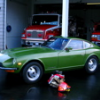
The owner of this private garage was nice enough to let our club have a photo shoot on his property. We had over 40 cars show up with every generation of Z on hand. The garage's owner had a 73 240Z back in the day. After letting us do the photo shoot, he's interested in getting back in the game. An S30 would look nice with the rest of his great collection of cars.5 points -
4 points

From the album: Facebook Shares
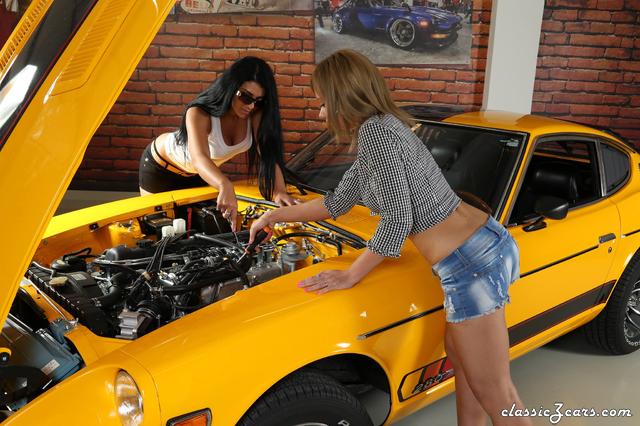
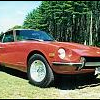
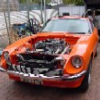
Zcars look pretty good in Orange! Thanks to the Datsun Club of Hungary!© Datsun Club of Hungary
4 points -
4 points
-
4 points
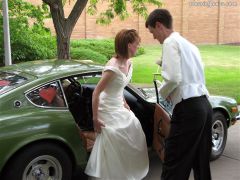
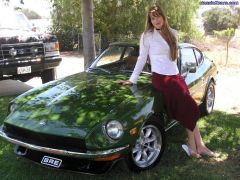 My friend and my lady...... The girl is my friend, *just friends* My zcar is still with me today (5 years), my friend.... she moved out of state to attend a Private University. I took this picture at church 2 years ago with a borrowed digital camera. The zcar is my first car, it took over a year to save for, with my minimum wage job. I used her to drive to work and school, in the mean time, I learned to work on cars, had my best and worst times with her and never plan on selling it! I love my Datsun 240z! This is my dream car!4 points
-
3 points
-
3 points
-
2 points
-
2 points
-
2 points
-
2 points
-
2 points
-
2 points
-
2 points
-
2 points
-

From the album: RedBird 1976 280Z
WINNING AT DALTON, GA. "Time to Shine" CAR SHOW...8/5/17 Hi folks, Again we won a second place trophy in this show. It was a marvelous day, and even produced two ladies for my personal cheering section. That is a first for me, for any car show I've been to, I've never had any personal audience. Great fun with my friends. Lissa was a star too. Lots of people who apparently love dogs had to stop by and say hello to her. I took her pet stroller where she did get some rest. The speakers were booming loud, not her favorite, she got nervous with them. The very best comment was "I walked all around (waving his hand in an arc) looking at all those other cars, just to come and see yours. Best car in the show". Super! It was a grand day for all... Jai2 points -
2 points
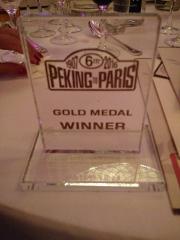
From the album: Peking to Paris 2016
All their hard work pays off...2 points -
2 points
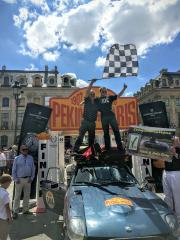
From the album: Peking to Paris 2016
Standing on the rack and celebrating a victory!2 points -
2 points
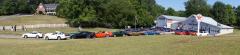
From the album: Georgia Z Club
It's a challenge capturing 40+ cars in one photo, even in a panoramic view.2 points -
2 points
-
2 points
-
2 points

From the album: 1970 240Z
Same 240Z with 2nd Owner, September 2015. Car has sat under a tarp since 2001. An icy road put it in a ditch, ruining the right fender and door. Unfortunately now it needs sills, chassis rails, and floors, in addition to the fender and door. Car is complete, aside from the heater control panel. It was removed with a stereo years ago and has gone missing...Came with the original title though! Looking forward to driving this one.2 points -
2 points
-
2 points
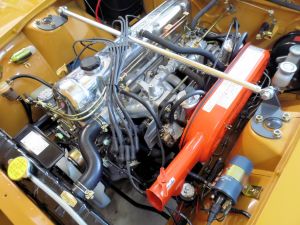
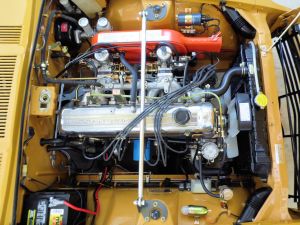 Stock L24 with emissions parts removed. Original radiator tanks and frame, re-cored to a 3-row.2 points
-
1 point
-
1 point
-
1 point
-
1 point
-
1 point
-
1 point
-
 Found it on Ebay for $35 and left a not to the seller, asking him to put the year in the trip meter and the Vin # in the Odometer1 point
-
1 point
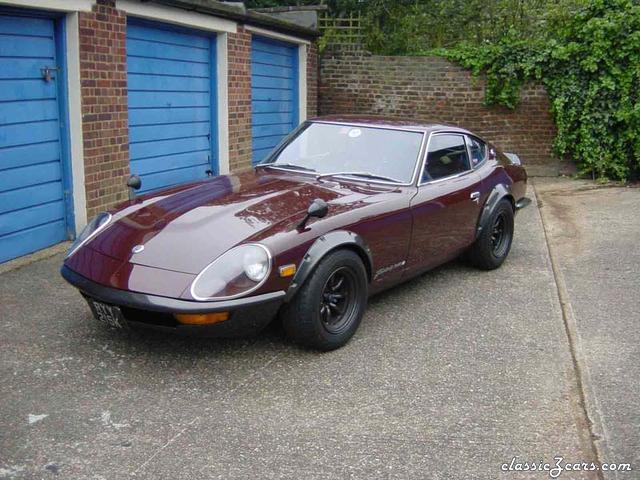
From the album: Fairlady 240ZG ( HS30-H )
1972 Fairlady 240ZG ( HS30-H ), owner: Alan Thomas, London, UK.1 point -
1 point
-
1 point
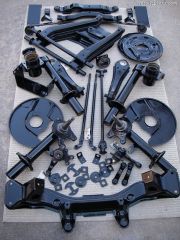 Suspension sand blasted, prepped and POR'd. Control arms rebushed stock. mustache bar not bushed yet, gas tank straps not in photo. 2 4oz cans of POR1 point
-
1 point
-
1 point
-
1 point
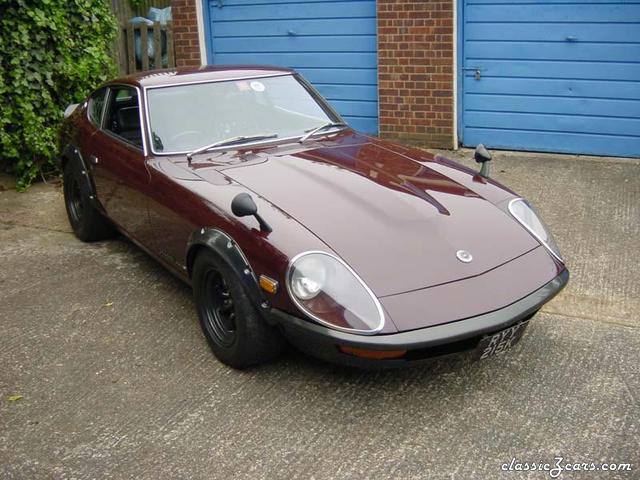
From the album: Fairlady 240ZG ( HS30-H )
1972 Fairlady 240ZG ( HS30-H ) - owner, Alan Thomas. London, UK.1 point -
1 point
-
1 point
-
1 point
 One day I'll fit this manifold. designed for 2xT28 flanged turbos & a Turbonetics Racegate to all fit reasonably comfortably in a Z engine bay.1 point
-
1 point
 Engine in Mr Terashima's 240ZR Replica. Dry-sumped. Built by Mr Matsui of NP35.1 point
-
1 point
-
1 point
-
1 point
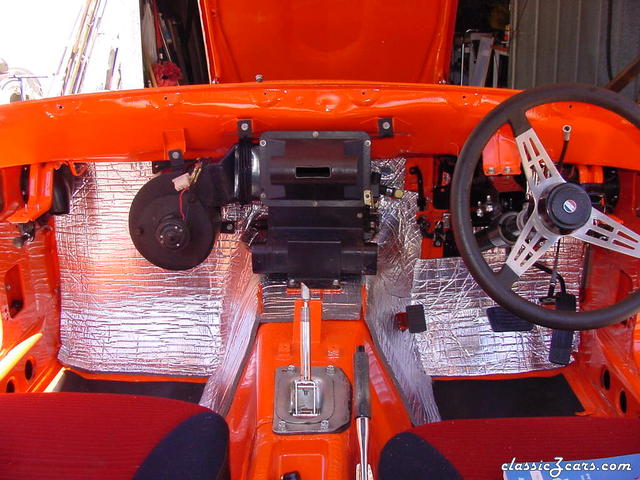 A shot of the new firewall insulation on my '73 240Z See more at: http://www.zparts.com/zptech/articles/bs_insulation/webtour-1/index.htm1 point
-
1 point
 LY28 Crossflow engine in the Works 240ZR. Restored by NISMO for the 2001 event. Blue hoses and ally rad not correct.1 point
-
1 point
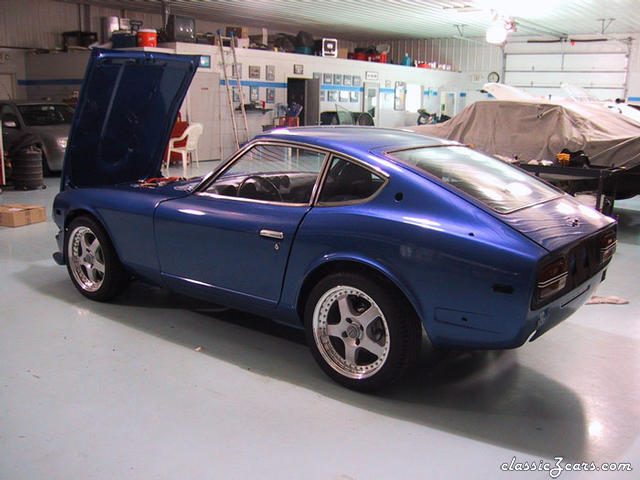 most recent photos of project car. Added air dam, hood, and lights http://www.geocities.com/jasonparuta/1 point
-
1 point
 Engine in Mr Terashima's 240ZR Replica. Dry sumped. Built by Mr Matsui of NP35.1 point
-
1 point
 240ZR replica at speed. Practice day, Nismo Festival, Fuji Speedway, Japan 2002.1 point
-
1 point
 LY28 Crossflow engine of the Works 240ZR. Restored by NISMO for the 2001 event. Non-original blue hoses and ally rad look incongruous...........1 point
-
1 point