Built by enthusiasts
Keeping Classic Z knowledge on the road
Explore technical guides, restoration references, wiring information, and decades of practical experience contributed by the Classic Z Car Club community.
Also check out our Downloads and Microfiche!
- Technical Guides Clear procedures, specifications, and troubleshooting help.
- Restoration Reference Factory details, parts knowledge, and proven restoration practices.
- Community Knowledge Experience preserved and shared by Z owners around the world.
Interior
11 articles in this category
-
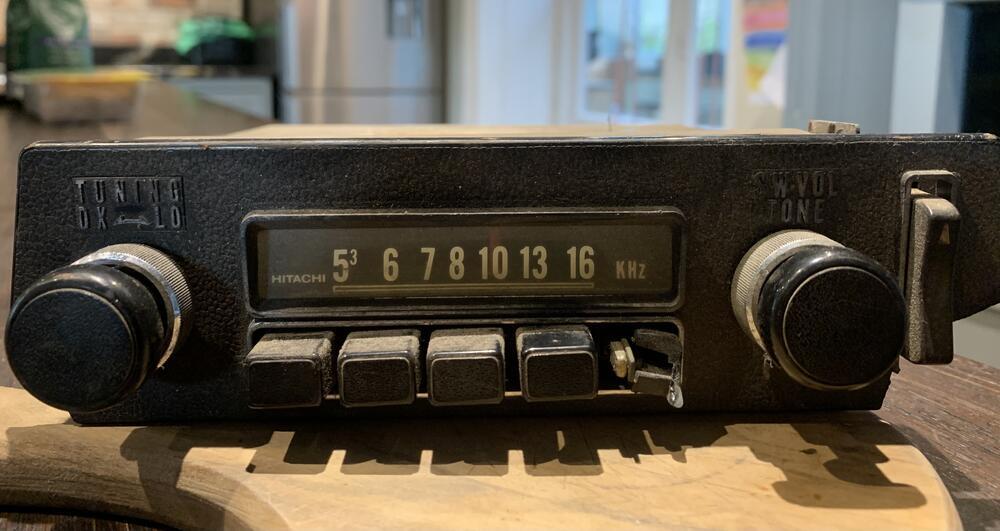
My Nov ‘71 car was missing its radio when I bought it. I just stuck something cheap in as I hated the hole but I’ve very kindly been given by a friend this radio. I’m aware that my car may most likely been fitted with a later radio but actually I do have some early parts on the car although being end of year it has the later console and vents etc. Am I right in thinking this is a 69-71 model? At the very least I would like to somehow sort the face plate and missing button although the
-
Hi, How do I go about replacing the two bulbs in the interior light and the map light ? I don't want to break anything but I'm not too sure of how to remove the lenses to get at the bulb itself ? Thank you,
-
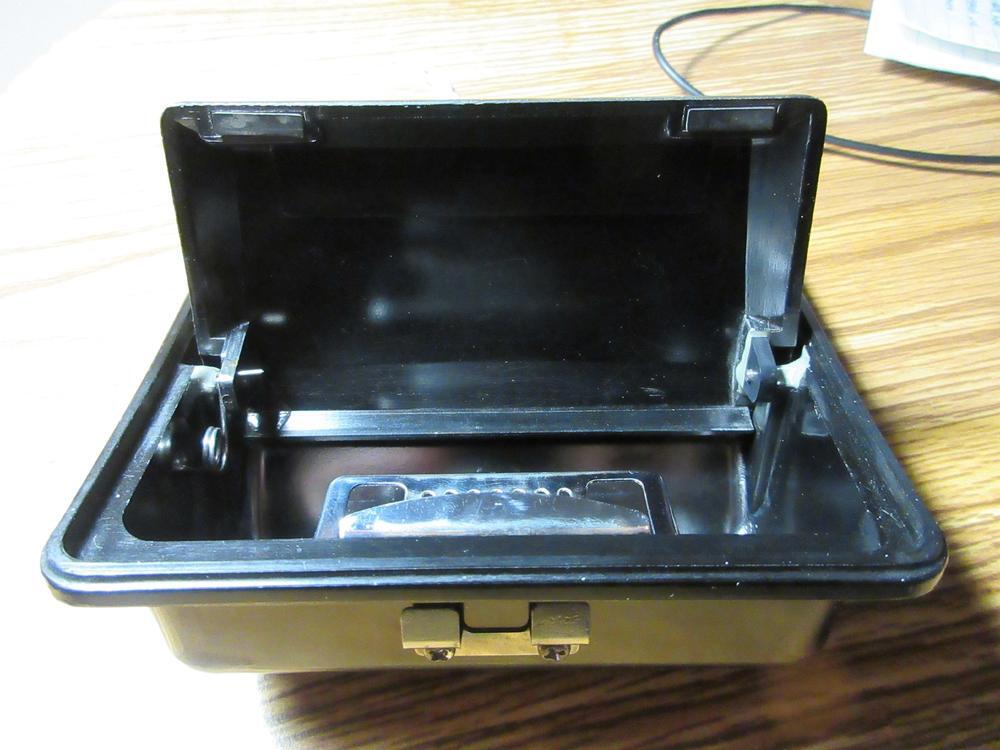
Written in January 2020 This little mini-article documents the repairs that I made to my 70 Z's ashtray. Pictures follow at the end. Like many of these ashtrays, the hinge pieces had failed, causing the lid to come adrift. The ashtray isn't much good in that shape. In fact, it doesn't even look good cosmetically. If this is the case for your ashtray, your options are pretty straightforward: Repair or Replace. I think most owners take the 'replace' route, but NOS ashtrays are pret
-
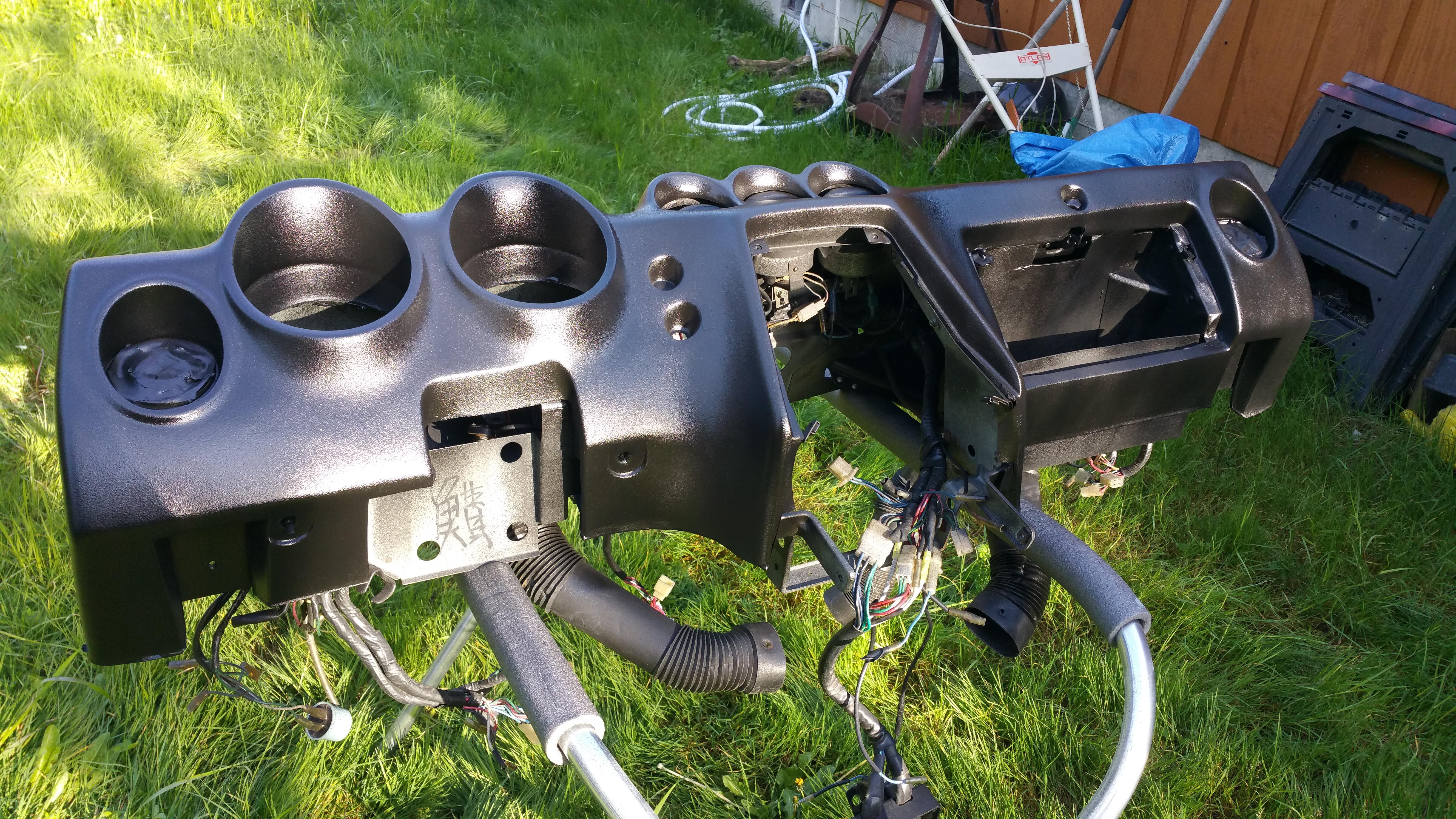
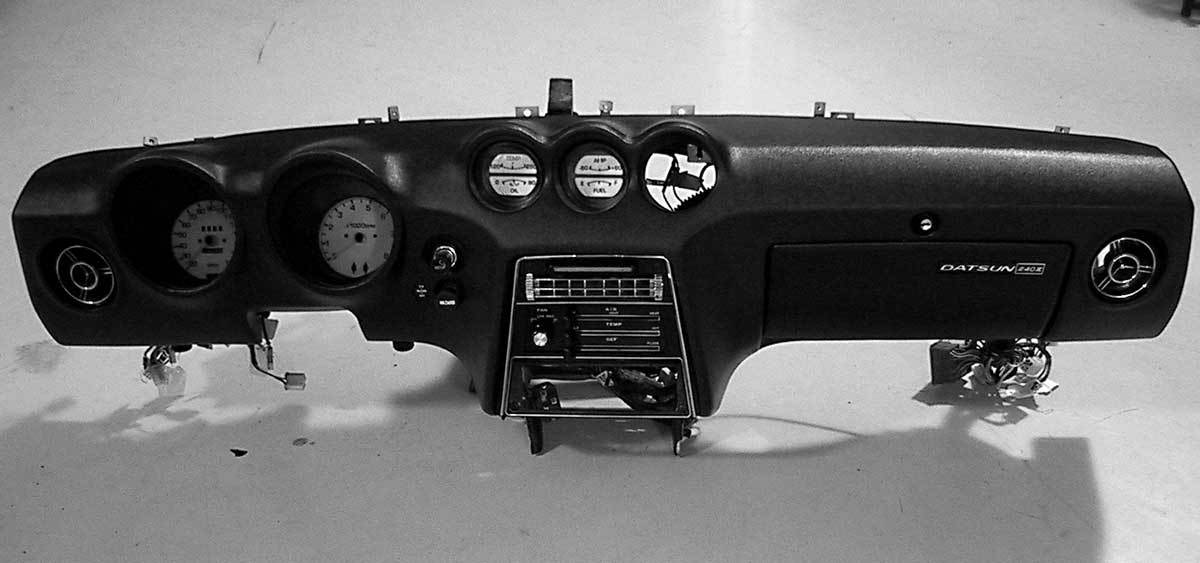
Just for grins, I'll summarize the process of removing the dash in case it helps anyone else, having done this around six times on my 1983 280ZX: 1) Remove left and right foot well trim panels under dash (2 screws each) 2) Remove radio console (one screw holds the triangular trim piece on each side, then 4 bolts on each side; you may not have to remove wire harnesses if there's enough slack to sit the panel on the passenger floorboards) 3) Disconnect various-colored wiring harnesses on
-
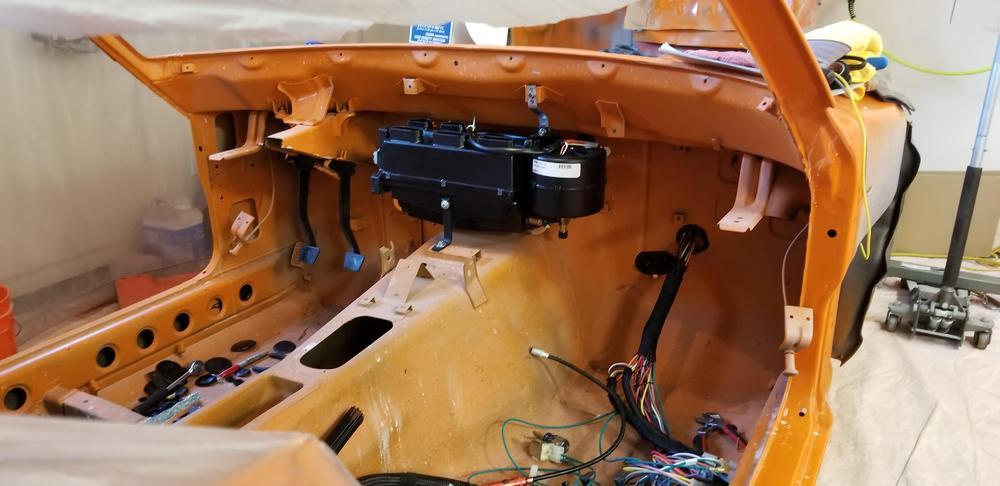
This forum has been very helpful to me. As a means of documenting some of what we have done and to help others avoid some of my mistakes I thought I would post the installation of a vintage gen II mini AC system. Background: My son and I are restoring a 1973 240z. We call it the bucket, as there was a significant amount of rust that had to be dealt with and our other choice – Money Pit was already taken. We are changing the color from 113 avocado green to mango orange,
-
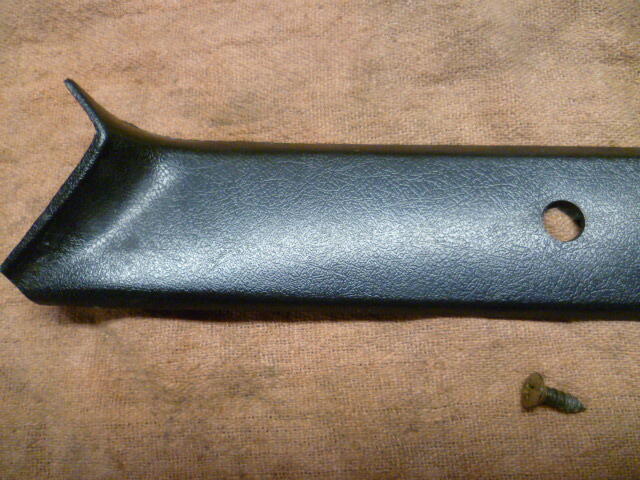
The early Z's used a simple vinyl covering on the A-pillars, but in 77 they switched to a screw retained plastic trim A-pillar cover. Well Datsun must have messed up some dimension somewhere because the plastic trim covers often crack due to the stress of tightening the screws. On my right hand side, I had one of the screws pull through. Cracked the plastic mounting hole clean off. My first attempt to remedy the situation was to simply buy another used pair somewhere off some forum. Unfort
-
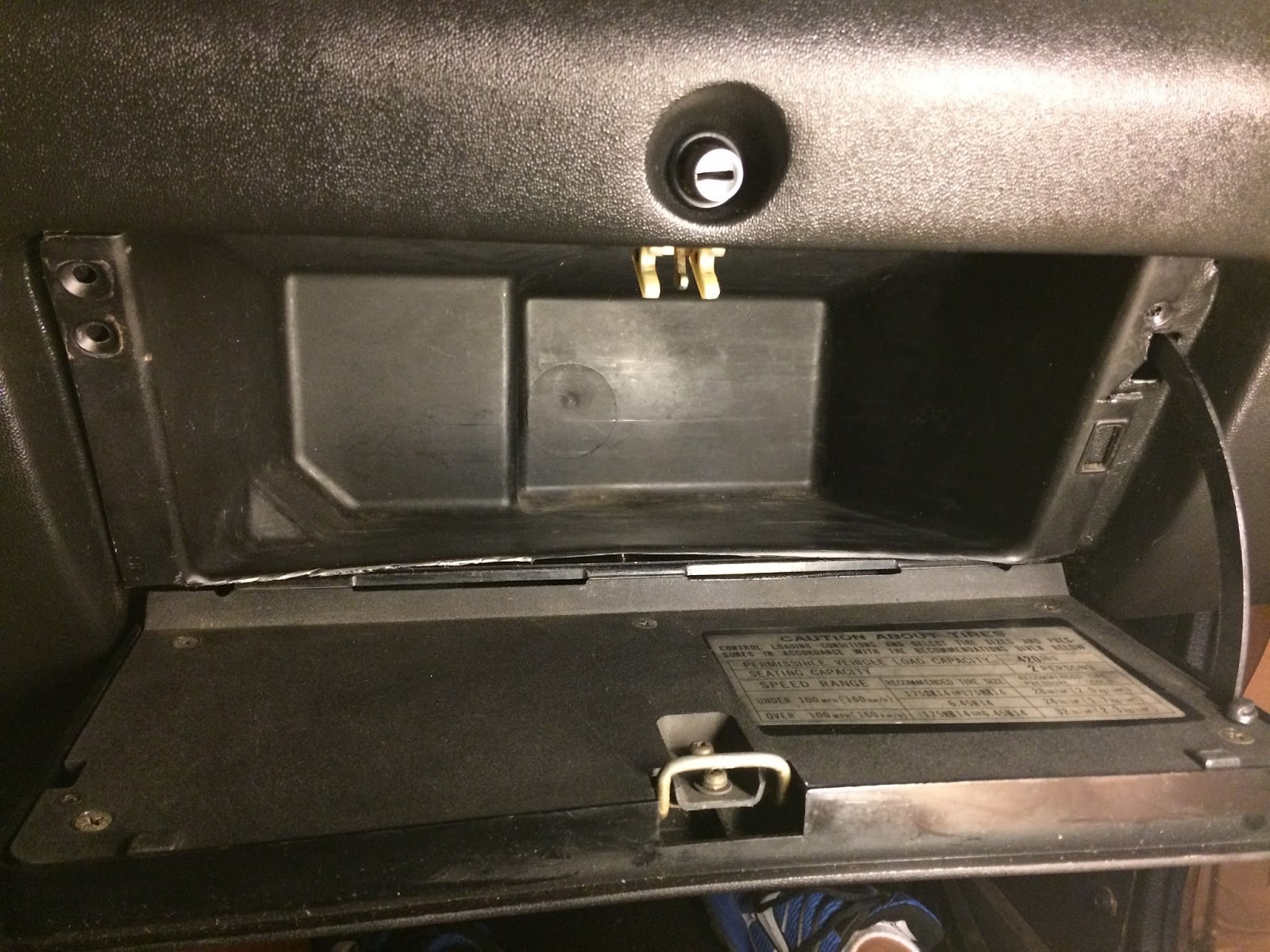
For all those with the original style paper/cardboard glove box insert (left image) in their 240z, I found a cheap and easy way to upgrade to a plastic insert from a later 280z (right image). I picked my used 280z insert up for $10 on ebay a while back. Here is the picture of what I started with. A huge cut in the back of my cardboard insert from the prior owner. Its only gotten bigger since I've owned the car Old and new side by side. The 280z plastic insert will need to be trim
-
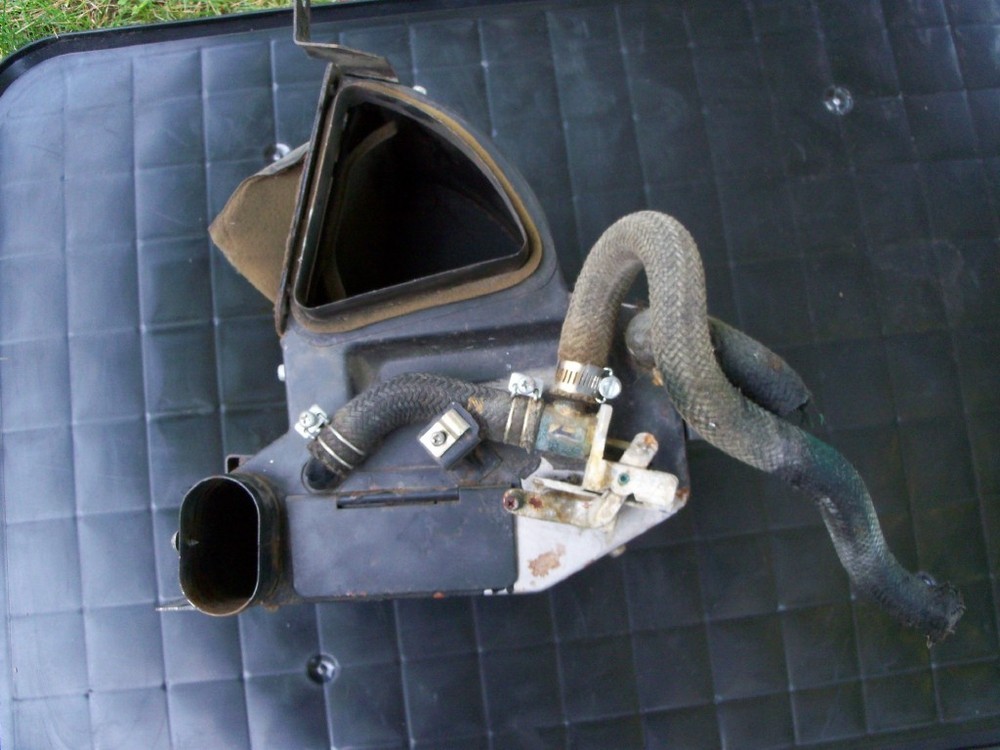
There are a few threads floating around in the Topics section that deal with refreshing and/or upgrading the Z's Heater system. None of them offer much help for gaskets. Here, for the first time (I think) is a set of printable templates for the full set of gaskets that you'll need to put your 240Z Heater system back together in a factory-equivalent fashion. These templates were developed as part of the work I'm doing on my 1970 240. I know they're good for the 1970-71 cars, I think they're good
-
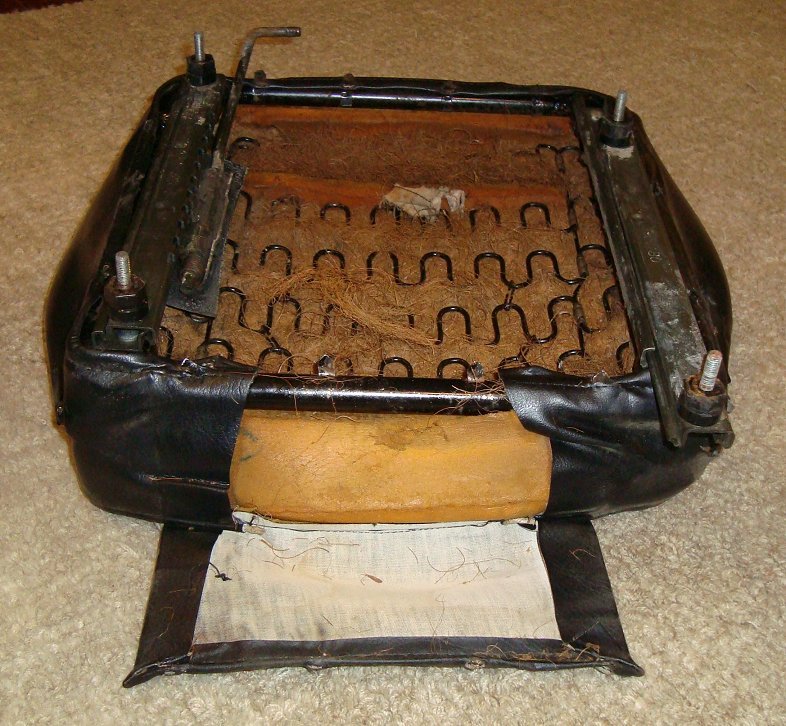
In response to questions and requests on how to recover Z car seats I thought I would put together a post outlining my experience when recovering the driver seat in my ’72 240z. The job took me around 8 hours from start to finish but I worked in 1 or 2 hour increments. Stretching and fitting the covers is the hardest part and will give your hands, arms, and shoulders a workout. This is a job that anyone can do and is a worthwhile job to tackle yourself as many shops can charge $300 - $500 in lab
-
I received an e-mail from mdbrandy and he mentioned finding this article on another website. He mentioned that it had been helpful to him, and felt it might help others. So, in the hopes that it will, here it is. The double line spacing between paragraphs is in case you print it out and use it as a checklist. Enrique Scanlon ============ I did this years ago, on another 240Z. Working mine up to that point in it's recovery. Since the first z was disassembled in a haphazard man
-
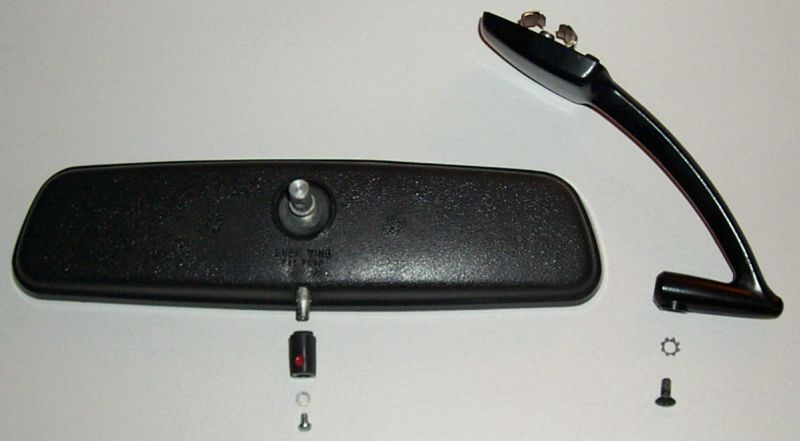
Restoring A Rearview mirror?…Yeah, RIGHT! At first glance, you might agree that it looks as if it is a hopeless cause. Not only does it look difficult to disassemble, but what about finding parts? The mirror was available as an assembly, and Nissan has never listed any of its parts individually..

.thumb.JPG.4ee14e16cb44d4f4a9781798eecd76d2.jpeg.bb42074807cc1dd710935802c47362f0.jpeg)