Early Radio - Interior - Classic Z Car Club Skip to content

Built by enthusiasts

Keeping Classic Z knowledge on the road

Explore technical guides, restoration references, wiring information, and decades of practical experience contributed by the Classic Z Car Club community.

Also check out our Downloads and Microfiche!

  • Technical Guides Clear procedures, specifications, and troubleshooting help.
  • Restoration Reference Factory details, parts knowledge, and proven restoration practices.
  • Community Knowledge Experience preserved and shared by Z owners around the world.

Early Radio

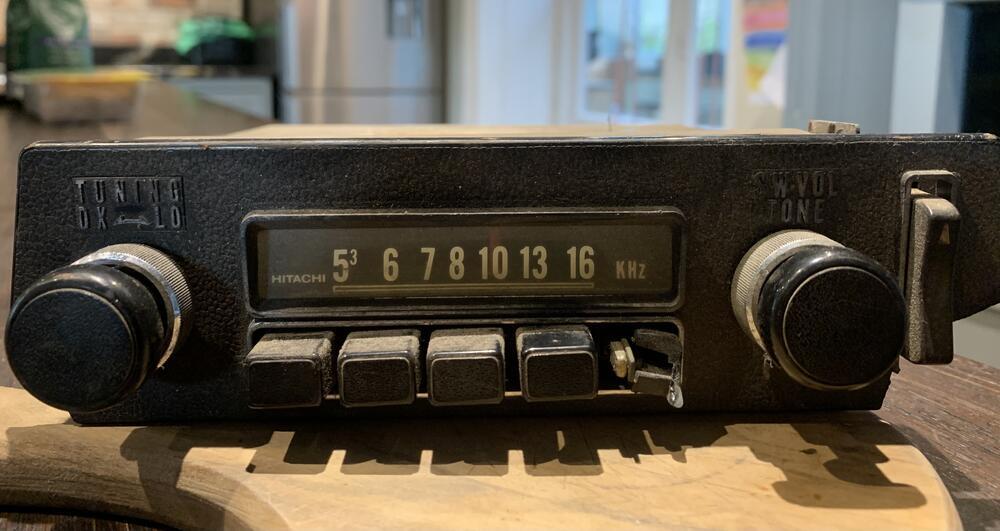
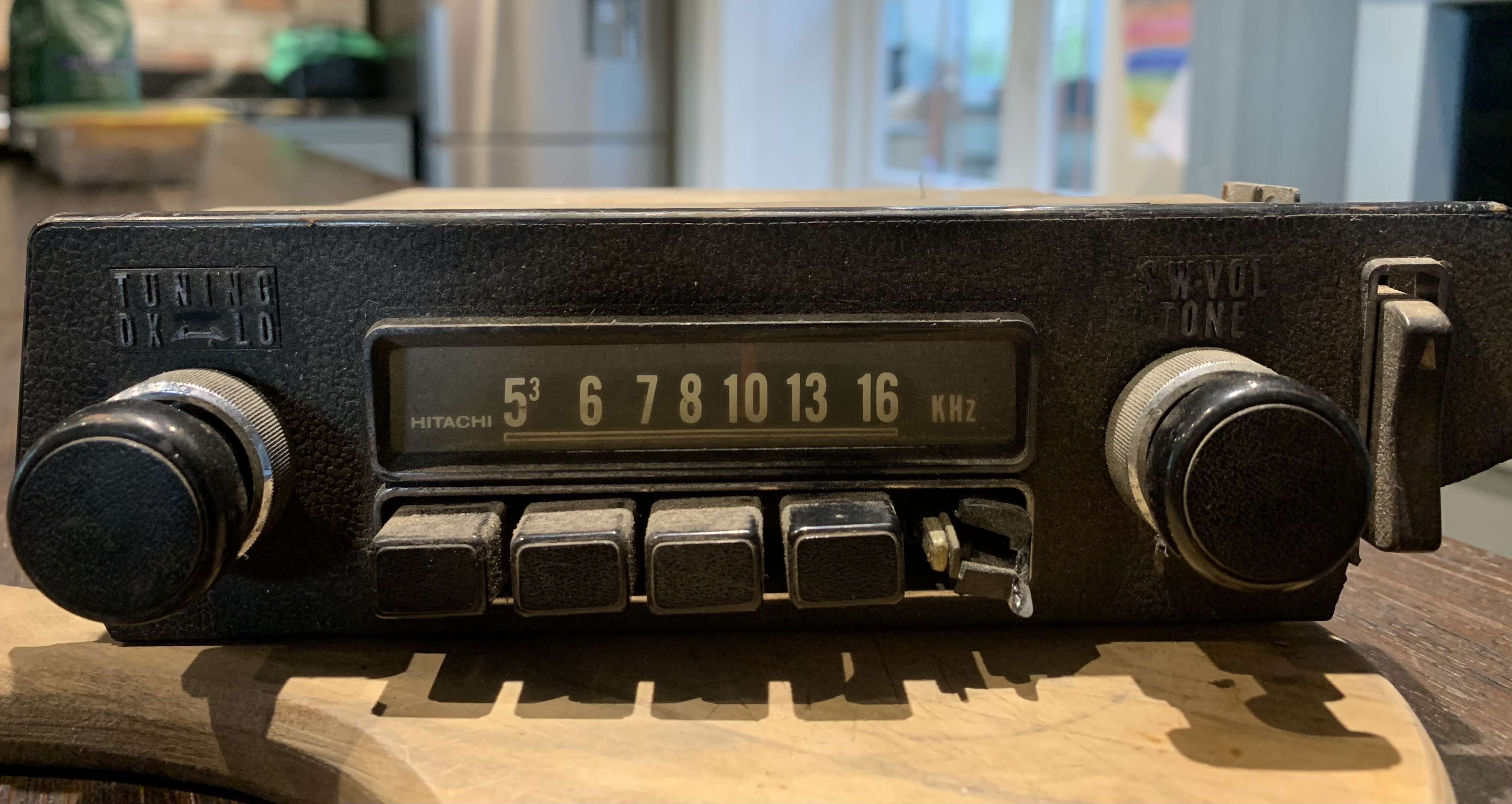
My Nov ‘71 car was missing its radio when I bought it. I just stuck something cheap in as I hated the hole but I’ve very kindly been given by a friend this radio. I’m aware that my car may most likely been fitted with a later radio but actually I do have some early parts on the car although being end of year it has the later console and vents etc. 
 

Am I right in thinking this is a 69-71 model? At the very least I would like to somehow sort the face plate and missing button although the one next to it is also broken…….im guessing this also had a metal backing plate as well. 
 

If anyone has any spares or knows of reproduction ones I would be very grateful.
 

…….I haven’t had a chance to see if it might work yet. I seem to remember that some of these also had an auto tune function, gives me something to research now as I know relatively little about the different radios and market variants. 
9B2CB466-670B-4881-A50F-C9BE0948CD79.jpeg

User Feedback

Recommended Comments

Mark Maras

Community Member

 That is what I remember in my late 70 build 240. Antenna switch on the right, AM only. I don't remember an auto-tune on mine.

Create an account or sign in to comment

Account

Navigation

Search

Search

Configure browser push notifications

Chrome (Android)
  1. Tap the lock icon next to the address bar.
  2. Tap Permissions → Notifications.
  3. Adjust your preference.
Chrome (Desktop)
  1. Click the padlock icon in the address bar.
  2. Select Site settings.
  3. Find Notifications and adjust your preference.