Built by enthusiasts
Keeping Classic Z knowledge on the road
Explore technical guides, restoration references, wiring information, and decades of practical experience contributed by the Classic Z Car Club community.
Also check out our Downloads and Microfiche!
- Technical Guides Clear procedures, specifications, and troubleshooting help.
- Restoration Reference Factory details, parts knowledge, and proven restoration practices.
- Community Knowledge Experience preserved and shared by Z owners around the world.
Z News
3 articles in this category
-
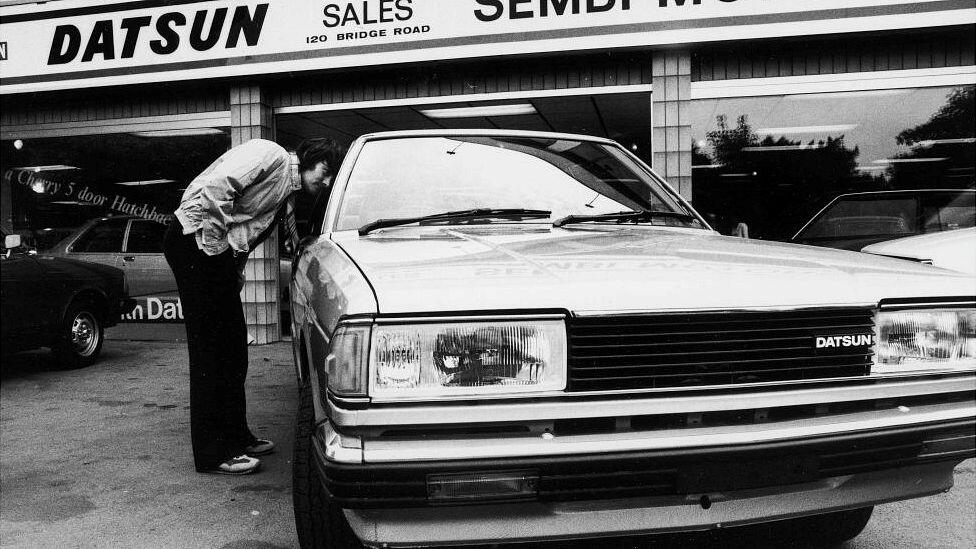
Nissan signals the end of the road for Datsun cars - BBC News Car maker Nissan is to stop producing vehicles under the Datsun name, which has a more than century-long history. It was one of the brands that helped Japanese car makers become established globally after the Second World War. Despite selling millions of cars around the world, the Datsun name was phased out in the 1980s. The company revived the brand three decades later, d
-
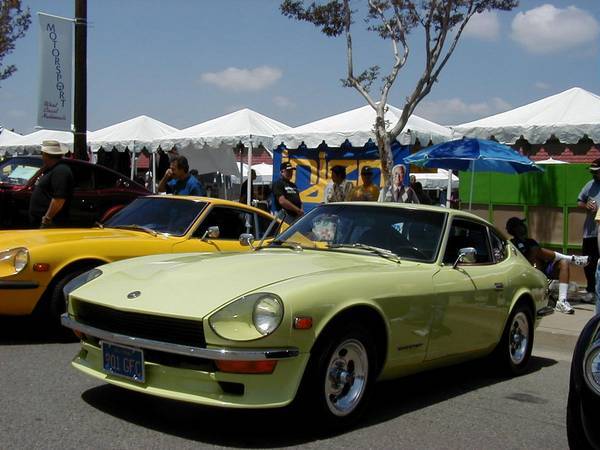
Hi all, Victor Laury and his passion for Datsun has been a legend to most of us in the community. Victor has a long time history at the Classic Zcar Club, selflessly volunteering his time to help other members as well as took time to moderate in our forums. He has been involved in building communities, working with local events such as the Japanese Classic Car Show in Long Beach, he also kept our event gallery full of images, and he was a vital part of the club's growth. Victor is also an avid p
-
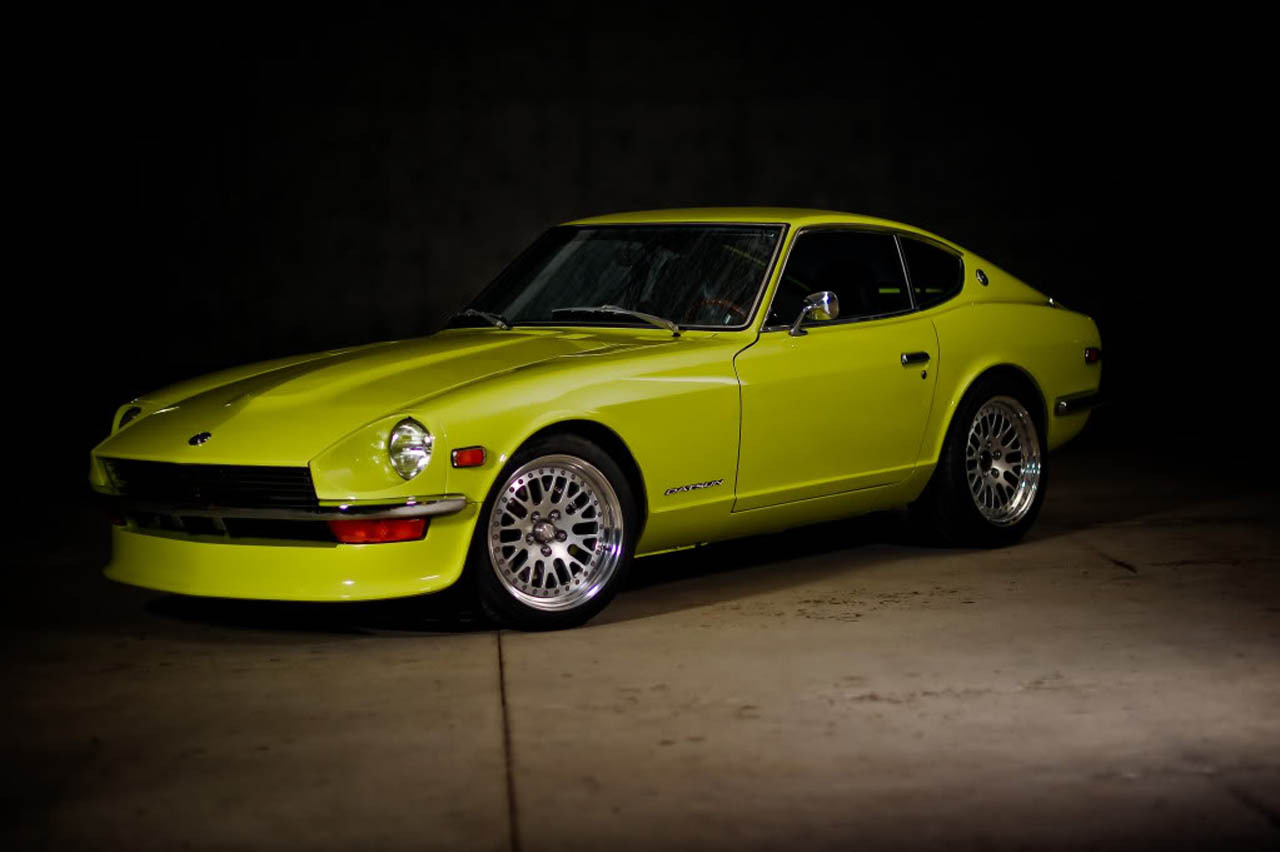
Ran across this awhile back and posted it to my blog. I know it's probably old news to some of you but I wanted to share some pretty awesome work done on this classic modified Z. It's an Ebay find article from our friends over at AutoBlog. This appears to be one of the most expensive 240z restorations I've seen. You could really consider this a resto-mod, but, who's looking? Very sexy.