Leaderboard
-
Demo243
Community Member7Points17Posts -
duffymahoney
Supporting Member5Points981Posts -

siteunseen
Community Member4Points15345Posts -
Kurbycar32
Community Member3Points581Posts


Popular Content
Showing content with the highest reputation since 10/25/06 in Image Comments
-
4 points
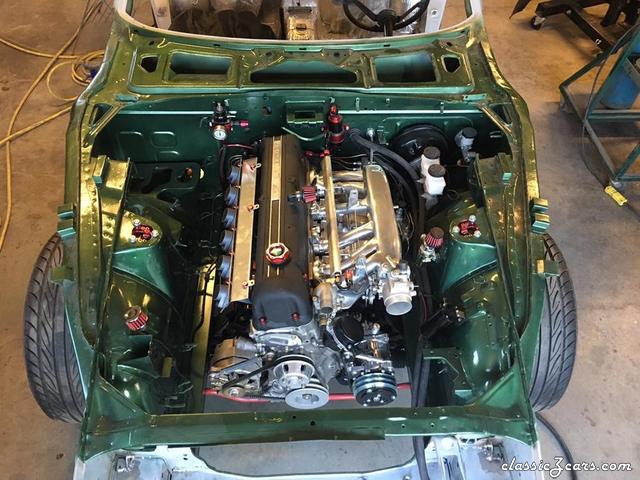
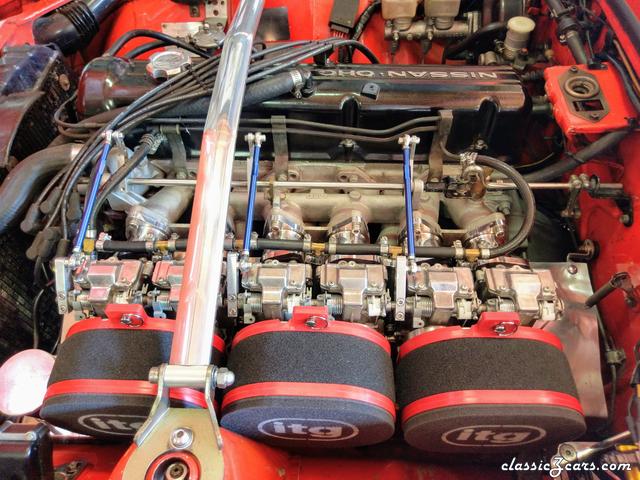 Well I decided to go for it - Went with 42's and a TWM manifold. Still lots to sort out, but Ill start another thread on it somewhere and link it back here. Rought calculations hopefully put it in between an OER setup and a Mikuni PHH setup $wise.4 points
 -
2 points
I know a few people were following along on this- been a while since I last posted here- but finally all came together! Mounted up and running strong! Still a few details to work out; but runs good, sounds good, feels good on the initial pulls. Super happy it worked out!2 points
-
2 points
-
1 point
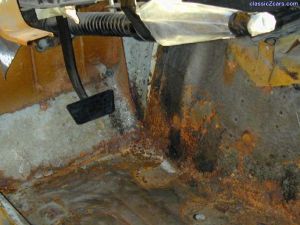 I agree, But what a performance difference between the two. My project started out as an automatic and after I changed it over what a difference. Amazing1 point
 -
1 point
-
1 point
-
https://www.instagram.com/p/Czs3Cpqys-Q/?igshid=NTYzOWQzNmJjMA==1 point
-
Running a stock motor anything over 40 is too large IMO. You are talking 150bhp.1 point
-
Can't buy direct to the US, so you have to use a broker or a person in Japan.1 point
-
Ebay is a rip off for mikunis. Yahoo japan is or craigslist will be your best bet. If you have a stock 2.8, the 40s are more then plenty.1 point
-
Fuel pump, filters and at least soft lines- will blow out the hard lines- are on the list. I’ve done some basic tuning of the SUs - and the car drives pretty well other then the fuel issue after a prolonged pull- but not super happy with what the afrs and just not stoked on the SUs. That why I am looking at triples or maybe a rack of 6 Mikunis as such.1 point
-
"Having fueling issues afyer long pulls" Makes me wonder if your float bowls are set a little low or your fuel pump is weak?1 point
-
1 point
-
1 point
-
1 point
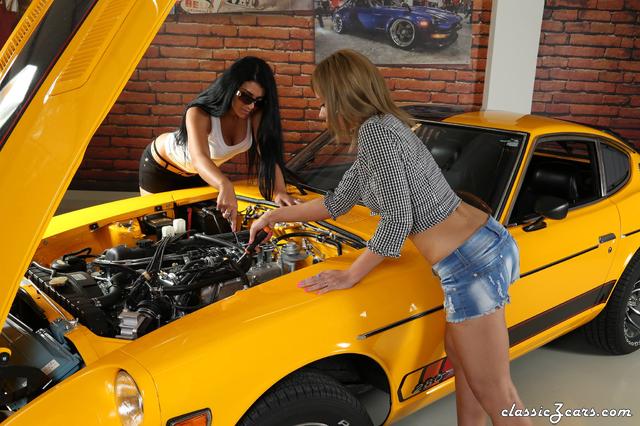
 This is the best picture of the whole gallery for me. Good job guys and girl !1 point
 -
1 point
-
1 point
-
1 point
 These guys in Hungary insist on distracting us from their amaZing work on the cars with pics of their amaZing ladies. I don't get it.1 point
 -
1 point
-
1 point
-
1 point
-
1 point
-
1 point
Funny you said that.. A friend of mine works for a huge picture printing place and we ordered a set of posters as soon as we saw this awesome picture. The resolution was a bit low but i have a few on order in 20x30, 16x20 and 11x14. Hopefully the larger ones come out nice.1 point
-
1 point
-
1 point
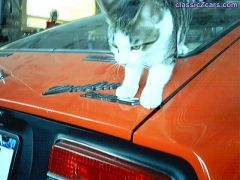 Ooh, what an idea! I'm pretty certain I could get the cat to pose on the car, not so sure about my wife...1 point
 -
1 point
-
1 point
-
1 point
-
1 point
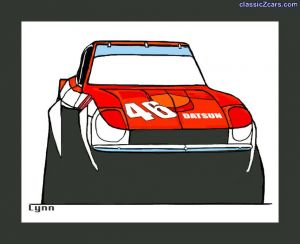
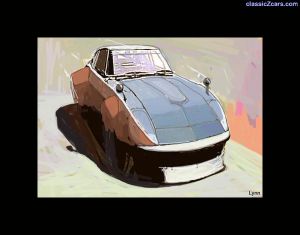 Bob Sharp? Looks to be RHD and with Japanese market fender mirrors. Did Bob Sharp ever use an RHD car? Was this based on an existing photo, Jerry?1 point
 -
1 point
-
1 point
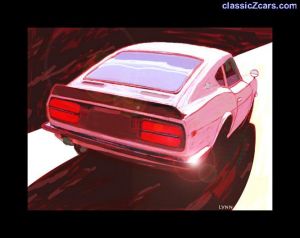
Jerry another great work...Hey contact me if your planning to go to MSA this year.1 point
-
1 point
-
1 point
Jerry, I want to buy a print. Is that possible? I'm serious. I'd also like to know if I could commision a watercolor of my cars Z and Roadster. My office will be complete with those on the wall.1 point
-
1 point
-
1 point
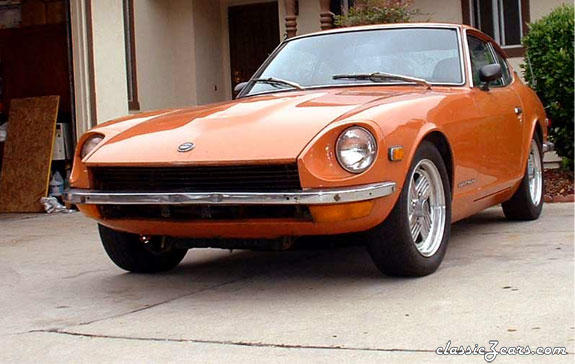 looking good . I have done the same thing to the front bumpers , I like the straight lines also. First rate1 point