



Leaderboard
-
conedodger
Community Member3Points13,006Posts -
kats
Community Member3Points2,242Posts -
dspillman
Supporting Member1Points470Posts -
emccallum
Supporting Member1Points432Posts


Popular Content
Showing content with the highest reputation on 12/24/2025 in all areas
-
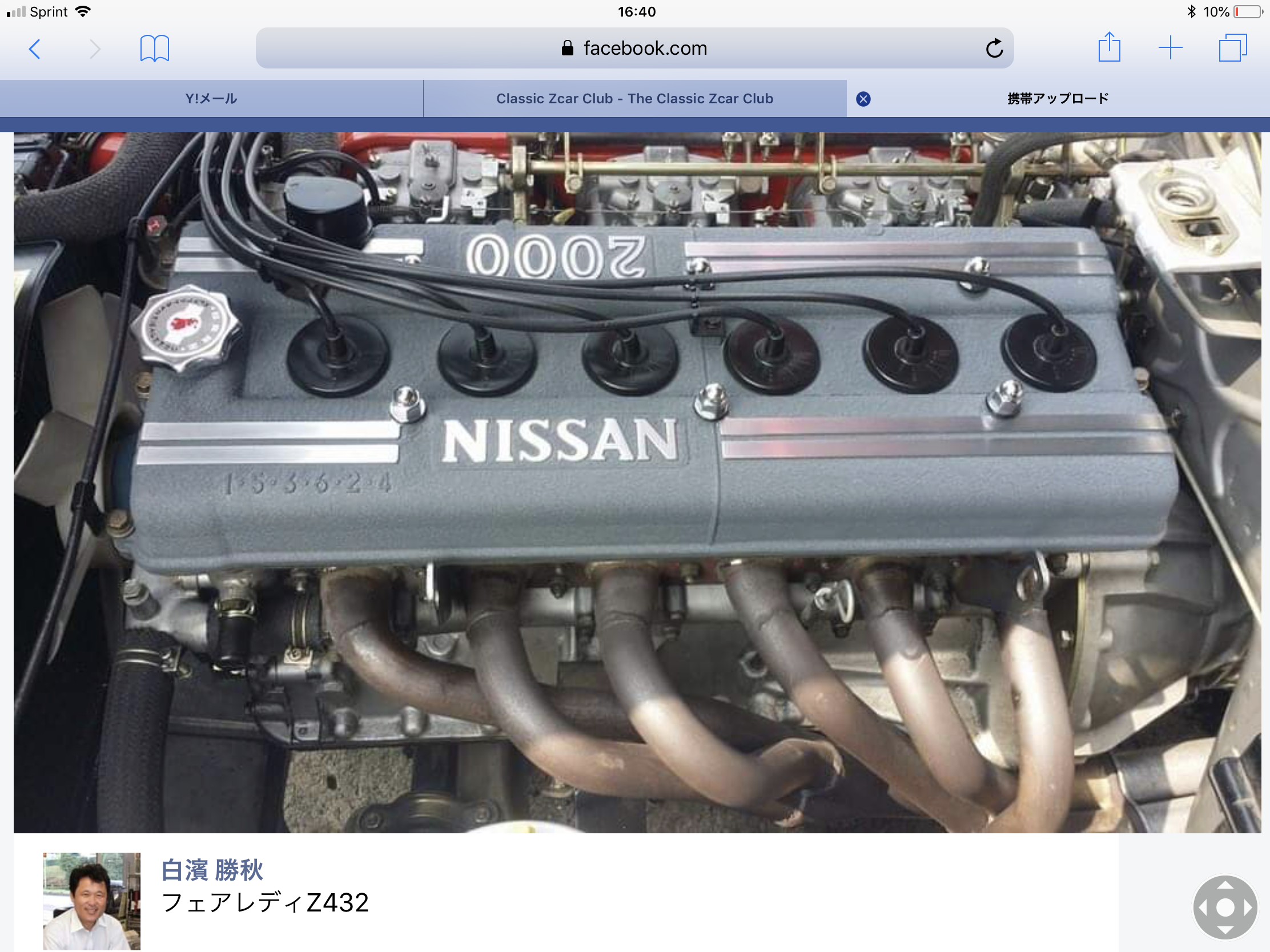
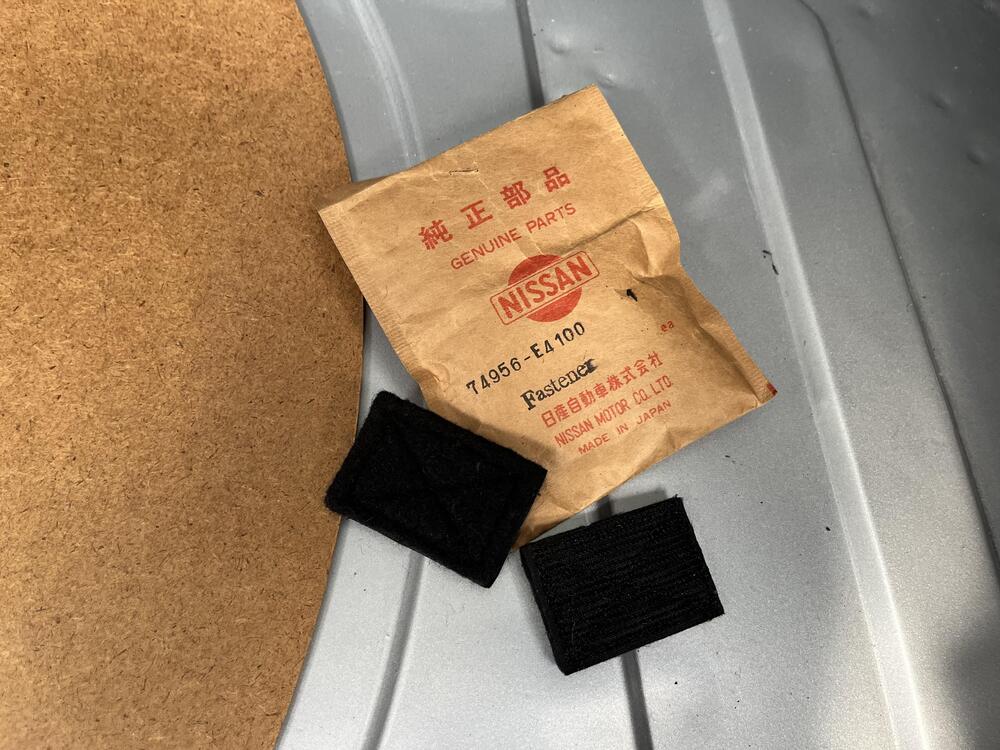
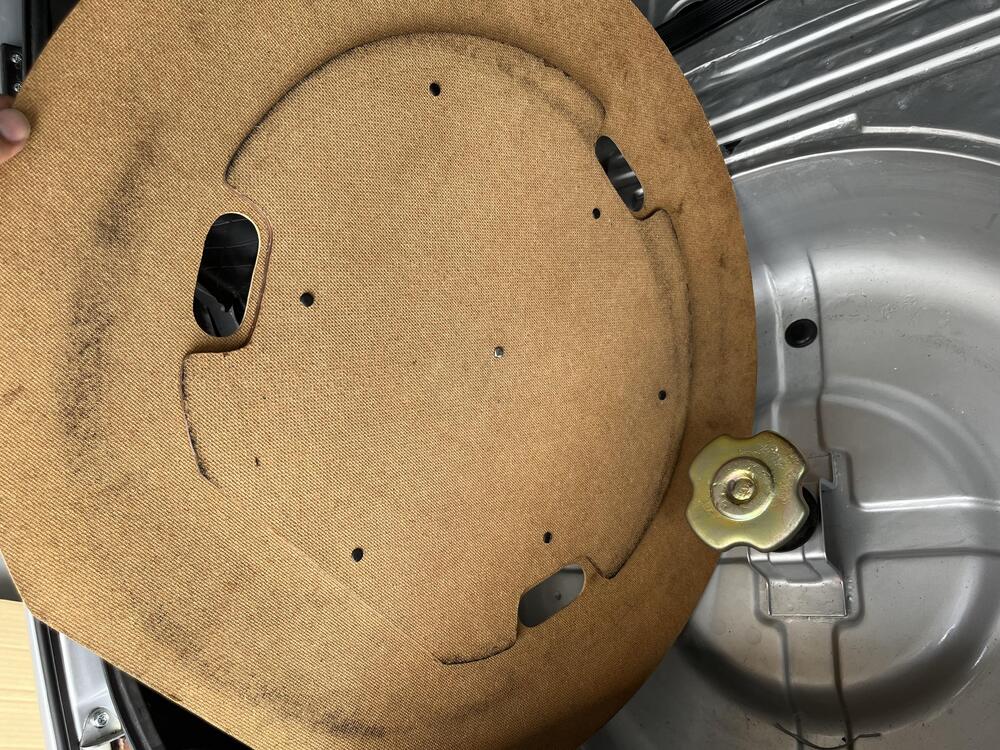
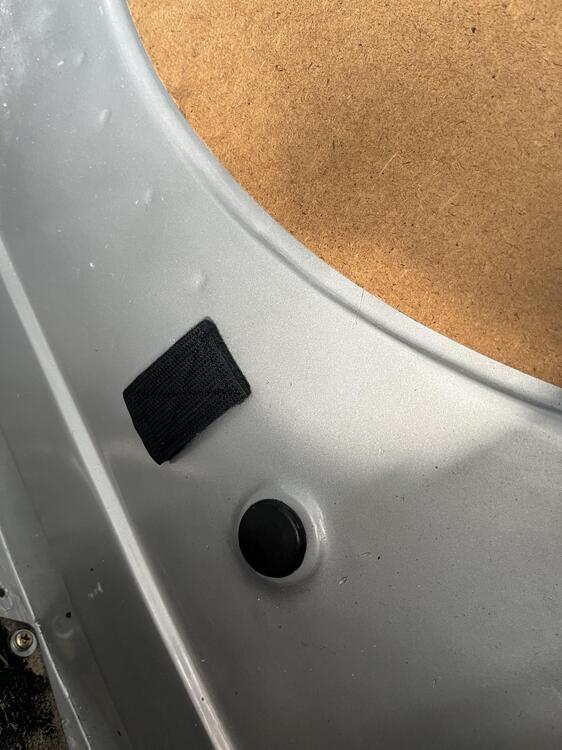
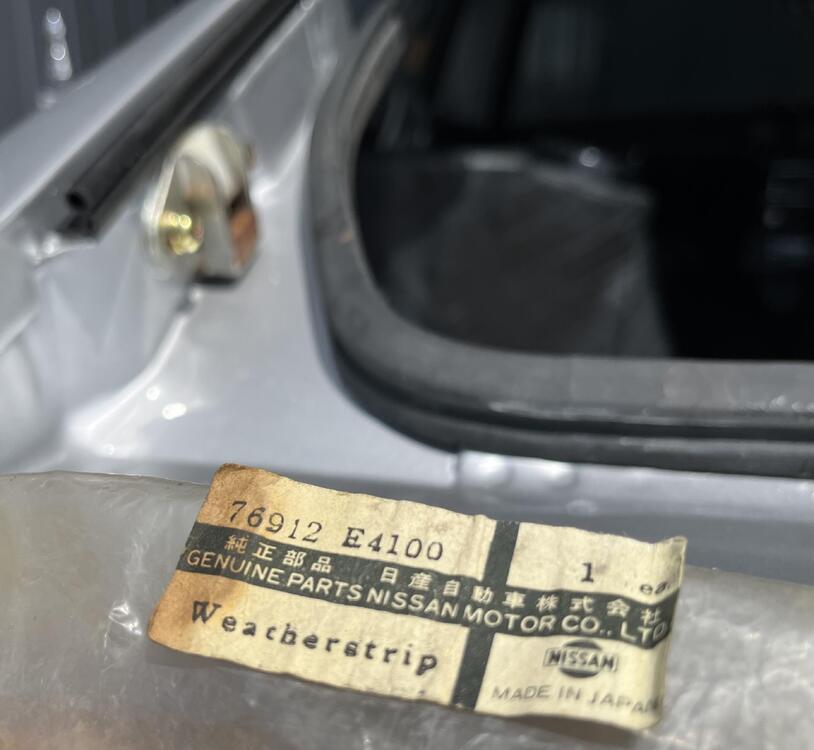
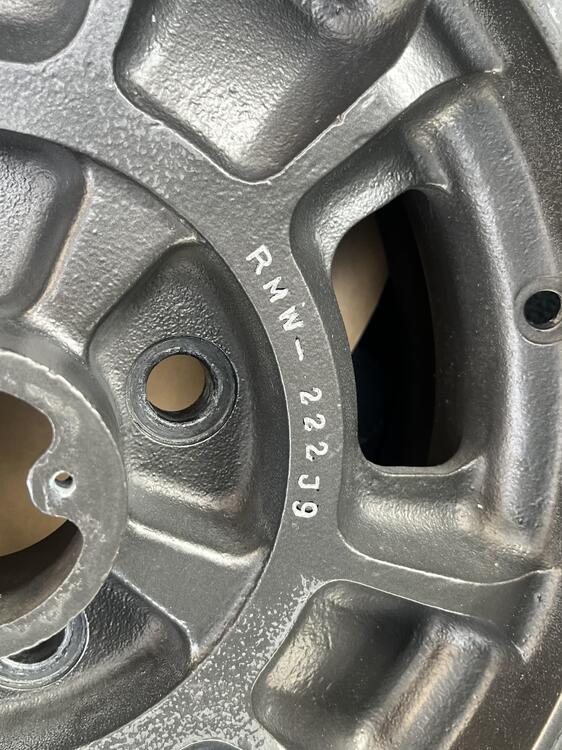
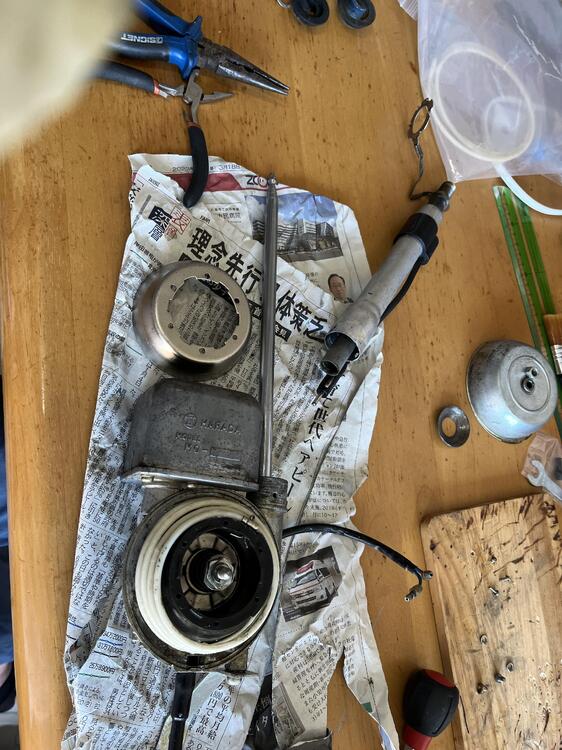
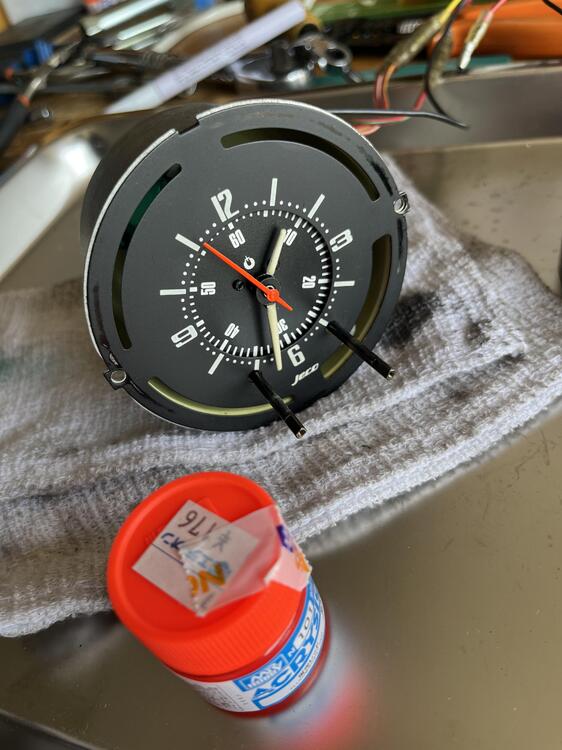
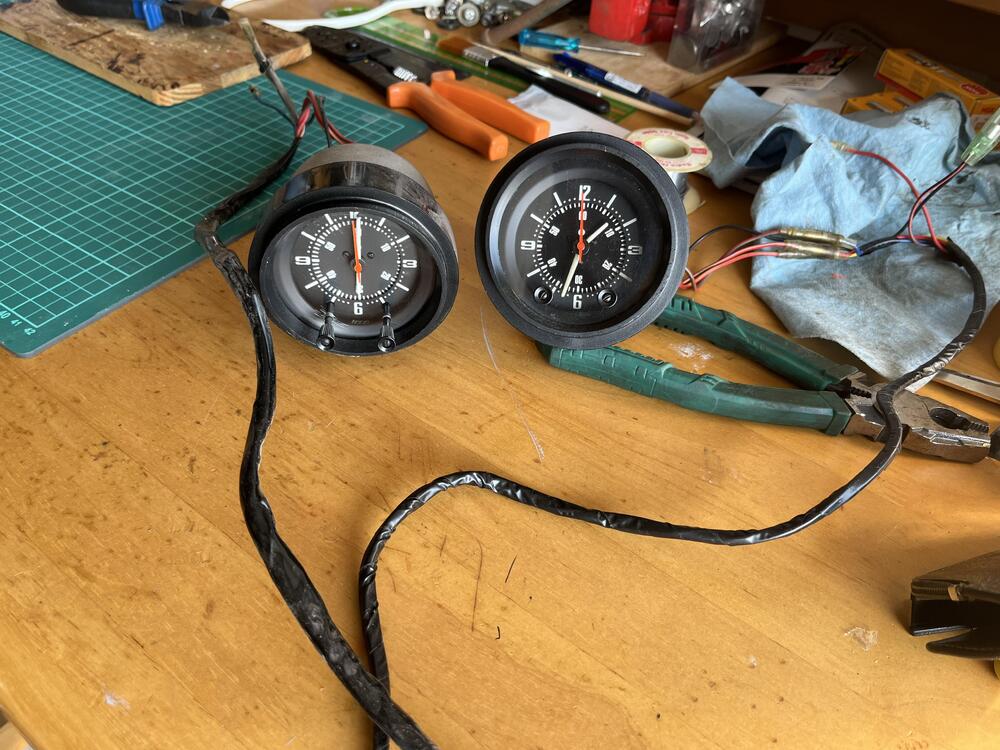
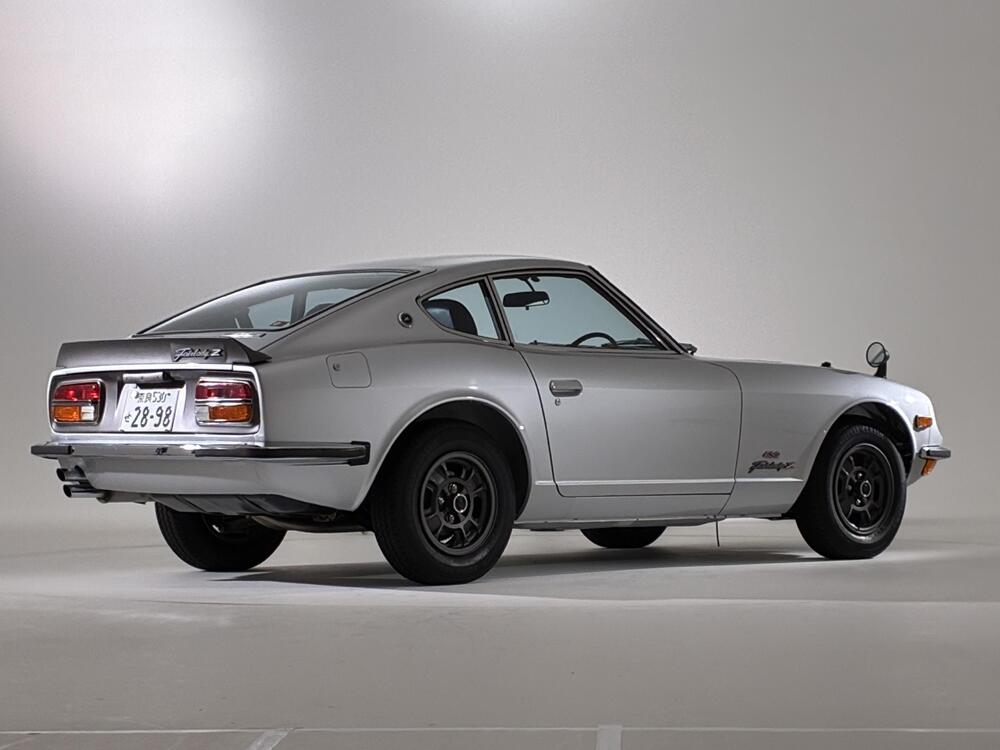
2 pointsHere are some refreshments why Z432. Please note the inner rear gate weather strip is NOS the earliest version. It is now a bit harder than when it was newly delivered but the rear gate can close almost perfectly. Probably after passing a few years the rubber will get used to cope with the rear gate more. Merry Christmas Kats
 2 points
 -
From the 1972 FSM. I Believe this is the first mention in an FSM of coolant to the intake manifold and/or carburetor. I also believe this explains the purpose well. I don't see anything about cold or warm weather START in relation to carburetor temperature control - and why would there be when coolant is likely to be ambient temp when first cranking the engine. I also don't know if its required to circulate coolant between the water pump to the thermostat housing if you're not going to utilize the "try to keep the carbs a semi-consistent temperature" feature. That plumbing seems to be absent in the earlier year versions. That plumbing and the "Temperature control of SU-type carburetor by engine coolant" paragraphs seem to be absent from the 1970 FSM and the 1971 Supplement. The companion "Datsun L20A, L24 Series Engine Factory Service Manual" does not contain this information either.
 1 point
 -
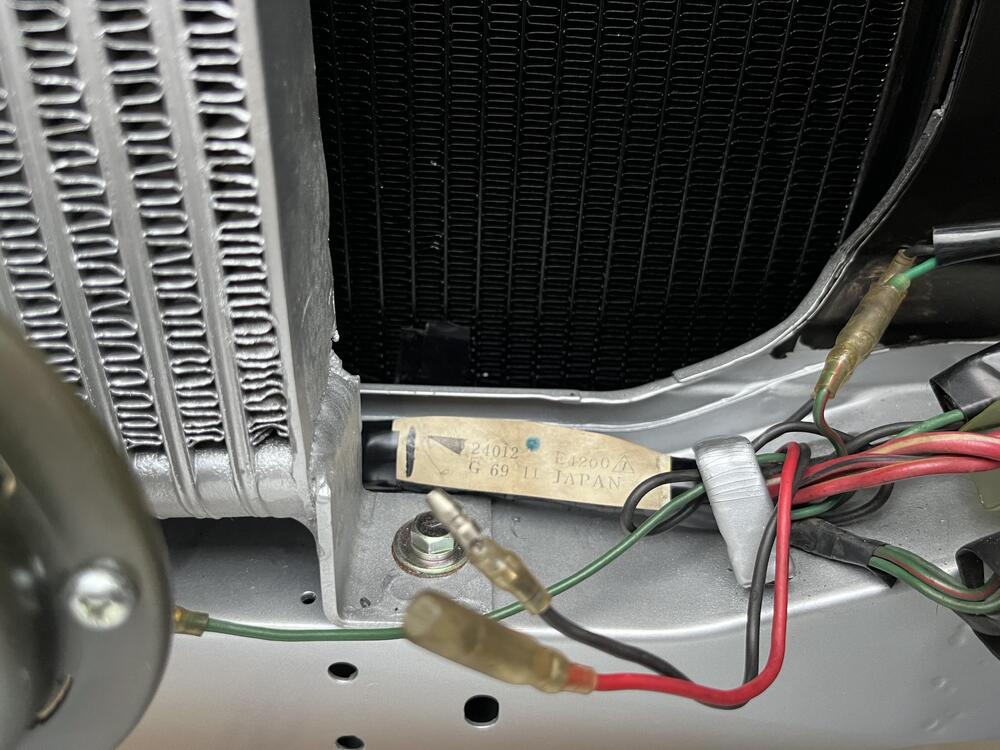
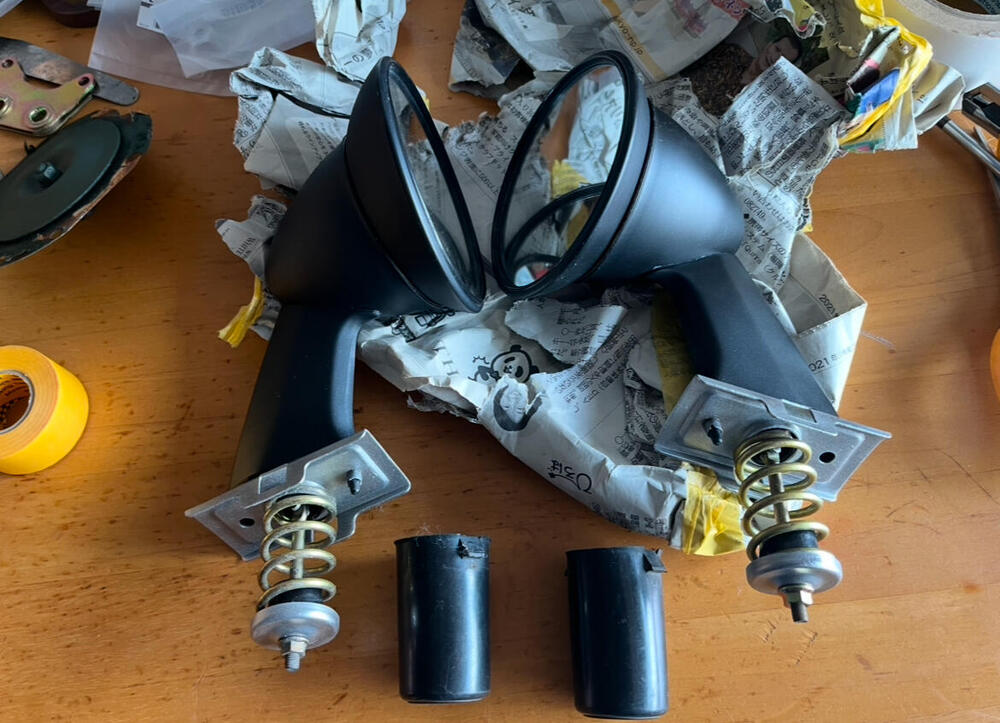
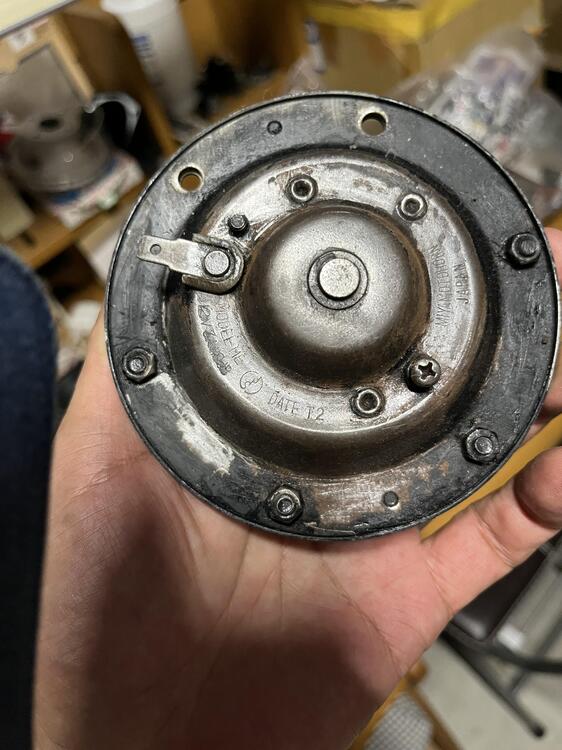
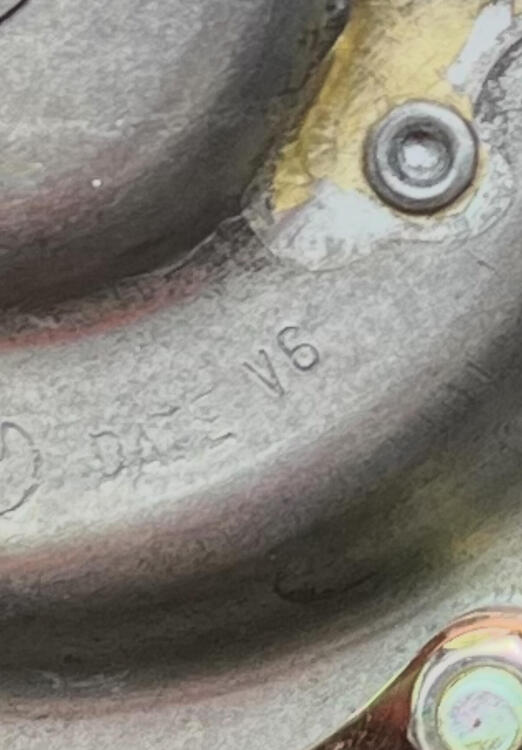
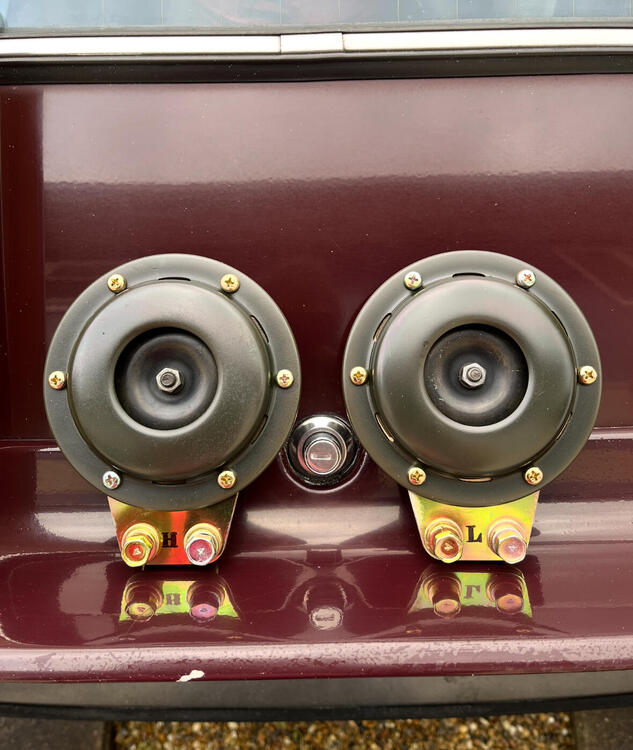
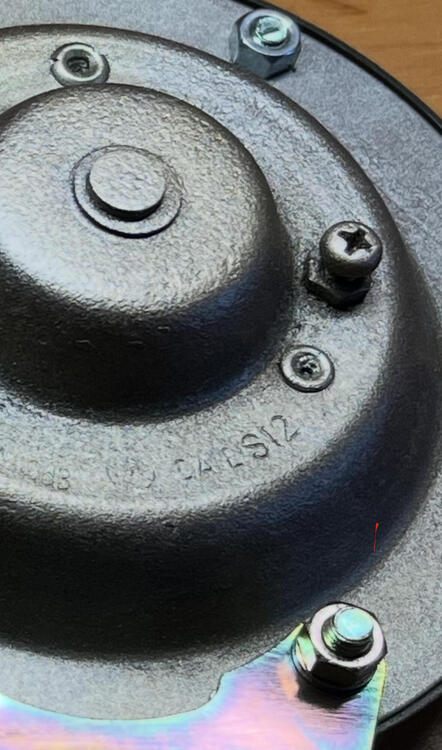
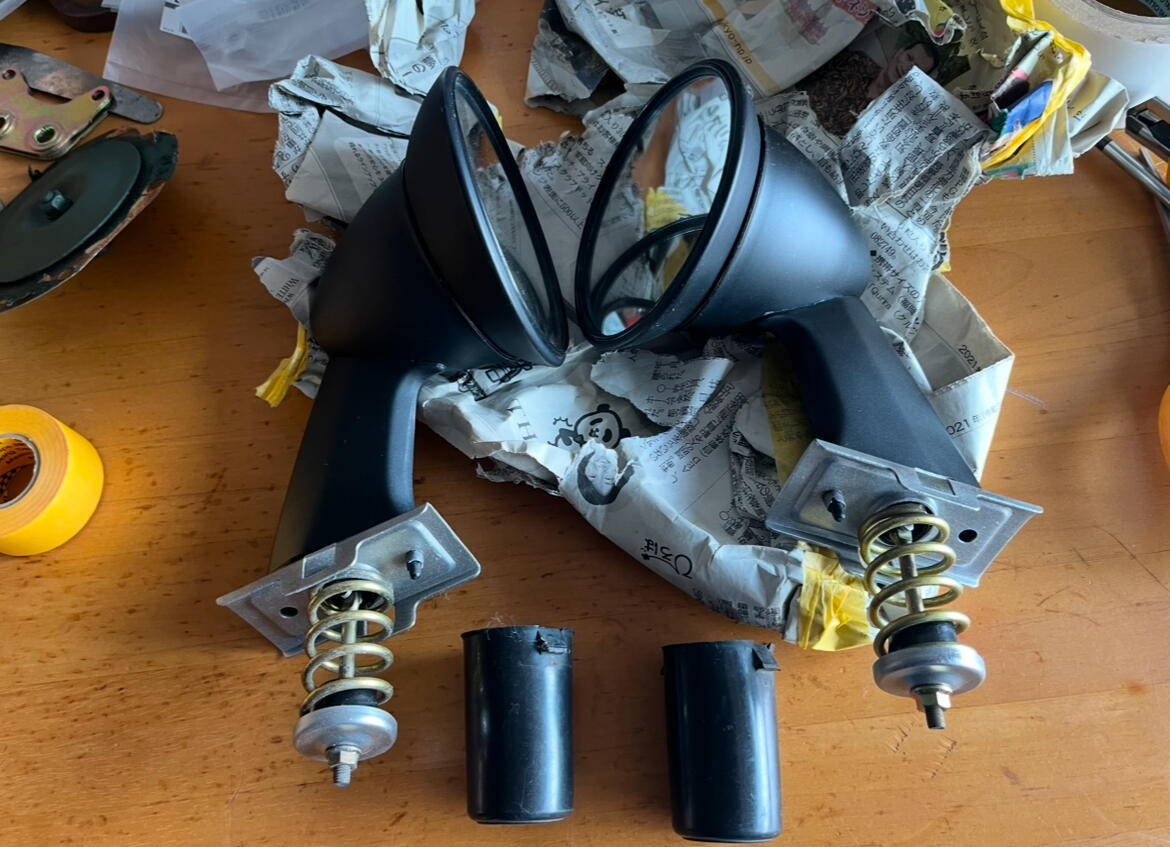
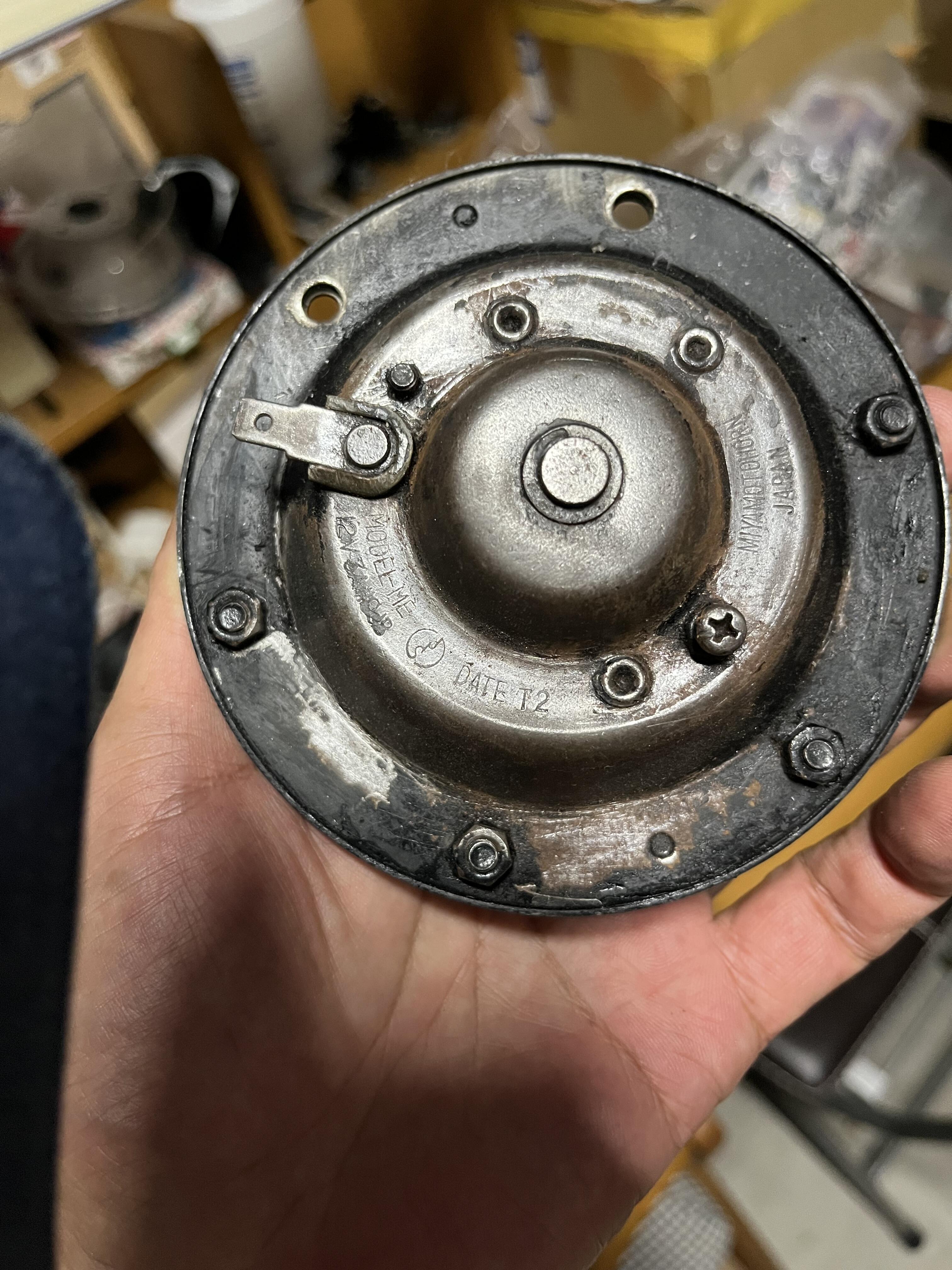
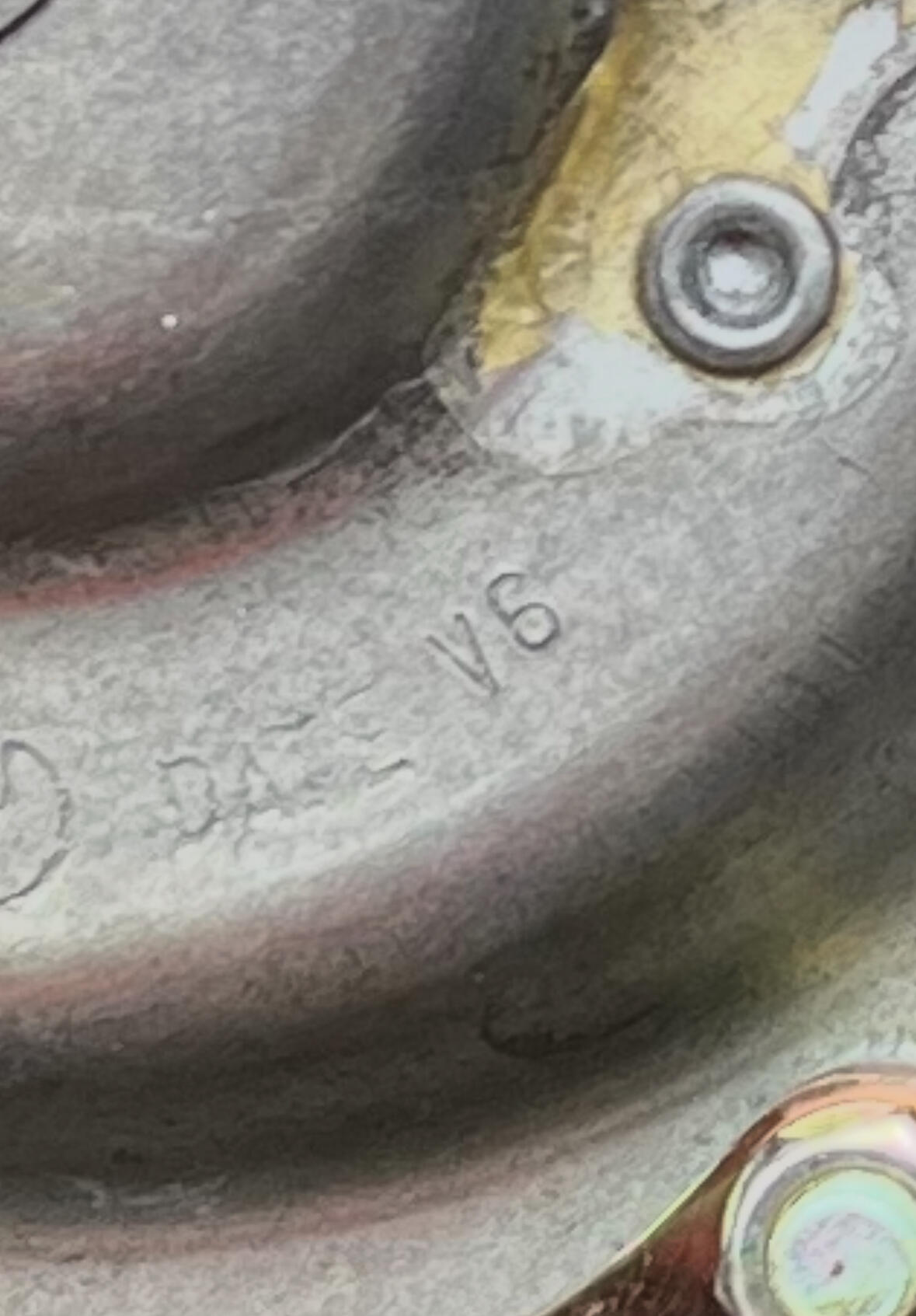
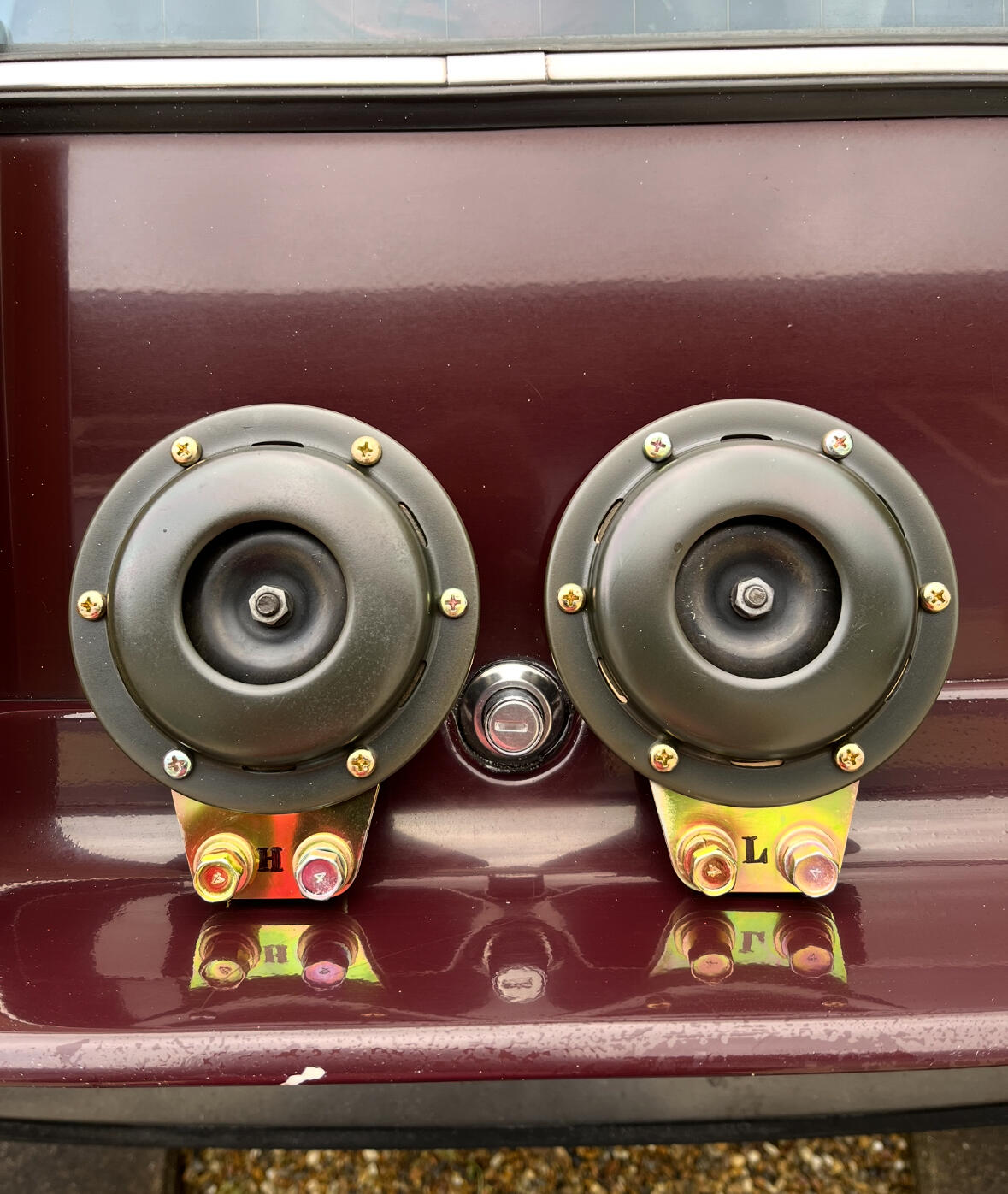
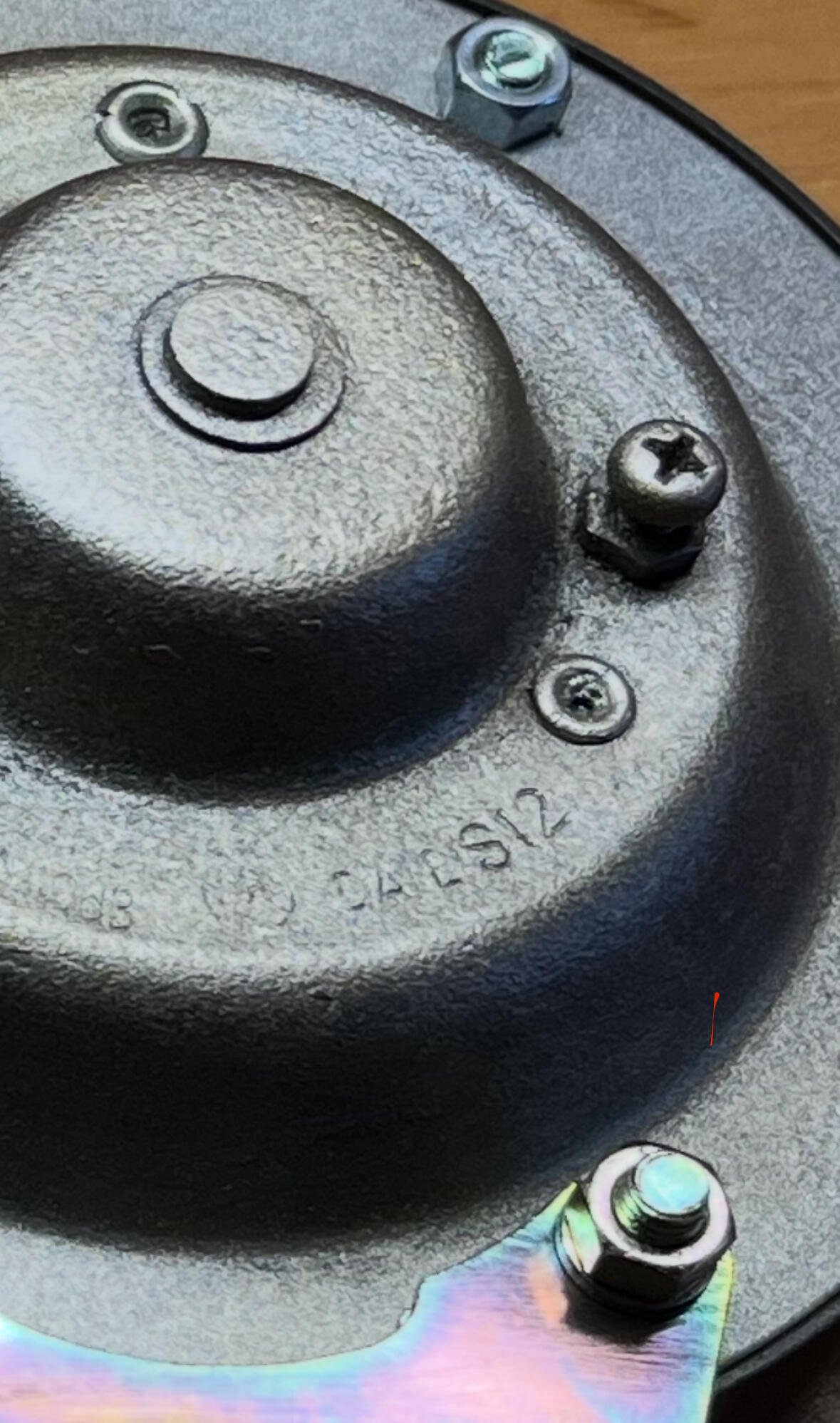
1 point1 point1 point1 pointHi, I have worked some minor things for mirrors, horns etc. Fairlady Z series has mirrors on the front fenders and the way they mount is completely different from the one for the US. Mirrors have to be flexible when they hit something. The horn, the Higher tone has “H” and te lower tone has “L” shown on the bracket. You see S12, I am sure S means 1969, 12 means December. It makes sense to my 01/1970 Z432. My two 03/1970 cars have T2, indicating 1970 February. Also my 1972 June 240ZG has V6, The rules seemed to apply for all of my cars. Kats
 1 point


Important Information
By using this site, you agree to our Privacy Policy and Guidelines. We have placed cookies on your device to help make this website better. You can adjust your cookie settings, otherwise we'll assume you're okay to continue.