


Fun_in_my_z
Community Member
-
Joined
-
Last visited
Everything posted by Fun_in_my_z
-
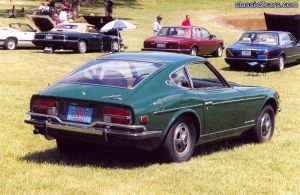 A z in a land of jags
 -
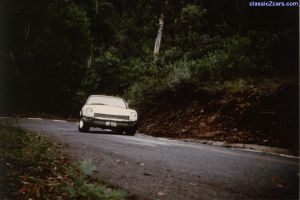 Whawwwwwww hang it out!
 -
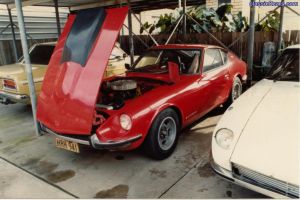 If ya want a chevy buy one
 -
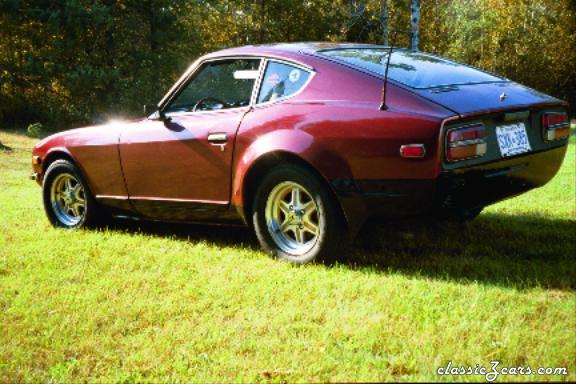 I like it. But something needs to be done on the back
 -
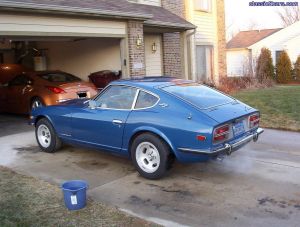 Awsome
 -
This is harry
-
Oh great here we go again
-
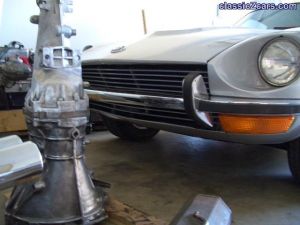 it will go better if you put that back in!
 -
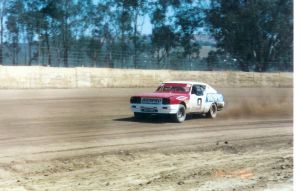 Why the hell would you build a dirt car from a k?
 -
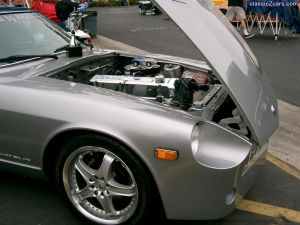 Looking good
 -
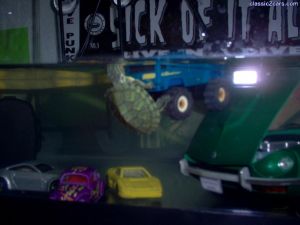 he needs a island
 -
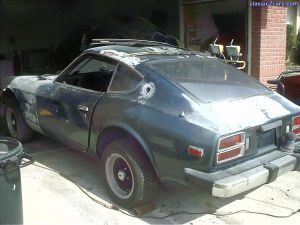 20 layers? Damn.
 -
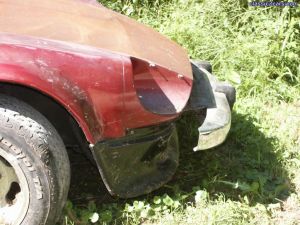 yuck...
 -
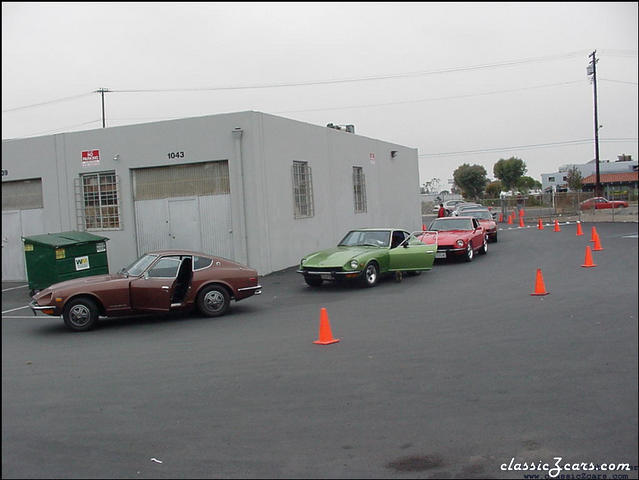 I want to go to a MSA show.
 -
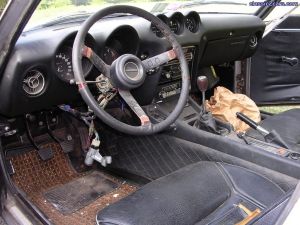 Dont look in that bag ociffer!
 -
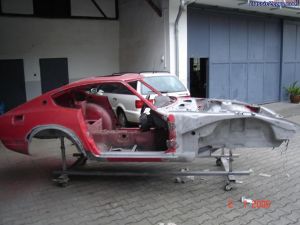 Are you sandblasting the whole thing?
 -
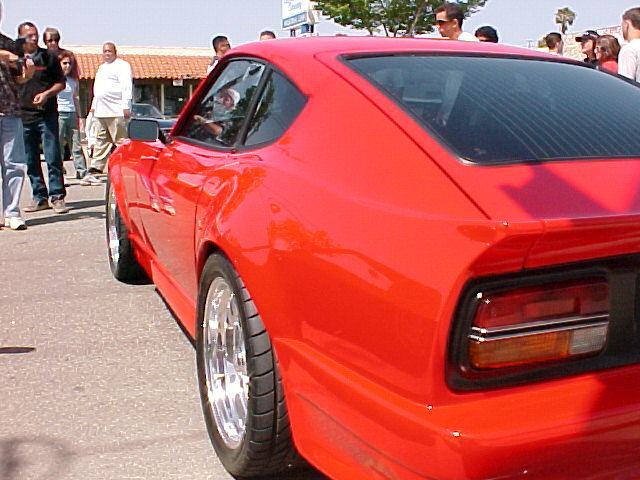 awsome car!
 -
Wish it was closer
-
Its going to be different for sure
-
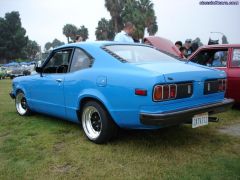 thats a funny looking car
 -
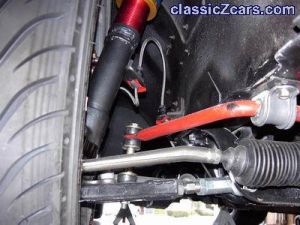 thats clean
 -
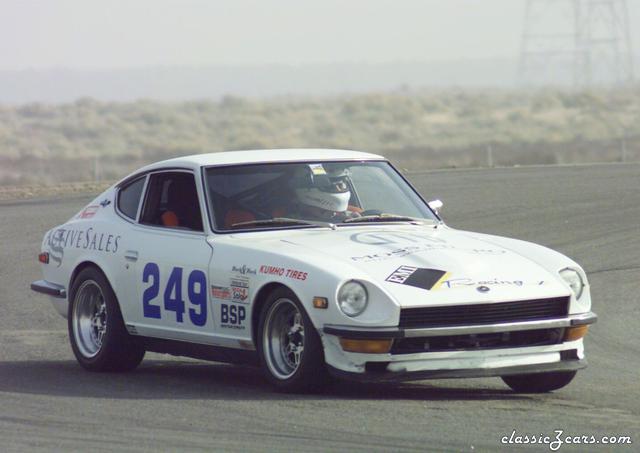 Looks like he had to much coffee!
 -
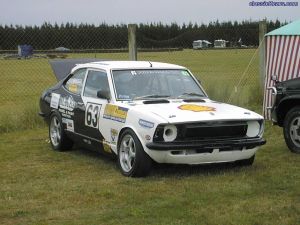 Thease cars are getting rare
 -
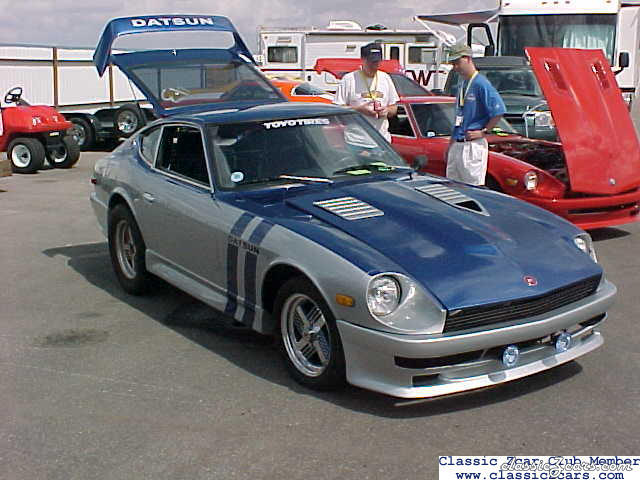 Nice looking race car
 -
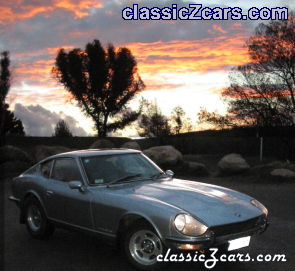 Its awsome!