Fun_in_my_z
Community Member
-
Joined
-
Last visited
Everything posted by Fun_in_my_z
-
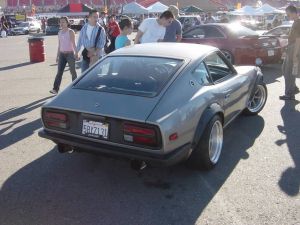
 Looks kinda like a ricer to me
 -
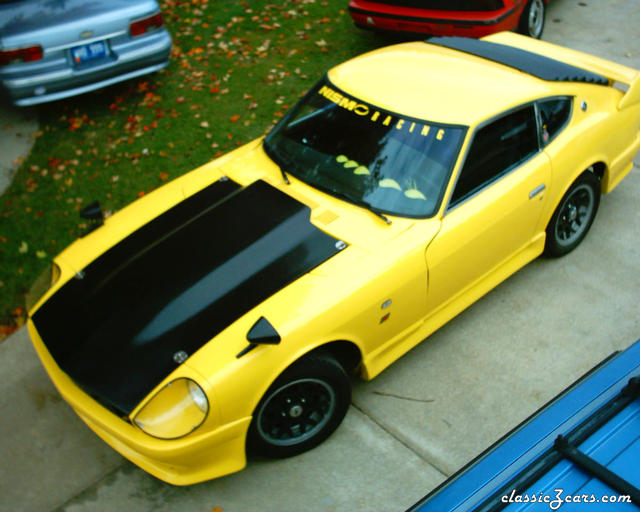
 What where you pulling it with?
 -
 almost their
 -
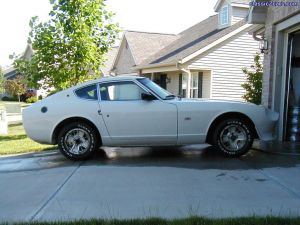
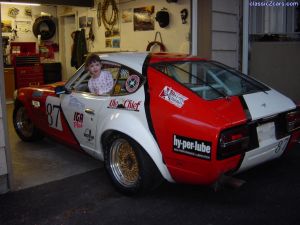 uhhh oh...She pulling D.W. "I was born to race!"
 -
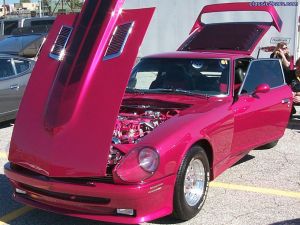 This is a awsome car!
 -
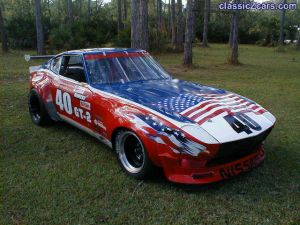 how patriotic. American flage on a Jap car
 -
 This looks like a great time
 -
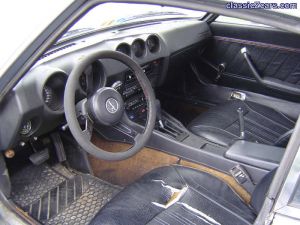 Just needs some refreshing
 -
 The pic is to small to see
 -
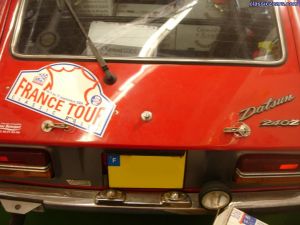 You dont see those often
 -
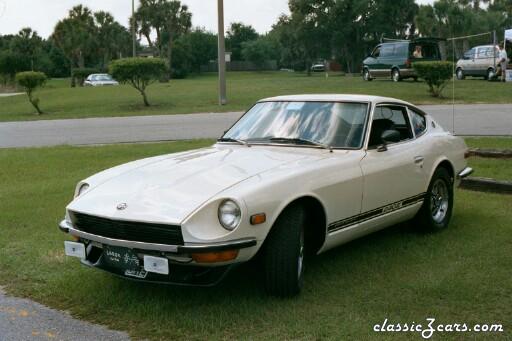 This Z is ok but she needs a new airdam
 -
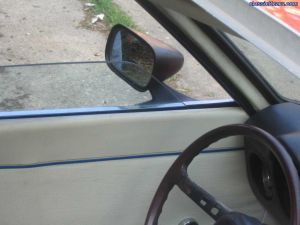 This is nice. Had to find not stained
 -
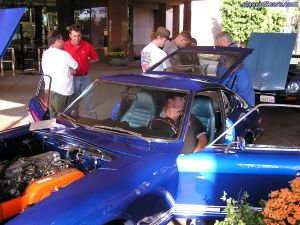 This Z is one of the best
 -
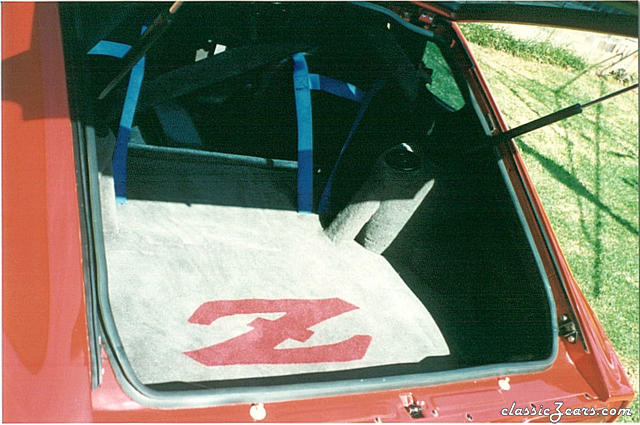 That is spectacular
 -
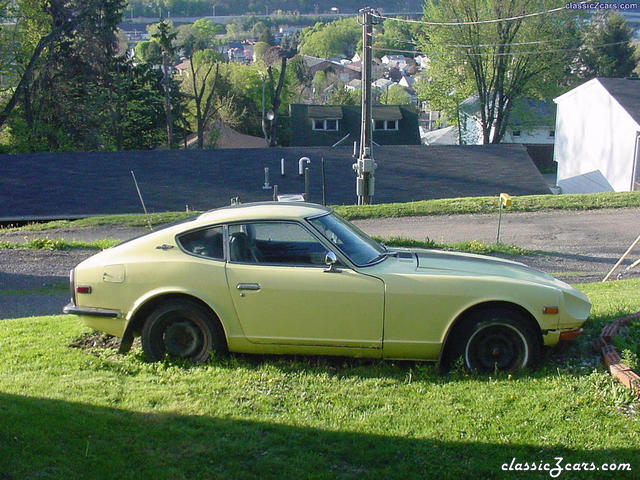 This will be a grate project car
 -
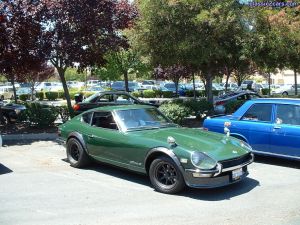 I really love this Z
 -
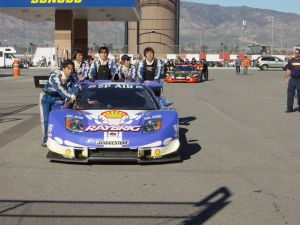 Thats a weird looking race car
 -
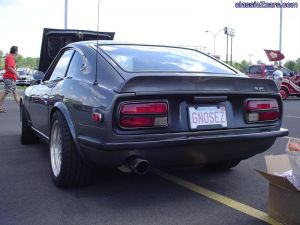 When my motor gose down i will build a 3.1 stroker
 -
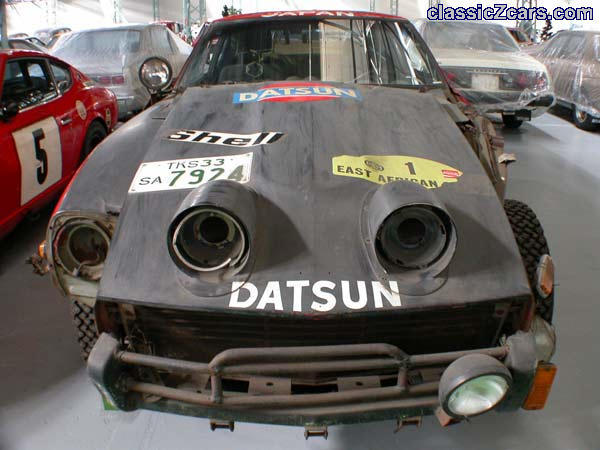 The poor old girl needs some work
 -
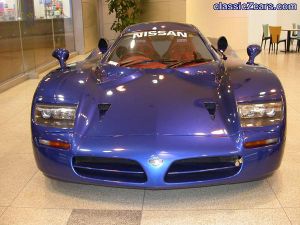 I glanced at this photo and my wallet started hurting
 -
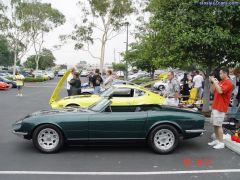 I agree
 -
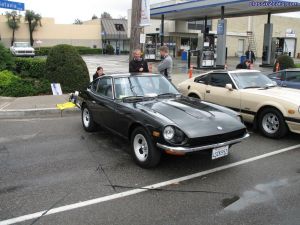 I like the bumper
 -
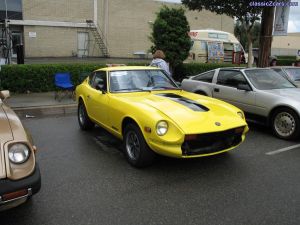 This car needs a bumper
 -
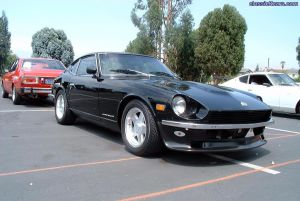 I want the bumper
 -