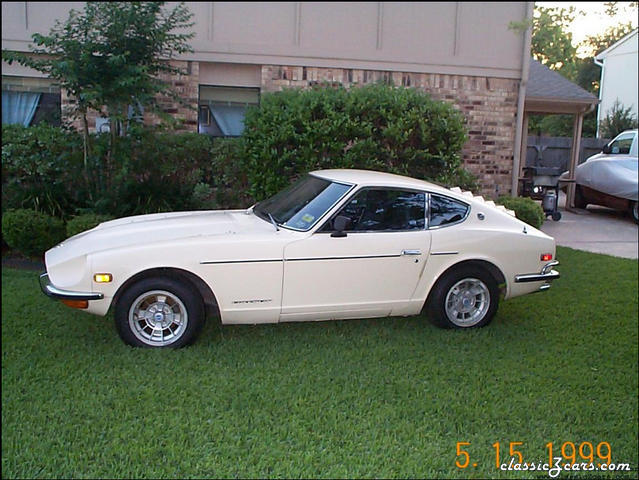
Fun_in_my_z
Community Member
-
Joined
-
Last visited
Everything posted by Fun_in_my_z
-
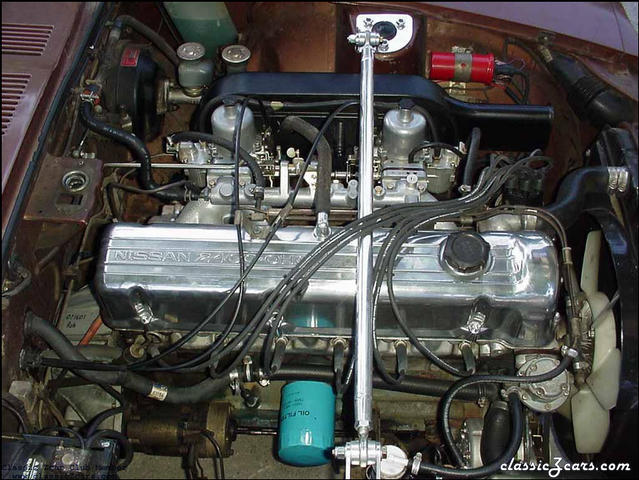 almost looks like mine
 -
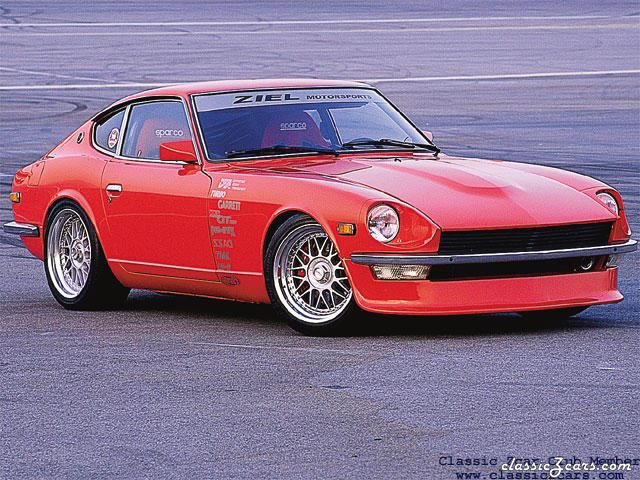 Nice wheels
 -
 Nice
Nice -
-
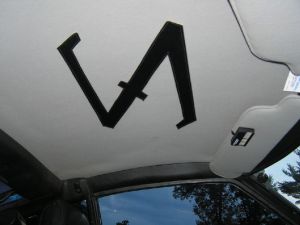 It looks cool!
 -
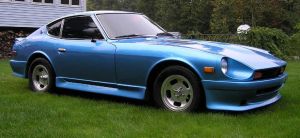 Awsome!
 -
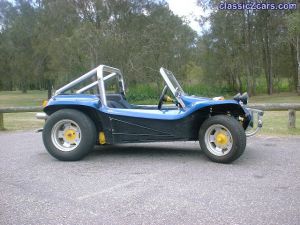 hey thats not a Z
 -
 Awsome car
 -
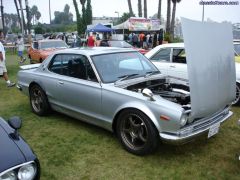 whats the difference between a skyline and a C10?
 -
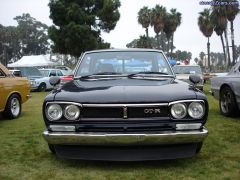 Looks like a skyline
 -
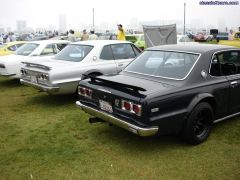 Wish they where more common
 -
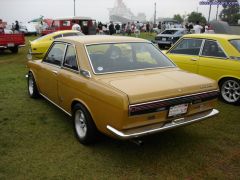 This show looks like a blast. Notice the big arse boat in the background
 -
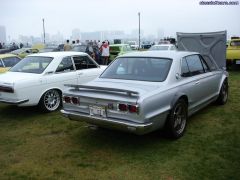 One day i will have a skyline in the garage next to the Z
 -
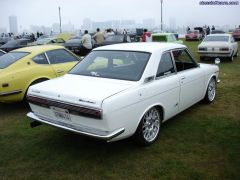 Wish i could get my hands on one of thease
 -
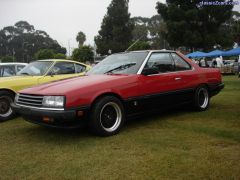 This car is way ugly
 -
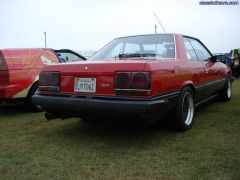 this one looks weird
 -
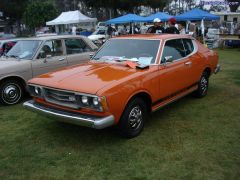 I could have bought one for 300 bucks
 -
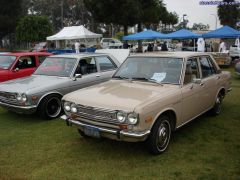 This one looks cool
 -
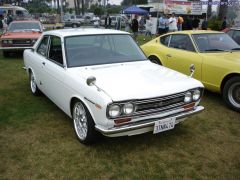 I want one of thease
 -
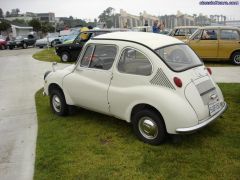 Supercharge that baby!
 -
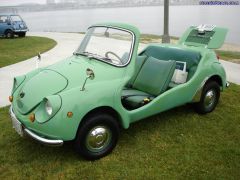 Looks like a VW Beetle
 -
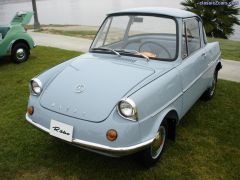 its fugly!
 -
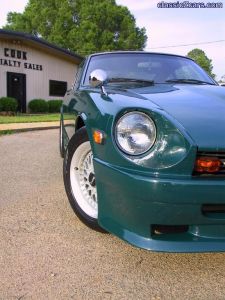 Looks great
 -
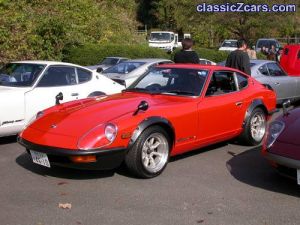 Thease Zgs are growing on me!
 -
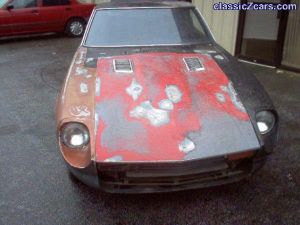 argggg looks like my Z