


Fun_in_my_z
Community Member
-
Joined
-
Last visited
Everything posted by Fun_in_my_z
-
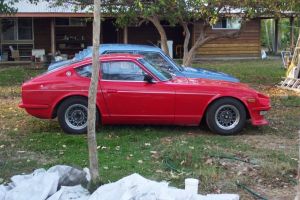 Thats funny. Nice cars those are
 -
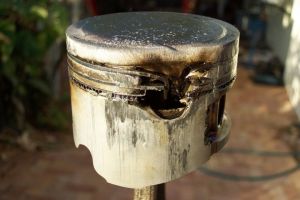 Awww take it back!
 -
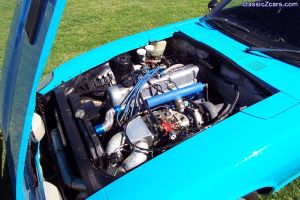 That is so the color for my Z
 -
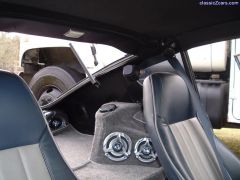 Thats a neet way to do it
 -
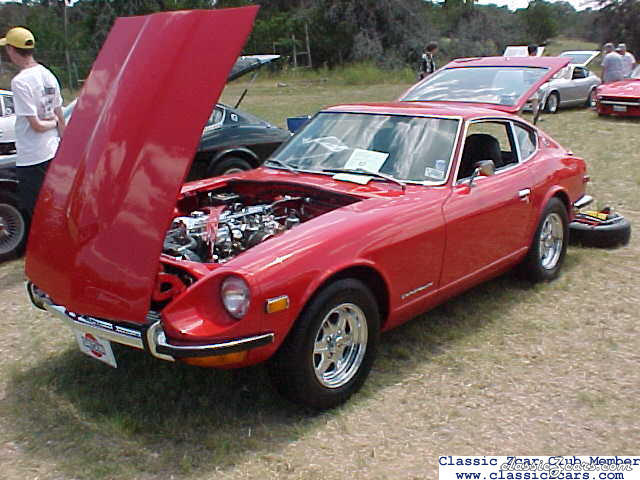 beautifull car
 -
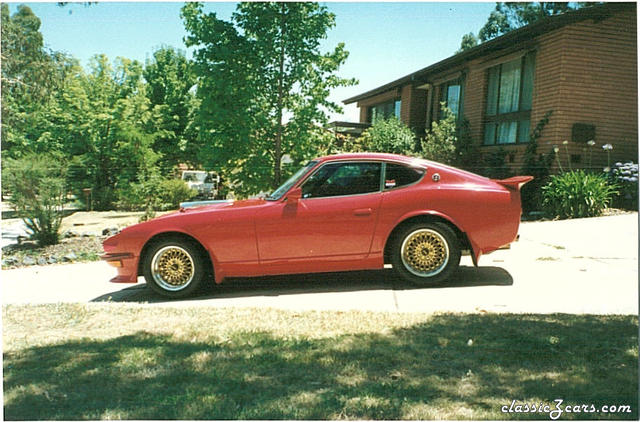 What a cool car
 -
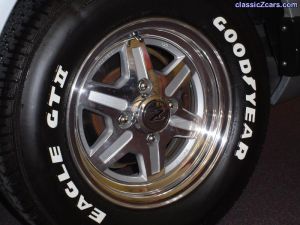 I got the same tyres. Wish my wheels looked that good
 -
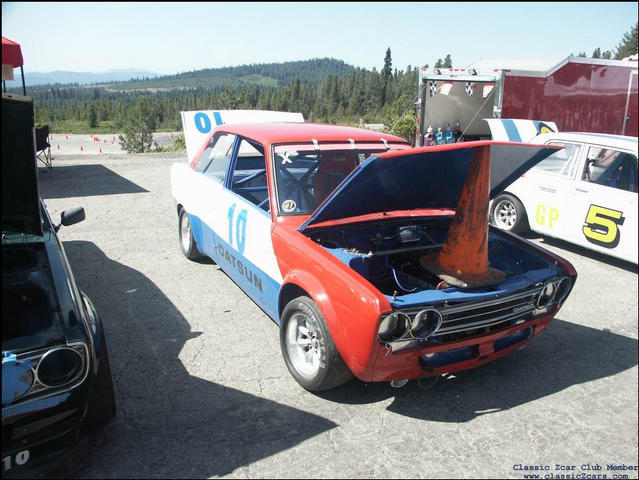 What the hell?
 -
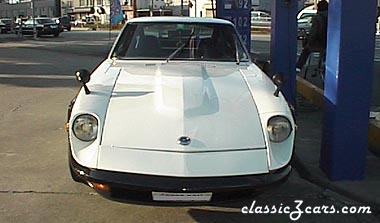 Thats a awsome Zg
 -
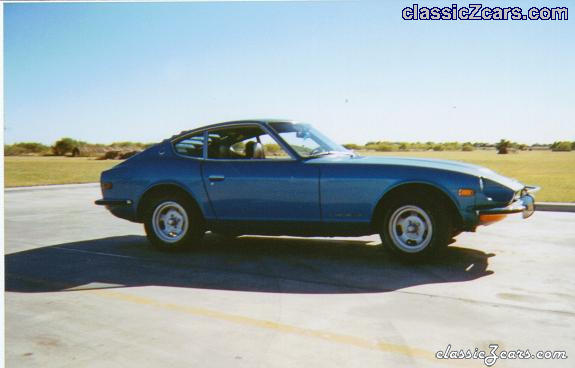 looking good!
 -
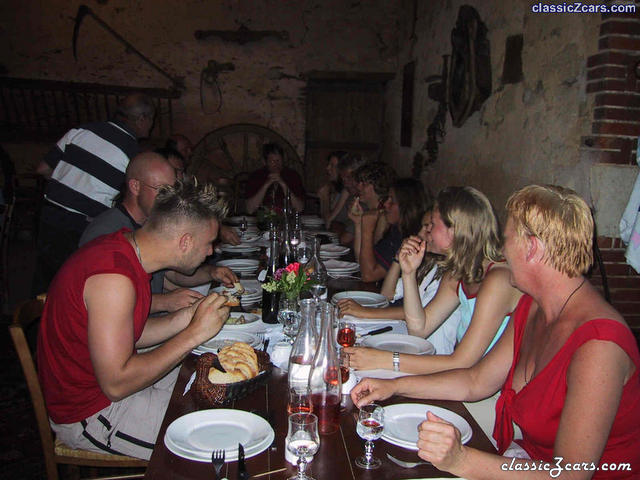 Look at them pigs!
 -
 Awsome!
 -
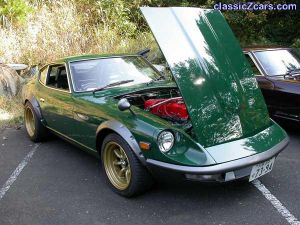 Been pimpin?
 -
 Shoot the bastard!
 -
 Hey is that a Z chick?
 -
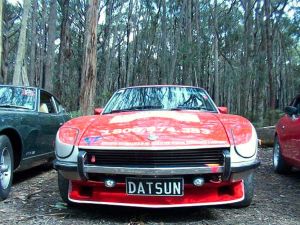 I love it
 -
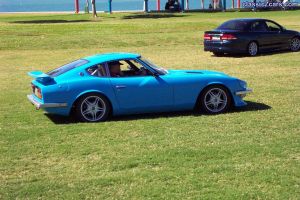 Now thats a zweet color
 -
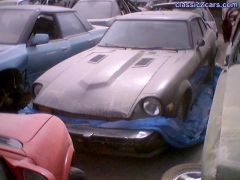 Another restoration to be started!
 -
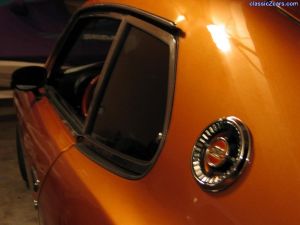 love the color of this Z
 -
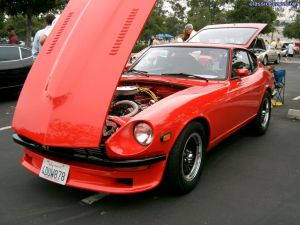 Why do peaple do that to their zs?
 -
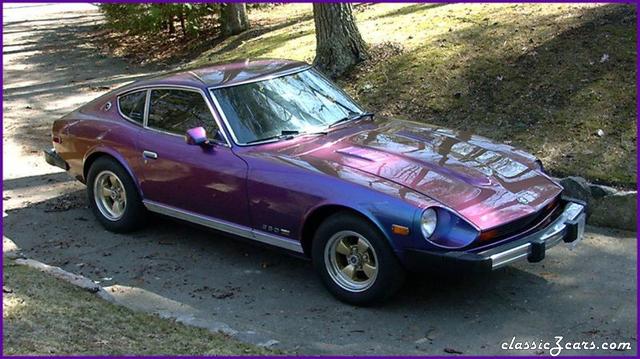 I like this color
 -
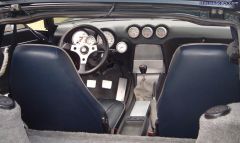 Ohhhh why?
 -
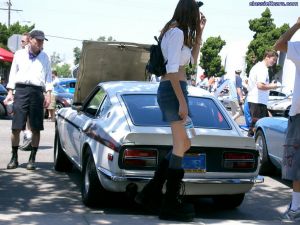 Wow....I i thought all Z car wuz the best looking things here!
 -
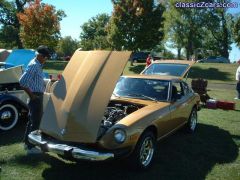 This is a beautifull car.
 -
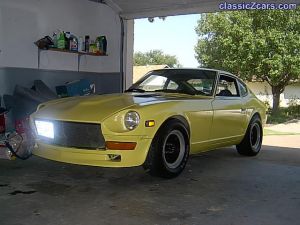 ewww put the bumper back on