Mike
Administrator
-
Joined
-
Last visited
Everything posted by Mike
-
 Looking to get this fixed. Testing a video link to Youtube. This link will post an embedded video on our site: This link will NOT embed the video into the post (it will only show a link) https://youtu.be/aSpkaBeZckY Both of these SHOULD embed the video.
 -
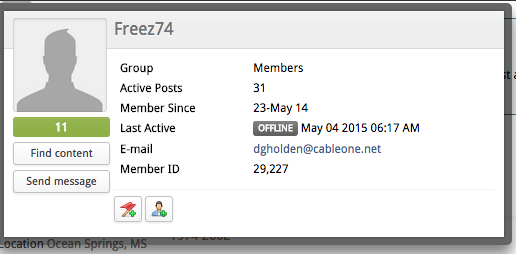
Hi all, I wanted to let you know that I've added membership ID's to your user profiles. You can now open your profile editor and it's in the header. You can also see it by hovering over a username in a forum post. See example here: Mike
-
Strange, is that real or Photoshopped ?
-
Hi Yakhopper, to add pics you'll have to click on the option toward the bottom right "More Reply Options"... from there you can click on Attach Files. There's a button that let's you choose your files from your local computer.
-
Found this on Facebook, thought I'd share it here!
-
Did you put this in our calendar? This will assure you have front page coverage. Looks like fun!!
-
Neat car... plastic, but neat.... One of my previous co-workers bought the rights to Bricklin a few years back. He has quite a shop in Philadelphia ...
-
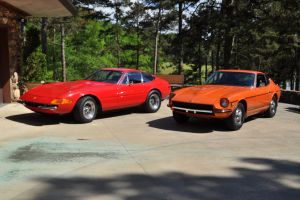 Sexy... Ericjump are these your cars ?
 -
Wow, these links bring back some memories. Many of these are no longer active. It's nice to see that we are still here!
-
 Nice collection!
 -
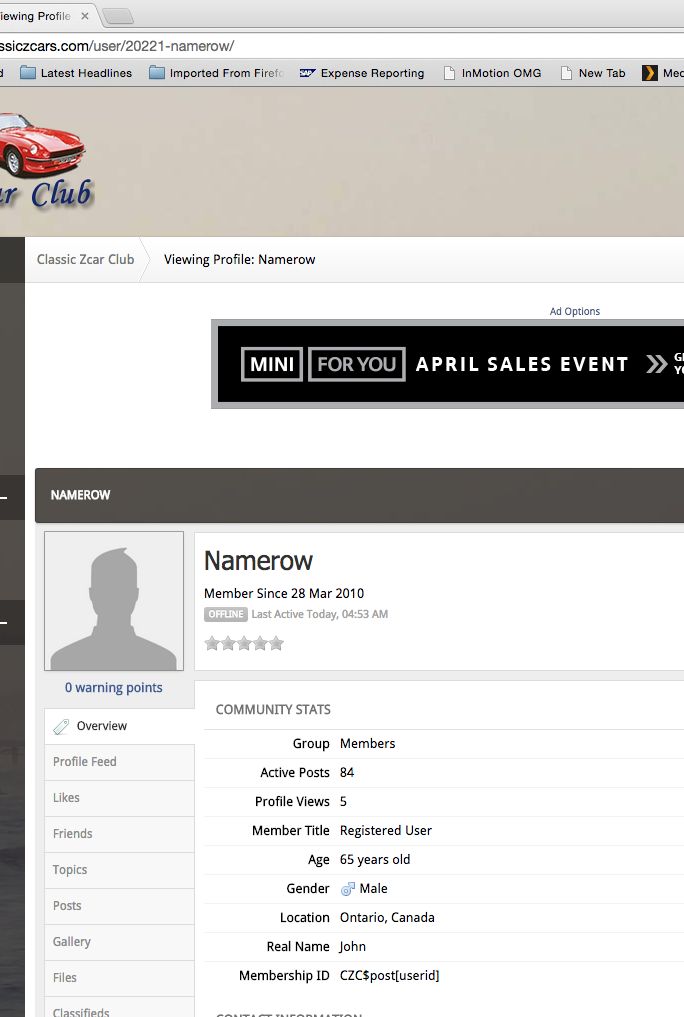
Yea, sorry the ID in your profile isn't working after our migration. To get your membership ID, simply click on your profile (as siteunseen mentioned) and look at the URL. The membership ID is in the URL at the top.

-
Nice!! Last weekend was a gorgeous day in the PacNW. Here's to a sunny and warm spring/summer so we can have more of these...
-
Great!!!! Glad to see he got the car back again !!
-
Lookin good!
-
I like this one with the Toyota 4x4... https://youtu.be/7Q1CqnXNlr4
-
Hey guys, not sure if you saw this or not, but, I just posted a Mikuni manual from my collection. Not sure how old this one is, but, check it out. http://www.classiczcars.com/files/file/13-mikuni-manual/
-
 The Mikuni carb manual for the 40 PHH and 44 PHH series.Free
 -
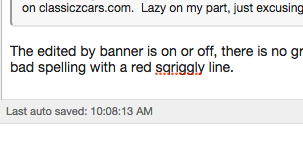
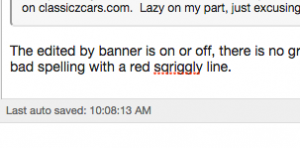
Blue, you have the advanced code option turned on. It's the small box in the upper left of that screenshot. Click on it and your WYSIWYG will come back. I'll check on the resolution thing, how big of a graphic do you want to include? The small resize should be clickable to a certain size, but I have to specify the resize options. They are currently set to create a 300x300 thumbnail on any image up to 1200x1600. If you click on the thumbnail it should open the large image (up to 1200x1600). The edited by banner is on or off, there is no grace period. When you guys type a message doesn't the spell check show up when you are typing? On my system it underlines bad spelling with a red squiggly line. See below. I figured if this was working you would be less likely to need the edit button. Anyway, I can make the "edited by" less annoying colors, let me see what I can do. BTW, supporting members have the option to show or not show the edited line.
-
This is an interesting manual that I came across while going through my files. It's got a parts list of essential special tools and a complete description of how the carbs work. It also includes details about finding faults and fixing them. Hope this is a helpful manual for some of you with Webers.Free
-
Awesome!! Can't wait for this one.
-
Don't think we are filtering the name d***, oops I guess we are!!
-
I just read this topic.
-
BBQ time
-
Sounds awesome! How about another video with some revving ?
-
Something is definitely strange about Alexandria... It's a little too good to be true. I have a feeling they are either delusional (as in, this place has no people and they are fantasizing they exist), or they are about to get unintentionally very violent and take the place over. Just a few ideas.....