



Mike
-
Joined
-
Last visited
Everything posted by Mike
-
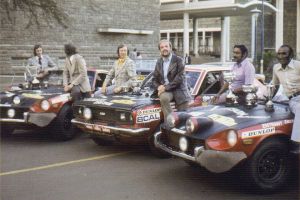
From the album: East African Safari Rally
East African Safari Classic -
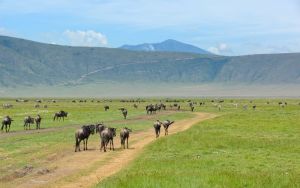
From the album: East African Safari Rally
East African Safari Classic -

From the album: East African Safari Rally
East African Safari Classic -
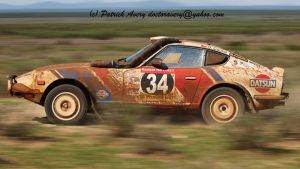
From the album: East African Safari Rally
East African Safari Classic -

From the album: East African Safari Rally
East African Safari Classic -

From the album: East African Safari Rally
East African Safari Classic -
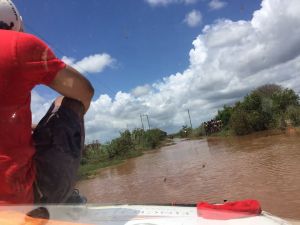
From the album: East African Safari Rally
East African Safari Classic -

From the album: East African Safari Rally
East African Safari Classic -

From the album: East African Safari Rally
East African Safari Classic -
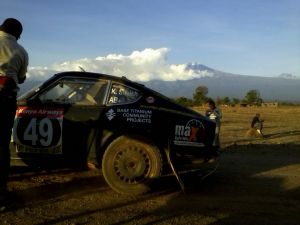
From the album: East African Safari Rally
East African Safari Classic -
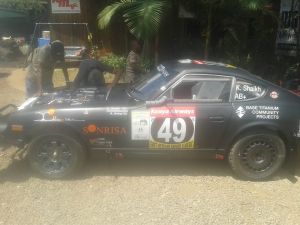
From the album: East African Safari Rally
East African Safari Classic -
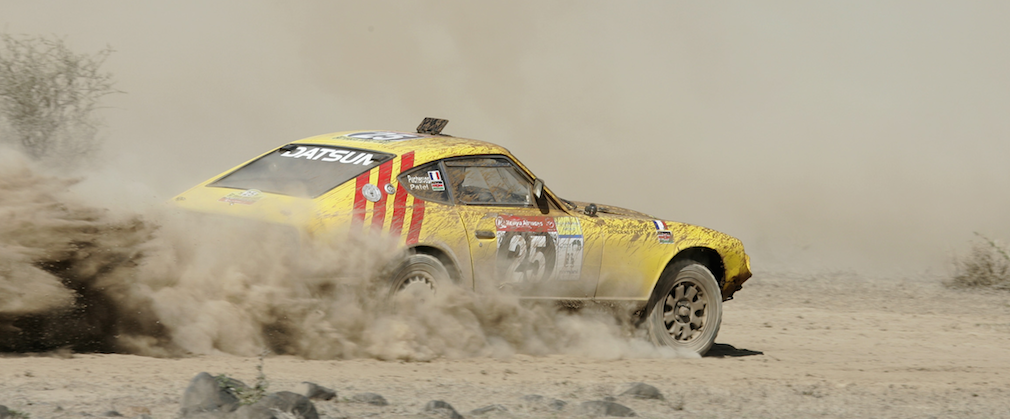
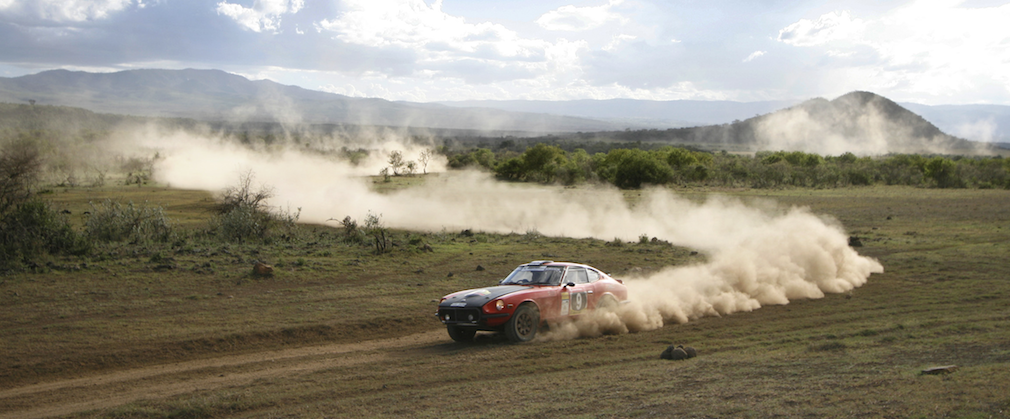
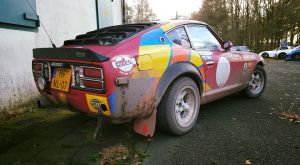
Some pretty good Classic Z representation by you guys!!! http://www.eastafricansafarirally.com/final-classification-2015/Some pretty cool stuff rolling in from the East African Safari site... http://www.eastafricansafarirally.com/

 Needs some work..Beautiful sight to see.... congrats.Where did you get the NOS door skins? I need some...Based on experience with this exact issue, here are suggestions starting at the lower cost ideas. Start cheap and then work your way to the more expensive items. This is assuming you don't have an oil problem. Replace your thermostat. Check again. Check your timing - cars that are out of time run hotter. Replace the fan clutch. Check again. Replace the radiator with a higher-row-count (yours may be clogged or internally rusted). Keep us posted!Ugh, I really dislike this new trend in TV with mid-season breaks.. I guess it's better than waiting longer for an entire season to come back a year later.Well it took a few Sundays
From the album: Awesome Z Cars


Important Information
By using this site, you agree to our Privacy Policy and Guidelines. We have placed cookies on your device to help make this website better. You can adjust your cookie settings, otherwise we'll assume you're okay to continue.