Z-point
Community Member
-
Joined
-
Last visited
Everything posted by Z-point
-
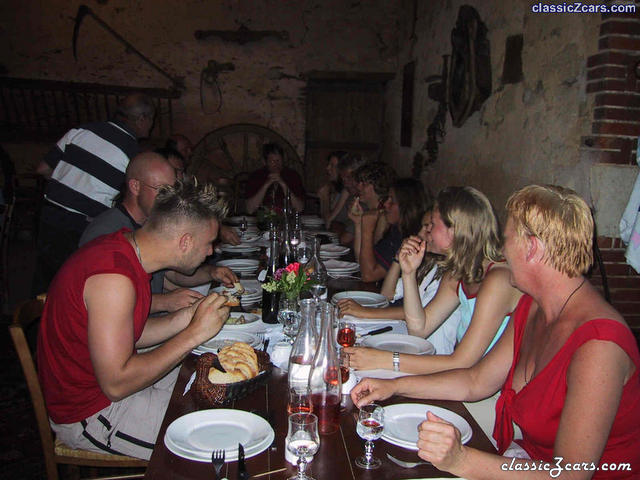
Hi all, I like to contribute to the report. First of all I want to say special word of thanks to the organisers of this weekend. Fred and Sean thanks for the great weekend you gave us. It was well organised the program was great, there where lovely people, the food was super and of course the weather helped al lot. What else do you want more? I did not have the change to say Fred good bay because of my problem with the UJ of my right assy-drive shaft. It had too much movement, which it was to risky driving 900km back home! So I called up the Dutch car association where I had insurance, that if my car broke down it would be repatriated to Holland. And so they did. I was supplied with a brand new Peugeot 406 with only 12K at his counter!! Now I’m waiting for the truck which is bringing my Z home. But we had a great laughs and that is the main thing. You meet new people and you find old friends. :classic: Until next time! Ps. see my pictures and if you want the big ones…ask
-
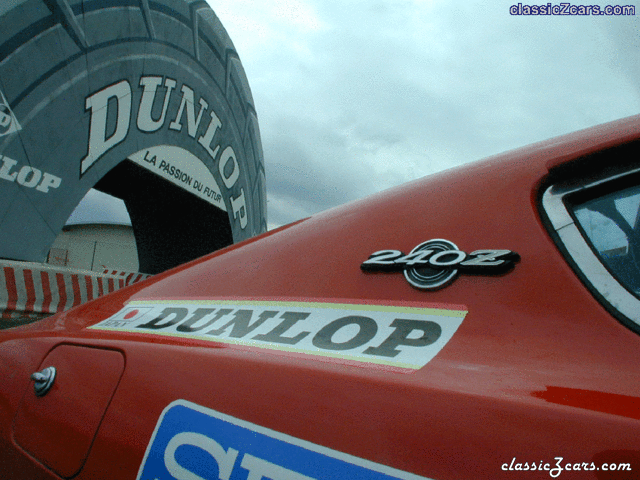
-
-
-
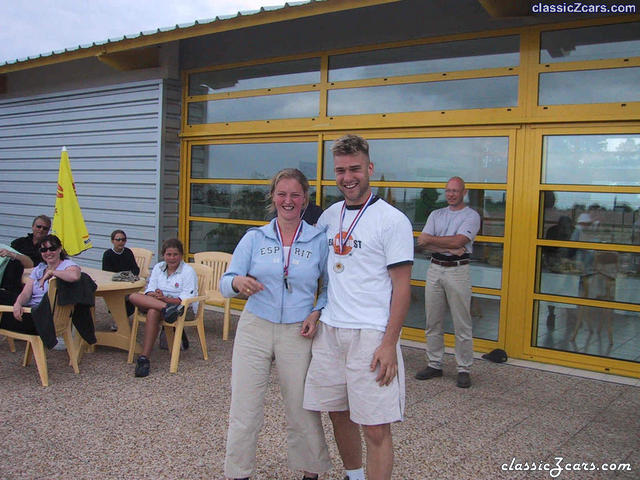
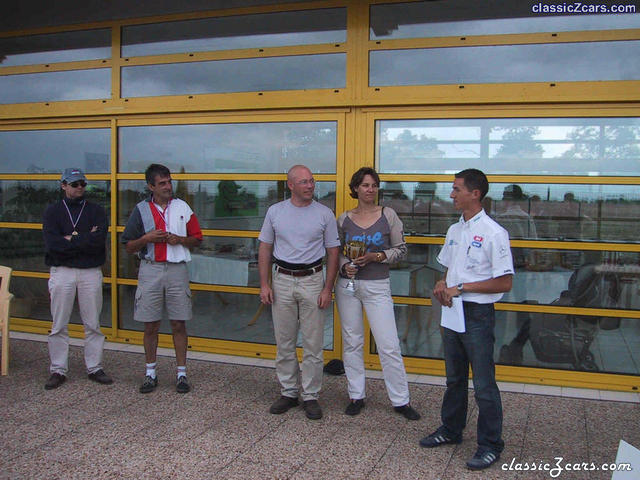 from left to right. Fred, Jean Marc, Sean and Cathy. Sean and Cathy were the winners!
 -
-
 We did some carting at an open track. Normally in Holland we do this inside but this more fun with more speed!!!
 -
-
-
-
-
 You can imagine there were a lot of pictures made!
 -
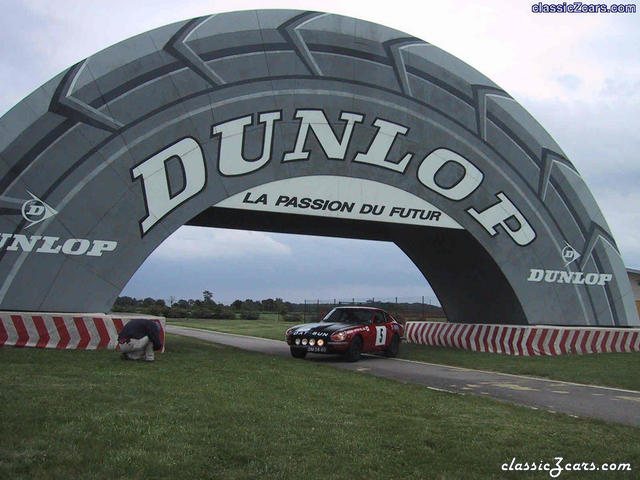
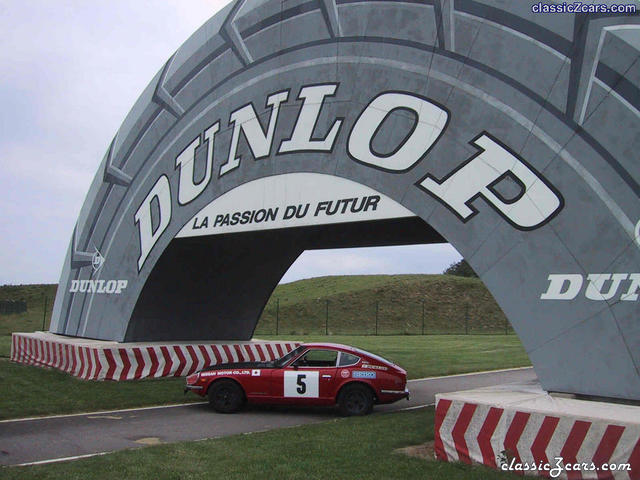
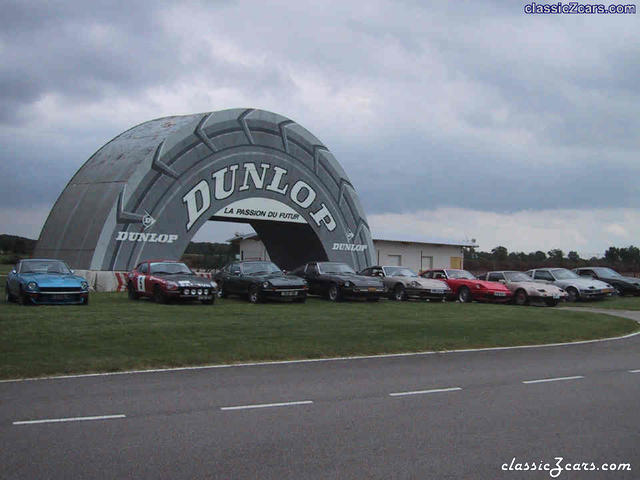
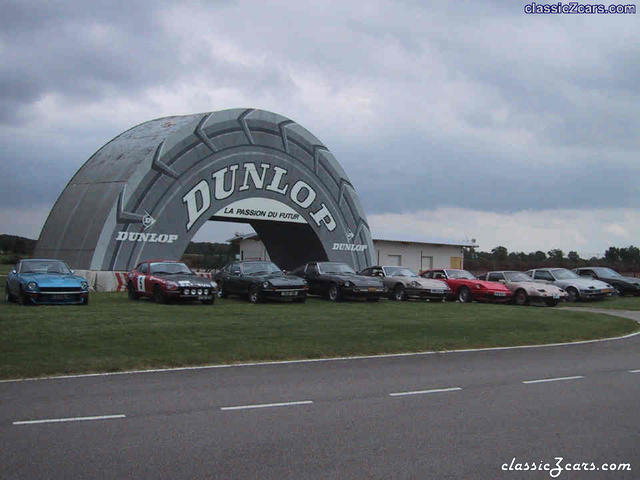
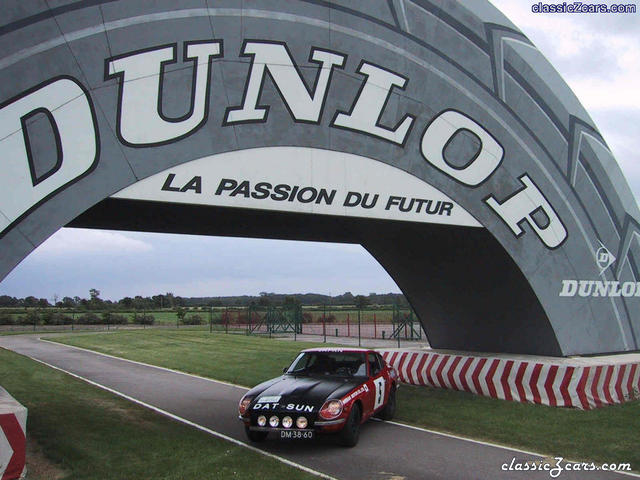 when I saw the tyre, I had to go under it. This is a smaller version of the Le Mans tyre.
 -
 they've got 48 hours to repair otherwise I get a spare car. No not a Datsun!
 -
 short after the call they came to pick up the car
 -
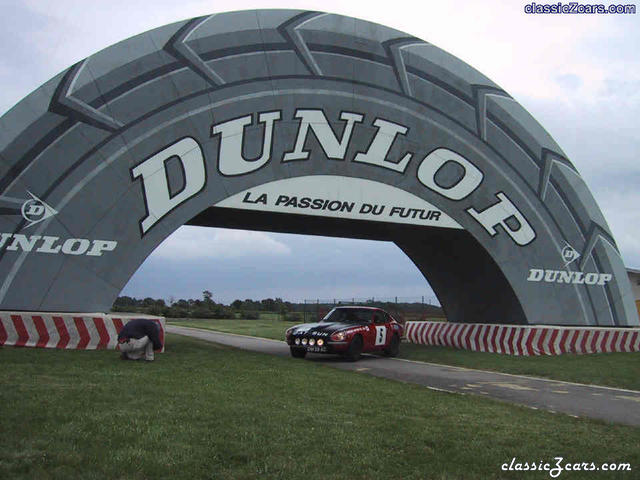 Trying to get the ultimate picture, Fred is kneeling down.
 -
-
-
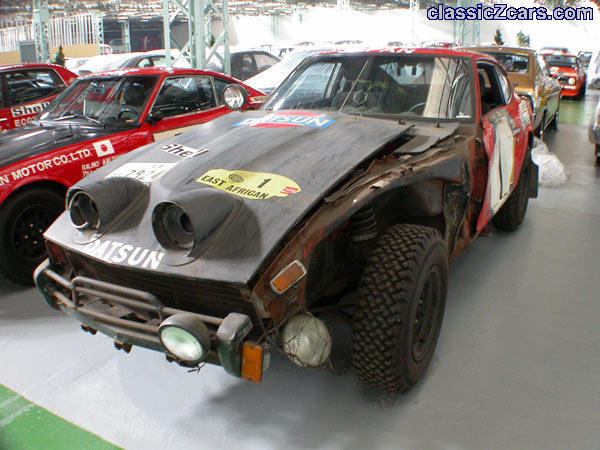 Without words
 -
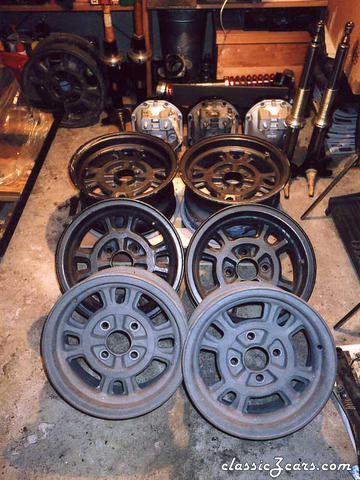 Mine too! The crown jewels are nothing compeer to this.
 -
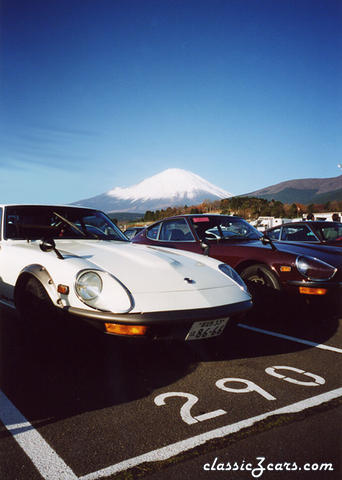 Awesome, we know exactly where we are
 -
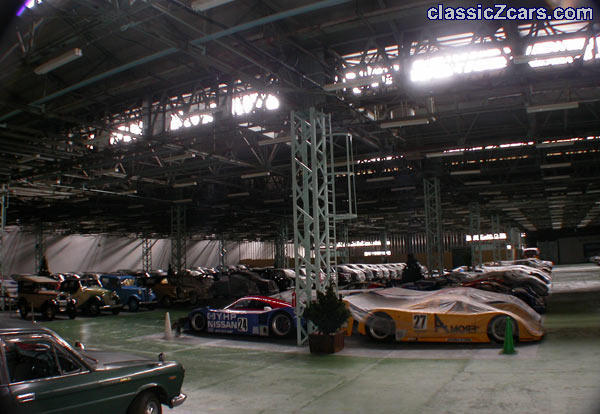 Jezus!! please don't smoke....
 -
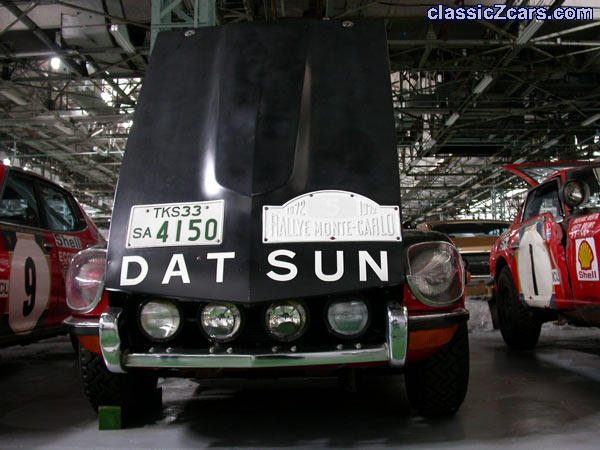 Oh, oh I’m getting wet. I’m so exited!
 -
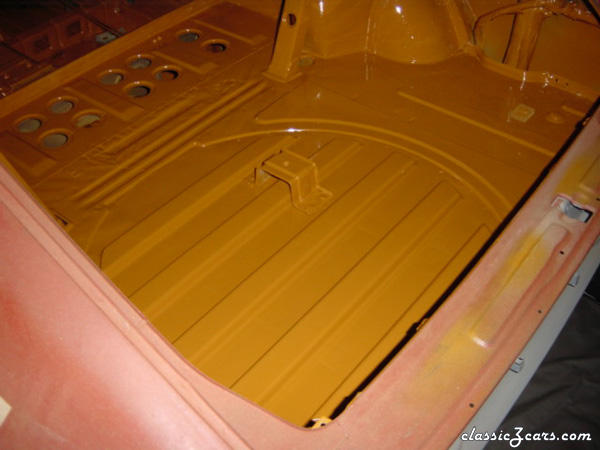 Very nice done!
 -
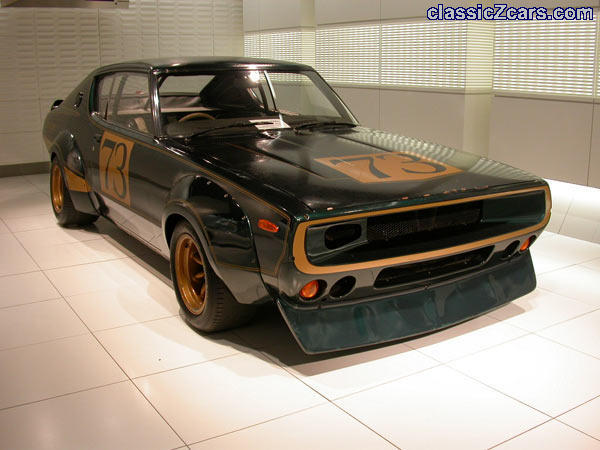 Wow! what a mean machine!!