Steve Parmley
Community Member
-
Joined
-
Last visited
Everything posted by Steve Parmley
-
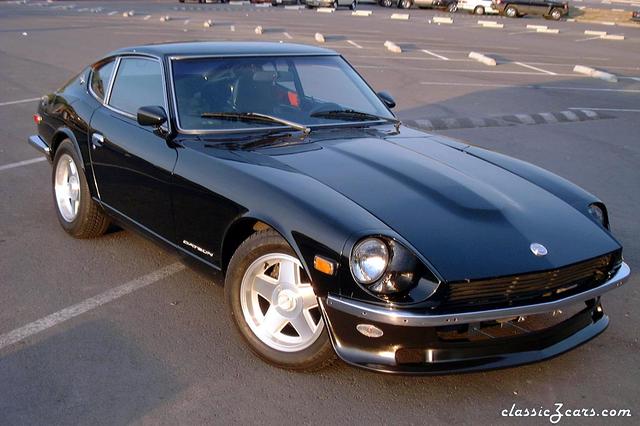 Love the bumper. It looks familiar though. Glad it went to a great looking Z!
 -
The green Z belongs to Greg Scott of Scott Performance. The racetrack is Buttonwillow in Southern California. I have ridden in that car around Buttonwillow. I have also ridden in his current open track car, a Porsche GT-2 at Laguna Seca. The Porsche GT-2 is quicker. :D The best part is the license plate ring reads, "My other car is a Datsun 240Z".
-
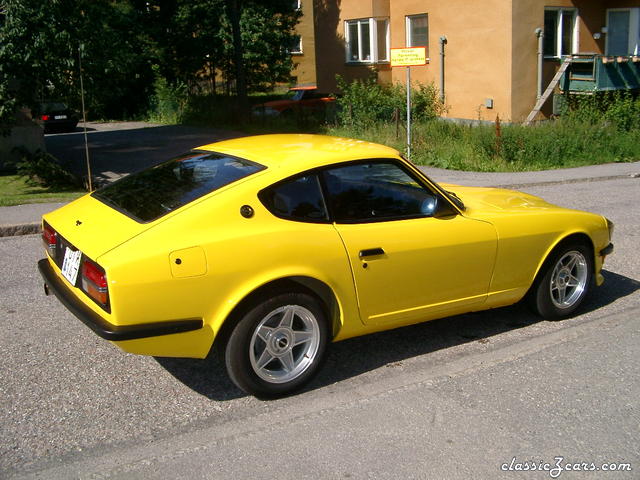 The yellow looks great. Is this the infamous Ferrari Fly Yellow?
 -
Do any of you east coast folks know anything about this car? http://www.ashcom.homestead.com/WallDatsun.html It looks like a Bob Sharp Racing IMSA GTU car running vintage. I would love to find more pictures of it. Thanks.
-
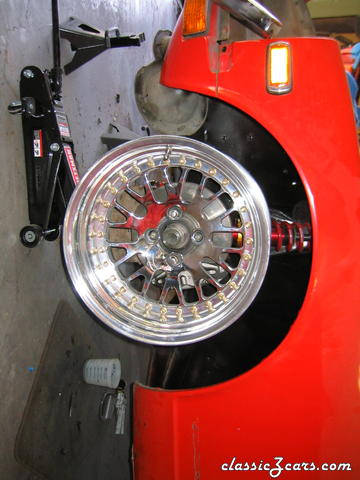 It looks like they fit with stock wheel studs or did you install longer studs?
 -
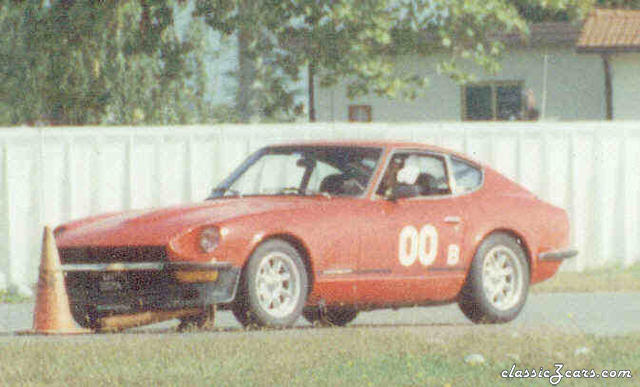 Been there, done that. Got photographed too.
 -
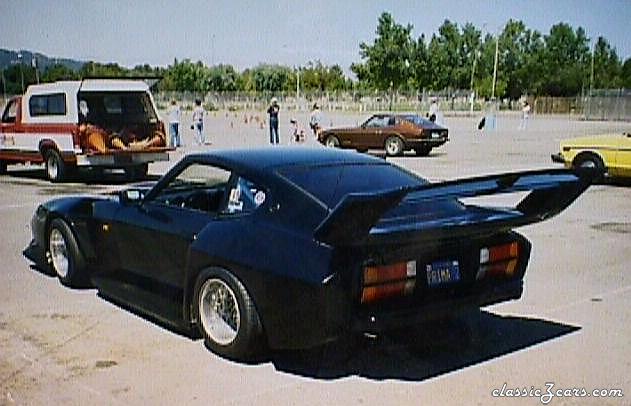 I think this kit was called the Primadonna Z. It looks way over the top now but remember in the 80's, with the Ferrari Testarossa. the Lamborghini Countach, and all the Koenig supercar tuner body kits this was right in step. It does look like positive camber up front. Perhaps it aids in takeoff.
 -
4th annual Z convention autocross at Pleasanton Fairgrounds.
-
A couple of the autocross videos (with the air museum in the background) look like McClellan air base in Sacramento. We lost that site this year and are at Cal Expo. The air base was great because some events were asphalt and some were concrete runways. Before the base was decomissioned, one event, Marines were sliding down ropes from helicopters a few hundred yards from the course. A real guy moment. The brushed concrete was extremely grippy and was where I went up on two wheels in a corner. That is when I got a rollcage.
-
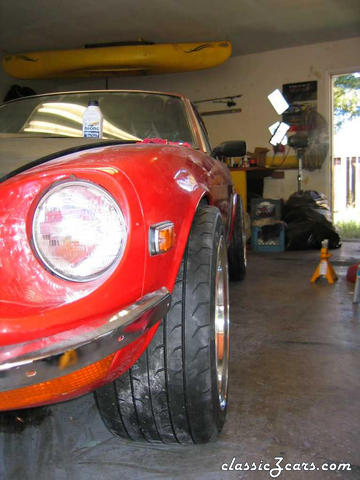 Hi Jeff. Would you know how much your wheels weigh? Looks great. What kind of flares are you going to use?
 -
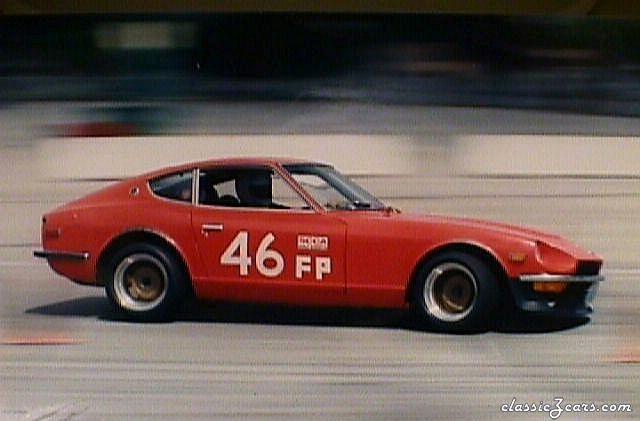 It would get exciting until one autocross it went up on 2 wheels. Got stiffer springs.
 -
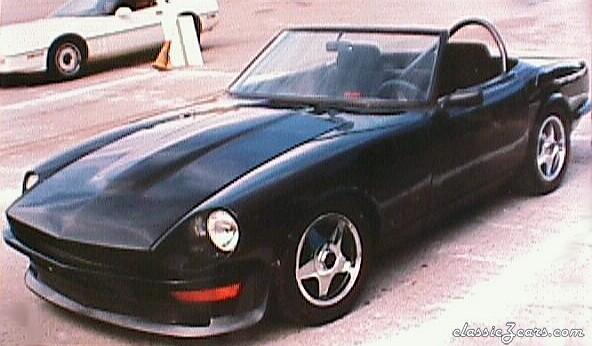 For the horsepower you could call Rebello Racing and find out. It had side draft Mikunis and a wonderfull growl on acceleration. With the engine set back, the balance on the car was awesome. He had a roll cage linked to all strut towers and x bars in the doors. It was very light and by the end of the season he even replaced the windshield with Lexan. This was a few years back, but he ran in the Open Street Prepared class the San Francisco SCCA region runs.
 -
Frank Decesere's 2400cc Rebello 4 cylinder stroker. A very fast well balanced autocrosser.
-
-
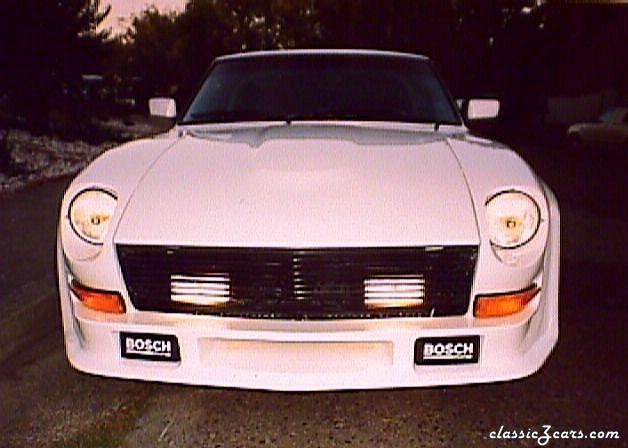 My brother's integrating Kaminari airdam with one off body work
 -
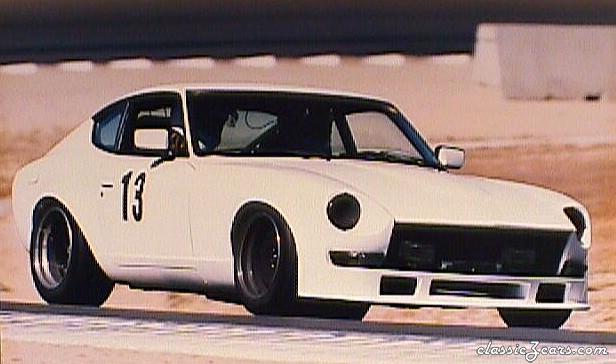 Open track event at Buttonwillow Raceway in southern Ca.
 -
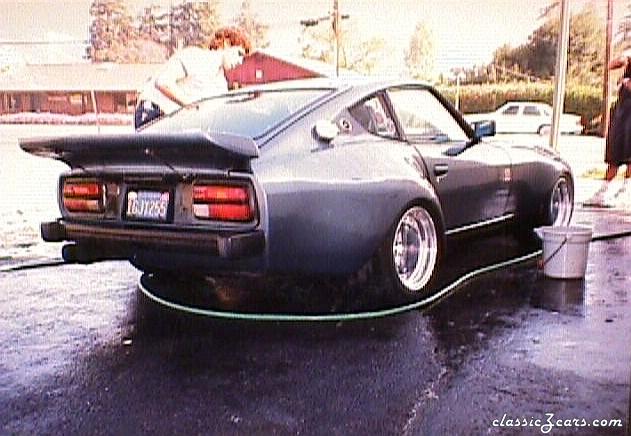 This photo is I am guessing ,10 yrs. old. It came into my collection from I don't remember where. Look out, I am going to add more wide body photos.
 -
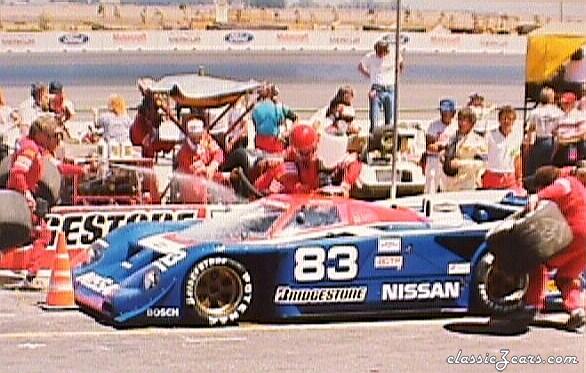 No. I took this when they were new. Using a magnifying glass it looks like Morton's name was above the door. I am not sure on the date.
 -
-
Back in the days when you got your windshield cleaned with a fill-up
-
-
-
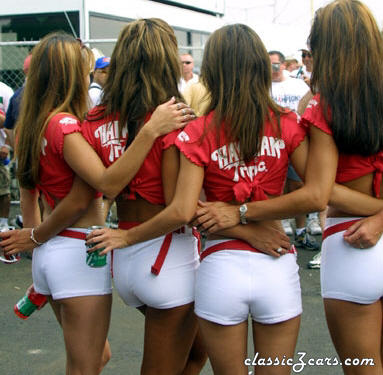 I had the pleasure of being on a T.V. shoot in Hawaii where the Hawaiin trolip... er Tropic girls were part of it. 10 years ago and I still haven't recovered.
 -
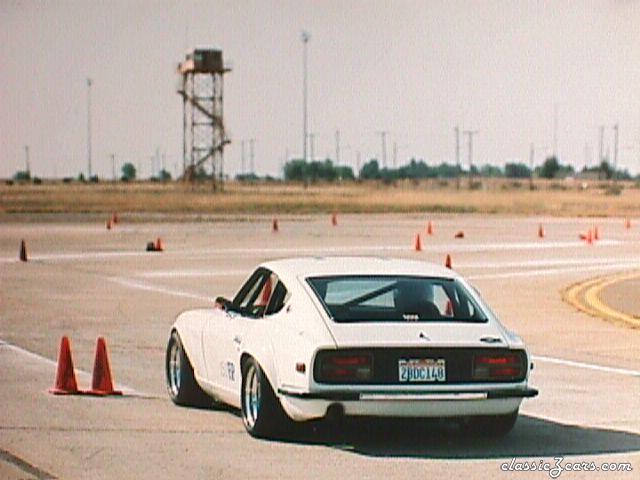 E.J. McCuskey's FP Z. Mather airfield, Sacramento Ca.
 -
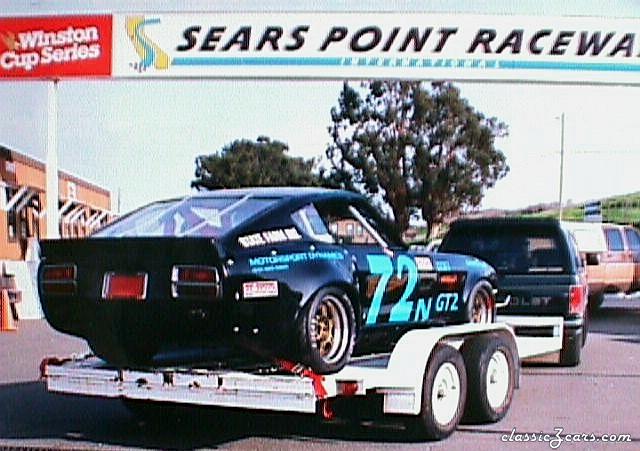 Sears Point in the late 80's or early 90's.