HS30-H
Supporting Member
-
Joined
-
Last visited
Everything posted by HS30-H
-
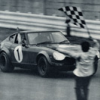
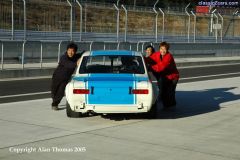
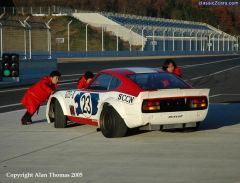 Works 240ZR pushback.
 -
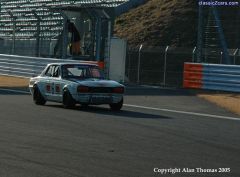
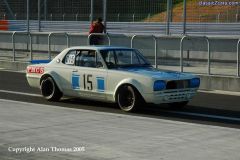
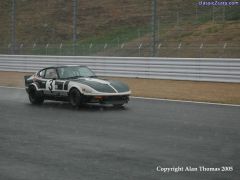
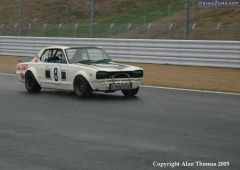 Next-door pit KPGC10 at speed.
 -
-
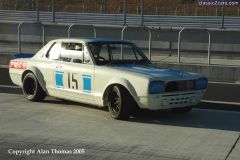
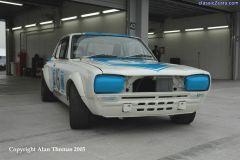
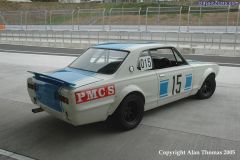
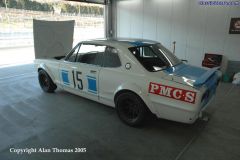
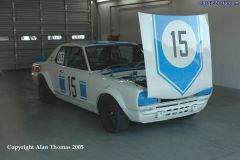
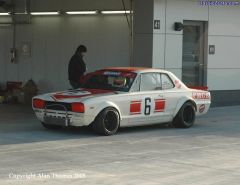 'R-Factory' KPGC10 in pits.
 -
-
-
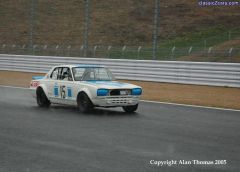
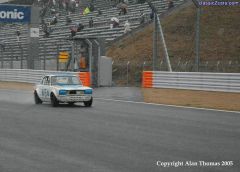
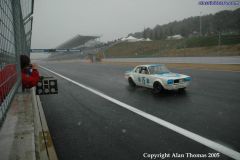 KPGC10 at speed - starting to snow now.
 -
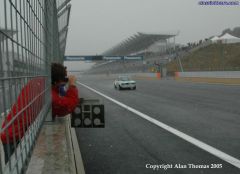 KPGC10 at speed - weather worsening.
 -
-
-
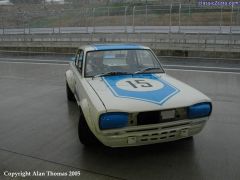
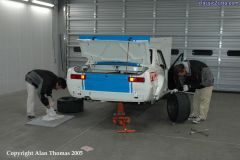 KPGC10 brake check after shakedown.
 -
-
-
-
-
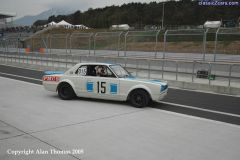
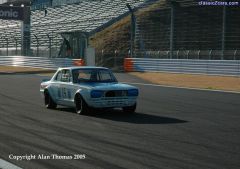 KPGC10 at speed - Saturday afternoon practice. Weather still nice.....
 -
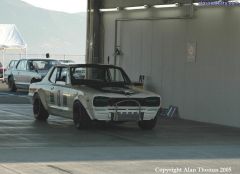
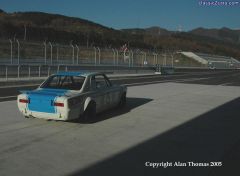 KPGC10 exits pits.
 -
-
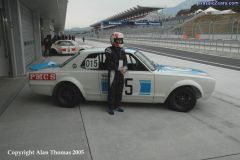 Proud owner Dr Shimizu with his newly-rebuilt KPGC10. He has owned this car for over 20 years.
 -
-
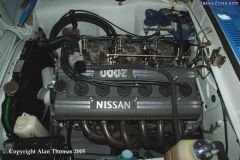 S20 engine of KPGC10.
 -
-
-
-