wal280z
Community Member
-
Joined
-
Last visited
Everything posted by wal280z
-
Carl- Nice to know... I wasn't sure if all the Kinko's and the other self-serve type places actually had plotters. Well, then again, all you would really have to do is to print it out in Adobe at 200% to get a 100" x 36" 'super poster". BTW gang... when viewing it at around 300% (if you have eyes that have been mistreated, like mine are), the font and lines appear as they would on paper. Some people with better vision may experience different results. Wayne
-
I've gotten some e-mails regarding how to print this out... There are several ways to do this.... try to do yourself.... in Adobe, you have the option of printing 'current view.' With letter size paper, you can do it with around 16 sheets... then have fun taping it together... family project! source your circle of local friends.... any guys / gals you know work for an engineering office? one that has a plotter? check your yellow pages for printing offices.. check the national firms... locally, we use both of these guys.. American Reprographics and Ikon. They also may have local competitors in your area. Wayne
-
saw this thread and knew I saw a website dedicated to this... http://kmhafer.datsun510.com/wheelFAQ.htm Wayne
-
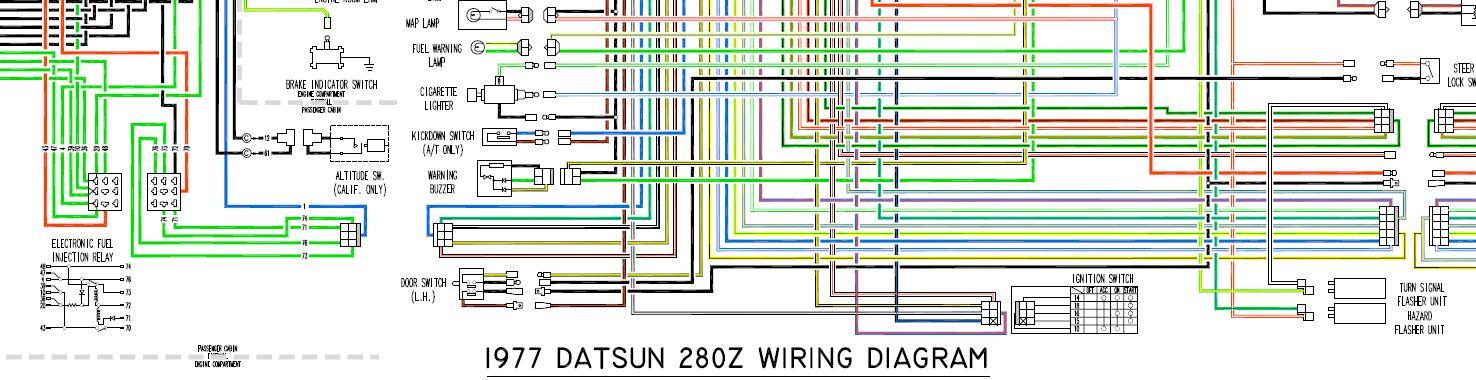
More specifically, for the 1977 model. I know of a few differences between the 75-76 models and also the '78 model. Take a look in the download section... The 'blurry' print is just a product of AutoCad printing to Adobe. When printed on paper, the true font and line weight come out as intended. To print, use the 'print current view' option in adobe and 'pan' across until you print the whole thing. I wouldn't suggest trying to scale down too much, but will tell you it looks beautiful hanging on my garage wall. Special thanks goes out to Mike for hosting this for me! Wayne <edit = now in download section>
-
-
-
-
-
-
-
-
-
no, didn't take it wrong at all... I think Taco Bell's menu was affecting my reading ability.. heehee I thought in '78 they changed the AFM for the fuel-cut off and put that control (switch) in the ECU. Maybe I just got bad info elsewhere. That was only my understanding, i.e. may or may not be fact. Wayne
-
to what Sblake said, not all the ECU's had warning stickers.... I did take a look at the two dozen or so a buddy of mine has, mostly late '77s and later have the clear sticker with the warning on it. Also, take a look at the little metal tag / sticker on the box... (going from memory here)... the color of the tag may or may not correspond to the identical type tag on the AFM. A buddy of mine was working at the local Datsun dealership when these first came out, and he would always use a 'matched set'. I dunno how true this is, I found it interesting to say the least 'cause I never noticed that before. Wayne
-
Pin 20 is connected to wire #36 at the FI relay My computer has pins at all 35 connections, and has the same type of connections that your picture shows at the harness. Yes, I'm sure I have the right numbers. I assume you are still referring to the connector at the computer. Back to the original question, those wires terminate at the computer connector, and are not actually used by the computer. Have you cleaned all your connectors relating to the FI system? Wayne
-
electrically, pin 20 is connected with pin 36 at the FI relay, and pin 21 is connected to wire #46 at the cold start valve. This was looking at both a '75 FSM wiring diagram and a '77 FSM wiring diagram. Sorry, don't have a '76 at my disposal. Have you taken the FI relay out and clean the external pin contacts? Wayne
-
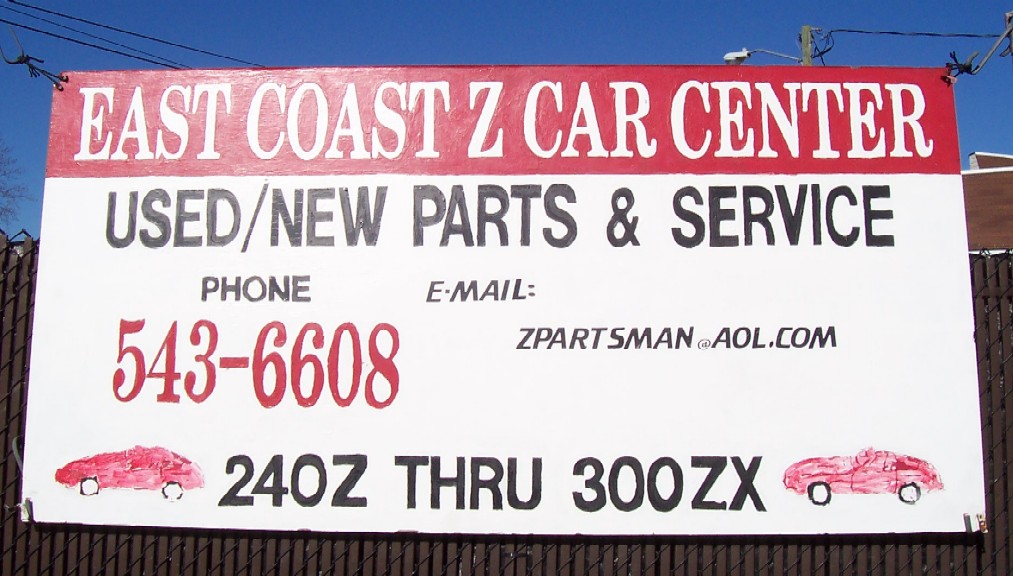
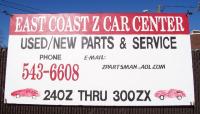
have you even checked down at East Coast Z in Chesapeake? Last time I was there (5 wks ago) he had 3 240's back behind his workshop... I really didn't pay too much attention to them, as I was on a mission needin' a part to my A/C... Their number is on the photo.... he is usually closed on the weekends Wayne
-
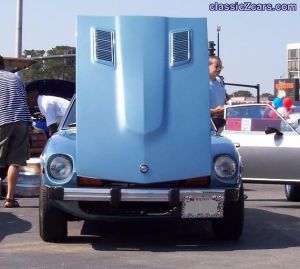
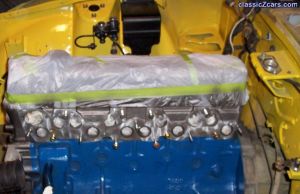 painted w/ rattle can, old ford blue. darker than original, though
 -
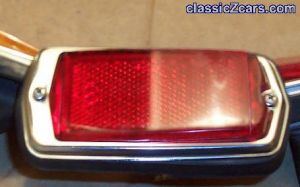 sanded off the 'DOT' markings that always catch the wax.... chrome rings were polished using a vibratory polisher and walnut shells.
 -
I'm new here too, but take a look around, this site has alot of good info, I'm still learning stuff when reading through posts... if you ever need parts, check out Midwest Z for those hard to find parts... Wayne
-
the vacuum bottle is there to 'store' the vacuum under low vacuum conditions i.e, you just pressed your brakes and the master vac. booster just used all the vacuum you had out, but you could still switch modes on the heater panel.... If you blocked off the side vents from the center splitter, then of course you will have increased air volume coming through the center vents... no where else for the air to go... So the question remains... did you remove the evaporator on top of the control unit, or did you leave it in place? If you have removed the compressor, and subsequently purged the lines (*legally, of course) of freon, then you really have no need for the ten or so extra pounds the evaporator adds on.... I just checked MSA's catalog, the control unit for the non-a/c cars is checked with an 'A' (or as I like to say, don't hold your breath), to remove the solenoids and vacuum bottle, you really need to go with a non A/C control unit. Time to take off that dash... and don't forget to change the instrument lights while you have it torn apart... Wayne
-
already removed all the a/c components? you can still use all the a/c controls with the evaporator missing, just make sure the blue wire that goes to the a/c compressor is insulated. other than that, remove the evap. from the control unit, keep your vac. solenoids and vac. bottle in place, check all your vac. lines for being cracked or brittle. You'll need the air 'horn' that will take the place of the evaporator (fits between the heater housing and the 'manifold' for the duct work). If I had a camera handy (it's at work), I'd take a picture of my old control arse'y (non A/C), you'd see that it has 'notches' rather than springs that you are referring to in your other post.. I'll take a picture of it on Monday for you to show you the differences in the A/C and non-A/C models... Also... if you do have a donor '76 that you are grabbing the parts off of, the blower motor is different also... 4 wire connection rather than 6 wires.. Hope this helps... Wayne
-
grommet for the a/c pipe connections at the firewall... if it is in good condtion... they are NLA from Nissan (I just checked). However, I did get a plug from Nissan (last one listed) for that firewall opening if you are interested. :devious: Mine had an aftermarket A/C unit in it that I quickly removed. Upon dissassembly, I found out why the heat worked no more... one of the cable connections on the control unit had broken, requiring replacement, which I added a factory A/C in from my donor car. Be sure and grab the whole heater unit complete as the vacuum controls you are getting rid of will have the cable controlled items in place of them. While you are in there, go ahead and put new weatherstripping on the mode door for a good seal. Wayne
-
I just acquired (for free, yippee) a complete a/c & heater unit from a '76.... my '77 looks the same. Not sure about the '78 model though....
-
Which wiring diagram are you working on in AutoCad? For a '73 or your own custom type that has since been derailed? I've got a FULL color diagram that I am almost ready to release for the '77 model around the first of the month (May '04), just doing some clean-up on it... it will be a pdf version... Currently working on a '75 Version, however, the warmer weather has derailed me on that project... It will be posted on my homepage, clicky on the sig... Wayne