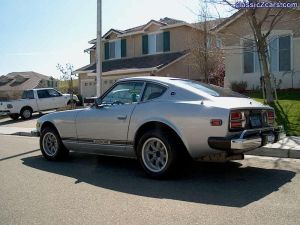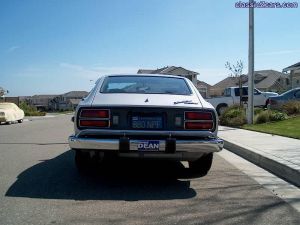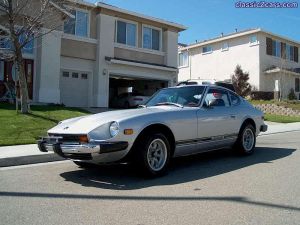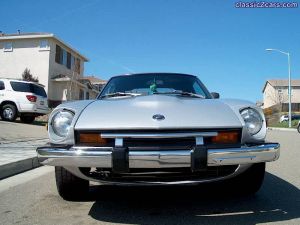
280z
Community Member
-
Joined
-
Last visited
Everything posted by 280z
-
-
-
-
-
-
-
-
My early 280z struggles to start up when hot. I think this is a problem associated with vapor lock. does anyone else have ideas about what the problem is or how to fix it?
-
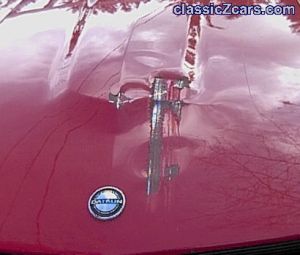 Bastards! and i thought i had reason to be mad after i found a ding in my car
 -
-
-
-
-
-
-
 thats a beautiful car!
 -
sunday of that weekend works great, ill keep checking messages for updates. cant wait!!!!
-
even better thats where i live.. though ive never heard of it. but i was thinking we could go cruisin on the ocean side, maybe in santa cruz or in the san francisco mountains.. hell why not a trip up mt diablo?
-
same here, make the date and ill be there
-
im in antioch and i would love to go cruisin with the rest of you guys. someone set a time, date and place and ill be there. i also got a friend with a zx who is really enthusiastic about these sorts of things but if you want this to be a z only thing than he doesnt have to know
-
-
i dare someone to bid on it just for shits
-
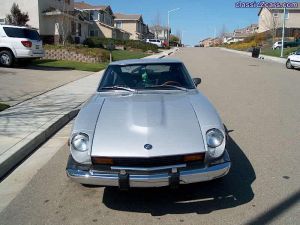
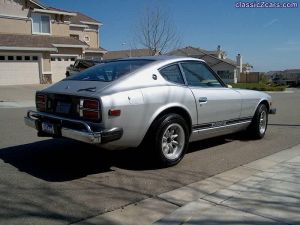
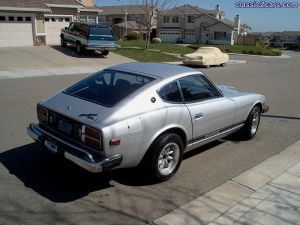
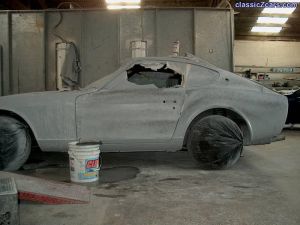
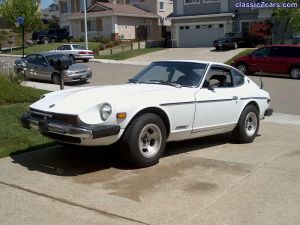
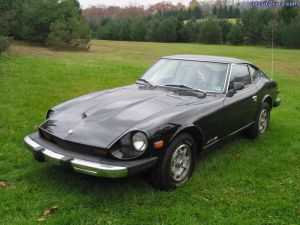 this was a fully restored 280 on sale on the internet.
 -
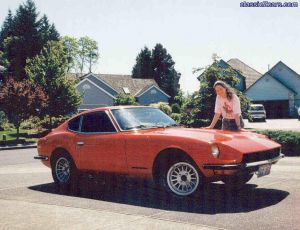
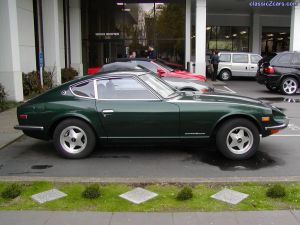 i found this 240 on the internet and immediately fell in love with it.
 -