Zrush
Community Member
-
Joined
-
Last visited
Everything posted by Zrush
-
-
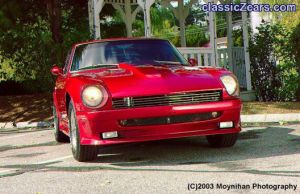
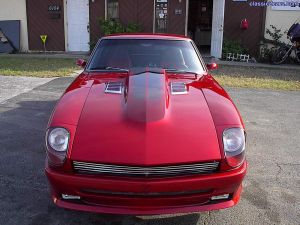 "Z" in the center of bumper also lit by L.E.D. lighting
 -
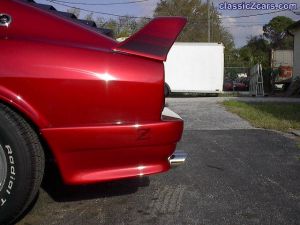 Custom Z side marker light flush mounted into aero kit with L.E.D. lighting
 -
-
-
-
-
-
-
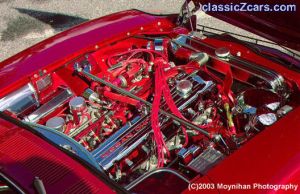
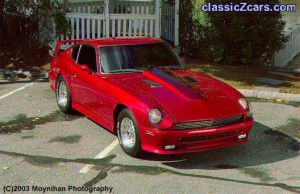
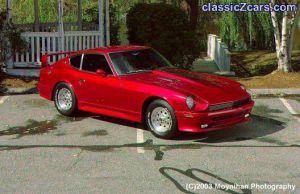
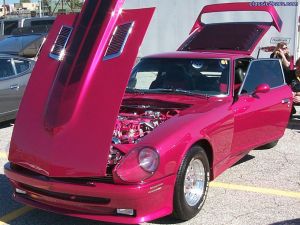
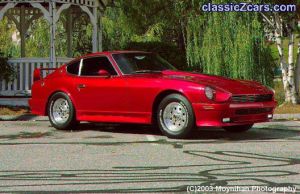 Photo taken at 2003 Z convention
 -
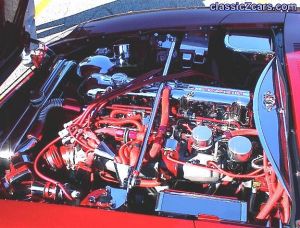
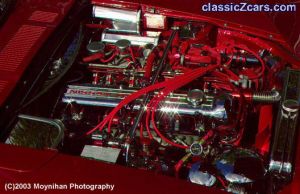
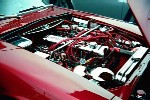
Does anybody know of a good dyno shop in the central Florida area. There used to be one in Tarpon Springs called Tune Tech but they're no longer in business. So many of the dyno shops in the Tampa Bay area are for "bench testing". Would really like a shop that knows Z's. The engine is ultra modfied with around 1300 miles on it. You think it needs more break in time before dyno testing? ZRush
-
My husband owns 3 Z's. One is a national title holder. Z cars are unibody autos (right?). Wouldn't cutting out that entire section of the car and replacing it breach the structural integrity of the car? I know 80's Z cars have t-tops but something must be done to the body somehow to strenghten the car. P.S. He would kill me if he knew I was takin' Z's 'cause I'm female...........but I love Z cars way to much to stay in the kitchen and cook or just hand him a ratchet. Wife of ZRush
-