
Mike
-
Joined
-
Last visited
Everything posted by Mike
-
I don't recommend using MP3's for DJ work. The bandwidth is too low and I can tell a big difference between CD's (1.2Mbps) and a MP3 (128k-192k usually). MP3's are fine for portable players and car stereo's, but, when you want to hear some high-quality music, nothing beats a true CD. That said, I believe the format of the directory structure does matter on some players. I would consult your user manual for the player you're working with. I know that I copied a bunch of MP3's to a CD and put them in my stock deck and it didn't work. The stock deck does have a "MP3" logo on the front, so, I know it supports them. Please post if you find something on this. I would like to know as well. -- Mike
-
Yea, I agree. The one showing the drivers side window is a pretty nice angle. I'll look at putting that up over the weekend.
-
Or, just go to his website: http://www.classicdatsun.com PLEASE tell Les Cannaday (owner) that you heard about his shop from our website.
-
How exactly is this Zcar related?
-
Hi Steve, I got those from a dealer about 8 years ago. You might be able to find them now. I'm sure they won't be cheap. Check around at the various dealers. A bit of advice, take the part number to the dealer when you go in. They usually don't have a lot of time to mess around looking for parts on the microfiche. SHAMELESS PLUG ALERT: You might want to pick up a copy of our microfiche CD to get the part numbers you need for your car. :nervous: Anyway, I bought the new stock ones because I didn't want to deal with my old grimey lines. I also didn't want to bend new aftermarket pipe. So, I spent the cash.
-
LOL Wow! Not even sure now..... LOL
-
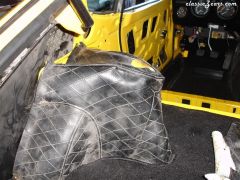
From the album: 1971 240z Jedi
Final assembly of the car in summer of 2006. -
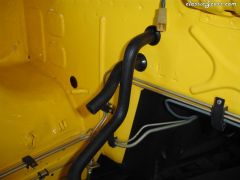
From the album: 1971 240z Jedi
Final assembly of the car in summer of 2006. -
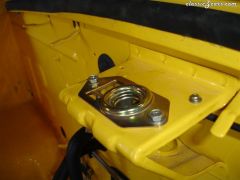
From the album: 1971 240z Jedi
Final assembly of the car in summer of 2006. -
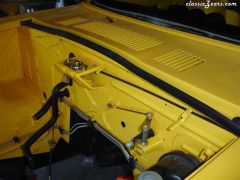
From the album: 1971 240z Jedi
Final assembly of the car in summer of 2006. -
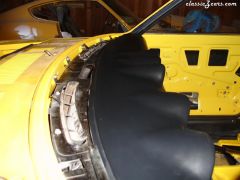
From the album: 1971 240z Jedi
Final assembly of the car in summer of 2006. -
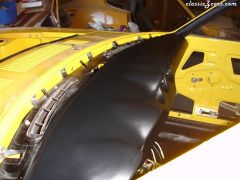
From the album: 1971 240z Jedi
Final assembly of the car in summer of 2006. -
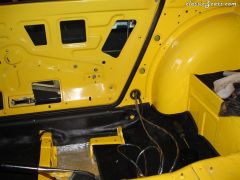
From the album: 1971 240z Jedi
Final assembly of the car in summer of 2006. -
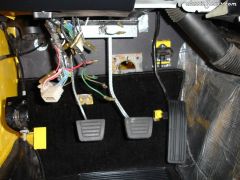
From the album: 1971 240z Jedi
Final assembly of the car in summer of 2006. -
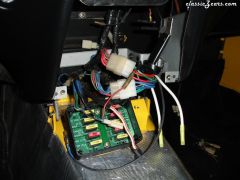
From the album: 1971 240z Jedi
Final assembly of the car in summer of 2006. -
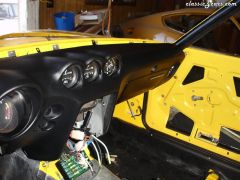
From the album: 1971 240z Jedi
Final assembly of the car in summer of 2006. -
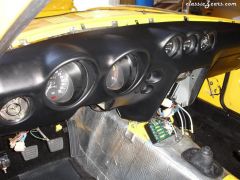
From the album: 1971 240z Jedi
Final assembly of the car in summer of 2006. -
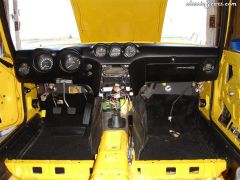
From the album: 1971 240z Jedi
Final assembly of the car in summer of 2006. -
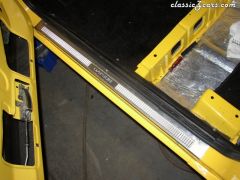
From the album: 1971 240z Jedi
Final assembly of the car in summer of 2006. -
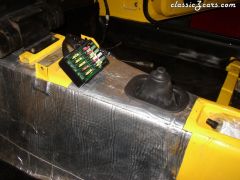
From the album: 1971 240z Jedi
Final assembly of the car in summer of 2006. -
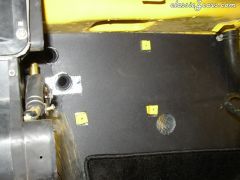
From the album: 1971 240z Jedi
Final assembly of the car in summer of 2006. -
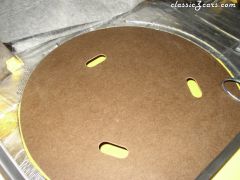
From the album: 1971 240z Jedi
Final assembly of the car in summer of 2006. -
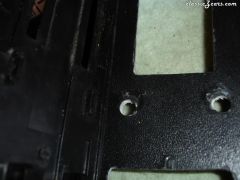
From the album: 1971 240z Jedi
Final assembly of the car in summer of 2006. -
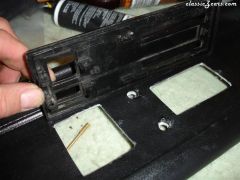
From the album: 1971 240z Jedi
Final assembly of the car in summer of 2006. -
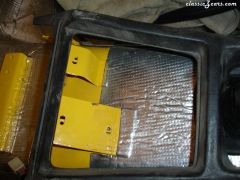
From the album: 1971 240z Jedi
Final assembly of the car in summer of 2006.