
hr369
Community Member
-
Joined
-
Last visited
Everything posted by hr369
-
-
-
-
-
-
-
-
-
-
-
-
-
-
-
-
-
-
-
-
-
before he slipped the rubber hose over the pipe he sprayed some 3m super adhesive on the aluminum a/c pipe for extra hold, then crimped the fitting
-
i got fed up with those cheap retrofit valves and took a bolt and some teflon tape and threaded it into the top of the retrofit valves. that stopped the leaks in their tracks. same thing with my carrier home a/c too.
-
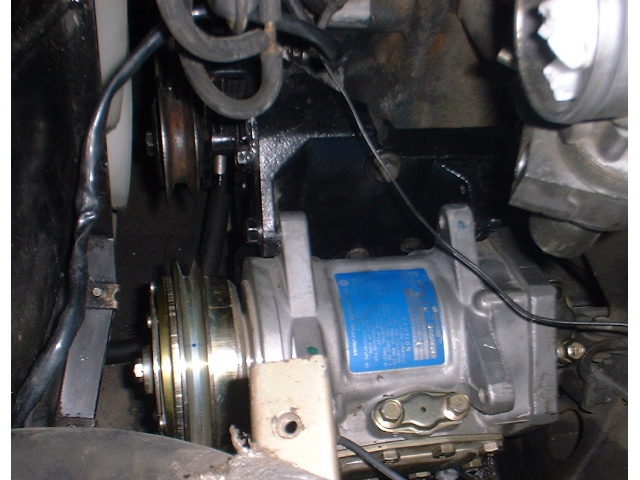
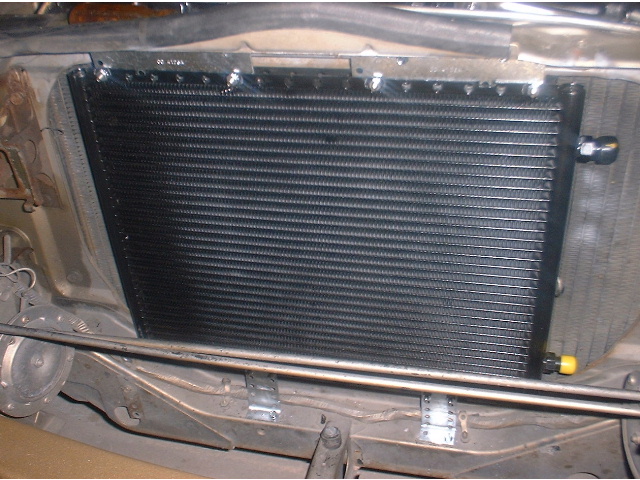
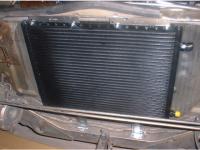
i don't own a 240 and am not sure what your crankshaft damper pulley looks like. did they install a double pulley for the frigidaire system? you should check to see if the damper pulley will line up with the a/c compressor pulley using the 280z compressor mount. you could put on a L28 damper if needed but thats more work and more expense. here is my setup. im using a zx mount and later model hitachi compressor with aftermarket condenser. this place sells a partial kit and it says it fits the 240 http://www.nostalgicairparts.com/air-conditioning/datsun-240z-260z-280z-compressor-upgrade-kit-623.php

-
can you close the back hatch to see if the gaps around the hatch are ok? this is a way you make sure the back half of the car is square.
-
get some r12 gauges on ebay first and check your pressures. all the can taps should be the same. hose to the a/c compressor fits the standard r12 hose. the problem with cheap can taps is that once you open the can you have to use all the refrigerant otherwise the freon leaks out over time.