


350ZGTO
Community Member
-
Joined
-
Last visited
-
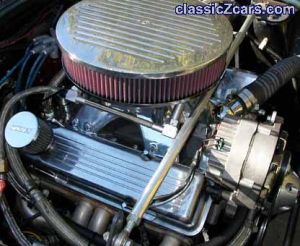
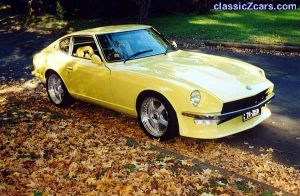
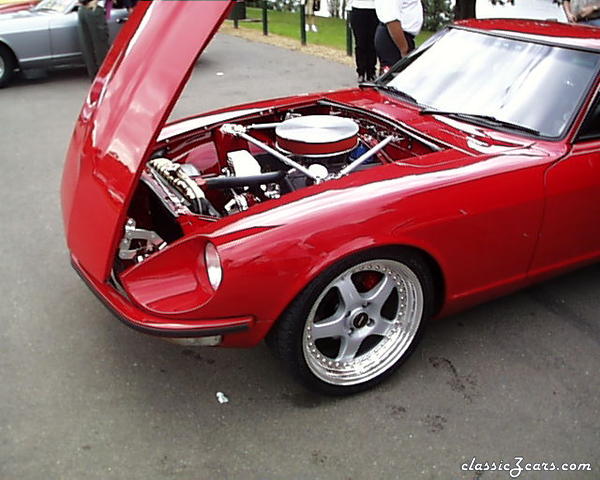
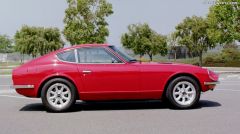 73 JTR hybrid conversion, 350 Chevy, Tremec, R-200, Quaiffe, 3:36, Wilwoods, Panasports, 6 point roll-bar, subframed. 3 year restoration
 -
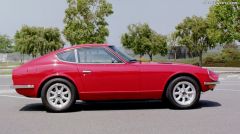 73 JTR hybrid conversion, 350 Chevy, Tremec, R-200, Quaiffe, 3:36, Wilwoods, Panasports, 6 point roll-bar, subframed. 3 year restoration
 -
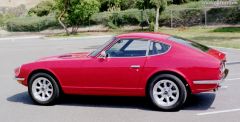 73 JTR hybrid conversion, 350 Chevy, Tremec, R-200, Quaiffe, 3:36, Wilwoods, Panasports, 6 point roll-bar, subframed. 3 year restoration
 -
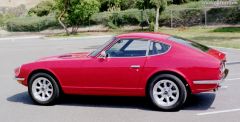 73 JTR hybrid conversion, 350 Chevy, Tremec, R-200, Quaiffe, 3:36, Wilwoods, Panasports, 6 point roll-bar, subframed. 3 year restoration
 -
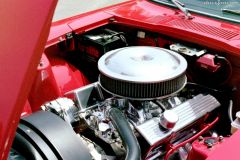 73 JTR hybrid conversion, 350 Chevy, Tremec, R-200, Quaiffe, 3:36, Wilwoods, Panasports, 6 point roll-bar, subframed. 3 year restoration
 -
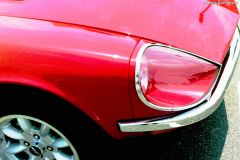 73 JTR hybrid conversion, 350 Chevy, Tremec, R-200, Quaiffe, 3:36, Wilwoods, Panasports, 6 point roll-bar, subframed. 3 year restoration
 -
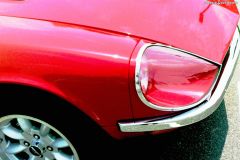 73 JTR hybrid conversion, 350 Chevy, Tremec, R-200, Quaiffe, 3:36, Wilwoods, Panasports, 6 point roll-bar, subframed. 3 year restoration
 -
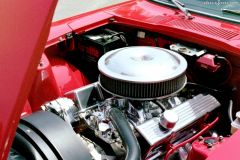 73 JTR hybrid conversion, 350 Chevy, Tremec, R-200, Quaiffe, 3:36, Wilwoods, Panasports, 6 point roll-bar, subframed. 3 year restoration
 -
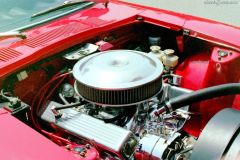 73 JTR hybrid conversion, 350 Chevy, Tremec, R-200, Quaiffe, 3:36, Wilwoods, Panasports, 6 point roll-bar, subframed. 3 year restoration
 -
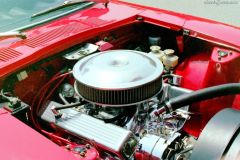 73 JTR hybrid conversion, 350 Chevy, Tremec, R-200, Quaiffe, 3:36, Wilwoods, Panasports, 6 point roll-bar, subframed. 3 year restoration
 -
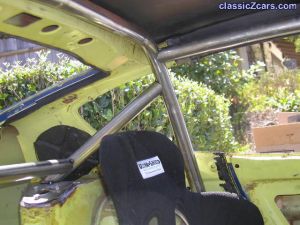 Nice going Ron
 -
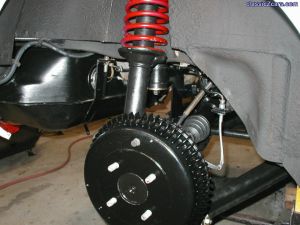 Very nice job
 -
 Great job well done
 -
 Fantastic workmanship
 -
 Fantasic job