catfish_wiskerz
Community Member
-
Joined
-
Last visited
Everything posted by catfish_wiskerz
-
 "E" Great shot of you and your son. Its great to see how dedicated you are to your son... and your Z. "We" need more men like you. Hit me back... Cat
 -
Dude, Just replace all... It definitely isnt good. Cat:beard
-
-
-
-
-
-
-
-
-
-
-
-
-
The water temperature sensor check is on terminal 13 and ground on a 75 280Z Cat :beard:
-
When I do a continuity check on the water temperature sensor circuit, I get a short initial continuity indication, but not a continuous indication like on the other circuits. The sensor appears to be working normal, but I wanted to check with everyone here to verify if they have experienced this type of electrical check on this circuit only. Cat :beard:
-
 Caught her... My wife stole my Z!!!
 -
 Caught her... My girlfriend stole my Z!!
 -
 Caught her... My girlfriend stole my Z!!
 -
 Caught her... My wife stole my Z!!
 -
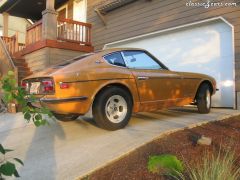 Fun, Nice 71! I though I was the only one who still appreciated the classy effect that the trim strips had on the Z’s. If you get a chance, check out my 75. Cat:beard:
 -
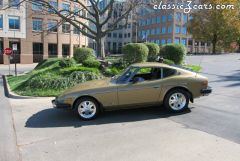
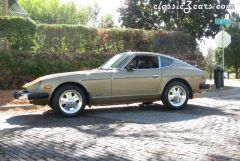
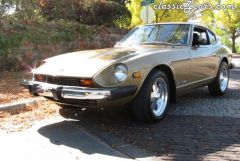
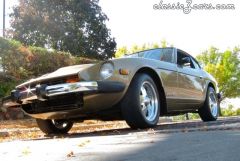
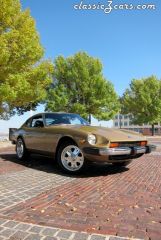
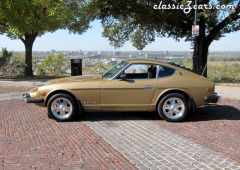
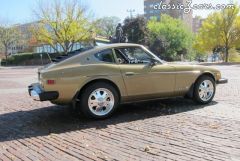
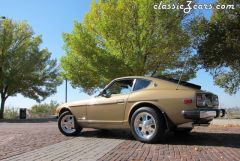
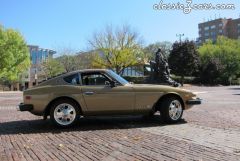
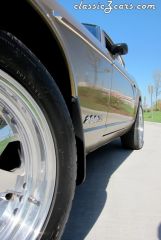
1975 280Z Cat :beard:
-
I think it comes down to what youre familiar with and whats available to buy. I didnt make it through all of the posts, but there has to be some value in having the first fuel injected of the Z cars (1975). Cat:beard:
-
Pretty good Mike!!!! I'd be one of Costcos best shoppers if the sold Z in bulk Cat:beard:
-
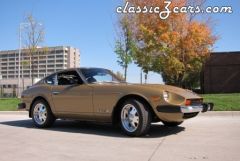
Hi all, Just came home from Costco and found a package which contained the new MSA 2007 Calendars. What surprised me is that my 1975 280Z is the January car!!! http://www.thezstore.com/page/TZS/PROD/MA11/50-2000 Maybe this means that 2007 is gonna be a better year for me than 2006!! Hope every one has a safe and happy New Year! Cat:beard: