


Rhonda Z
Community Member
-
Joined
-
Last visited
-
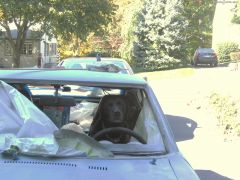 Love it..and so serious about neing behind the wheel of a Zed
 -
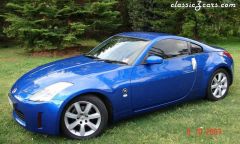 my new car 2003 model and i just love it and i am happy to own a zed again.
 -
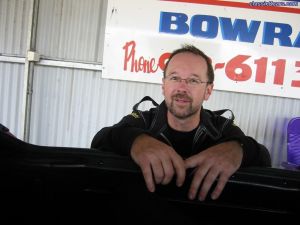 That was a great day
 -
I have just now driven past a red 280Z for the fourth time...poor car it is sitting at the side of the freeway...went past it sunday and it is still there today (tuesday)..its red and looks ok... It is situated about 3km south of the Picton exist...I live in OZ about 90km south of Sydney and the car is on the freeway that goes from Sydney to Melbourne...its not a very nice place to leave your car as they tend to disappear piece by piece over a short time.....
-
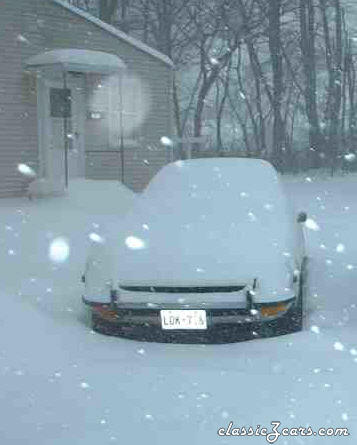 wish we were having that kind of snow here in Australia...apart from my love of the Z i love skiing
 -
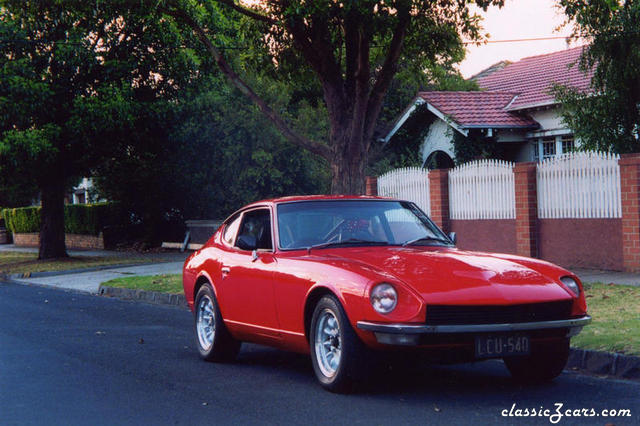 nice car
 -
"A 260Z 2+2 stars as the main character's car in teh movie "Crackerjack" - a recent Australian film..." This is a really good Aussie Movie and great to see the zed Rhonda Z
-
My 260Z '77 had KMH...dash was the same as 240 so you should be able to pick up one from a wrecker Rhonda Z
-
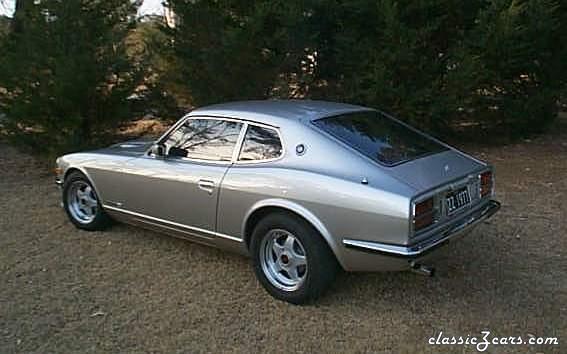 I bought a Skyline.. and I wasnt allowed to have them both. plus i have a motor bike as well and the rego ran out earlier this month, too many vehicles on the road :sad: thank u Gav for the rating
 -
 yes gav240z
 -
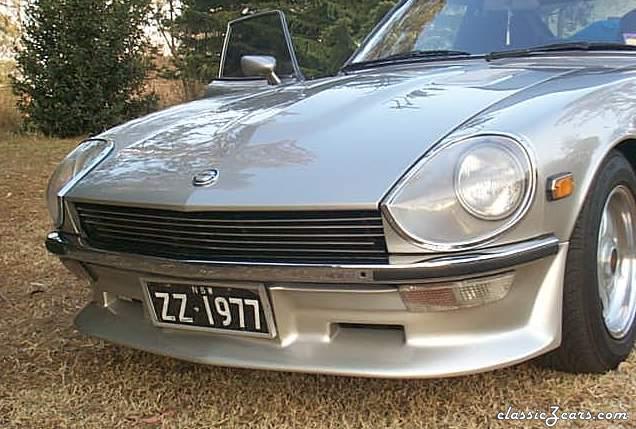 No didnt import them. They were on the car when I bought it. I thought they were one of those optional extras from when the car was new.
 -
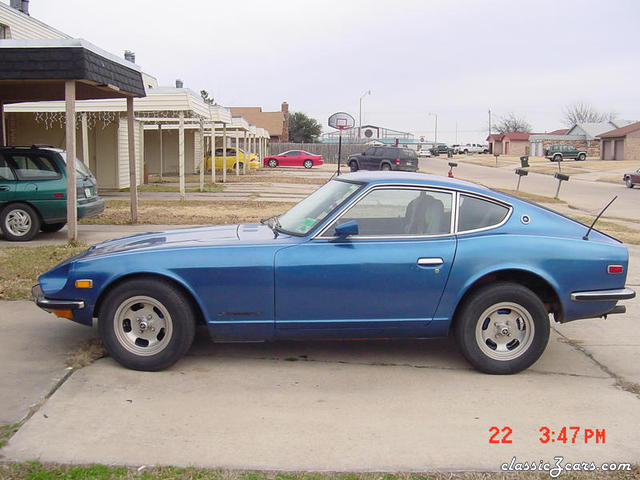 nice car
 -
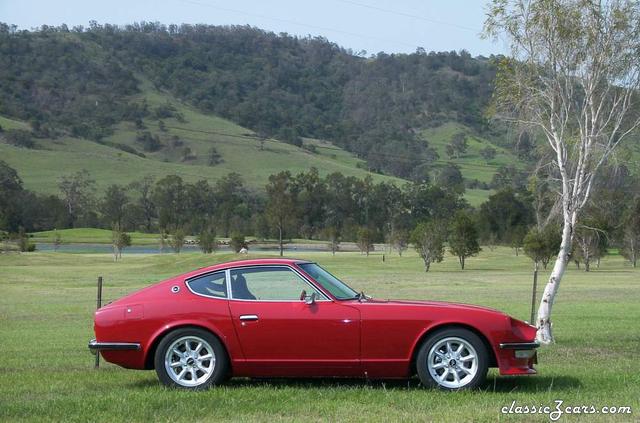 :wink: I agree definately a beautiful shot and a great car.
 -
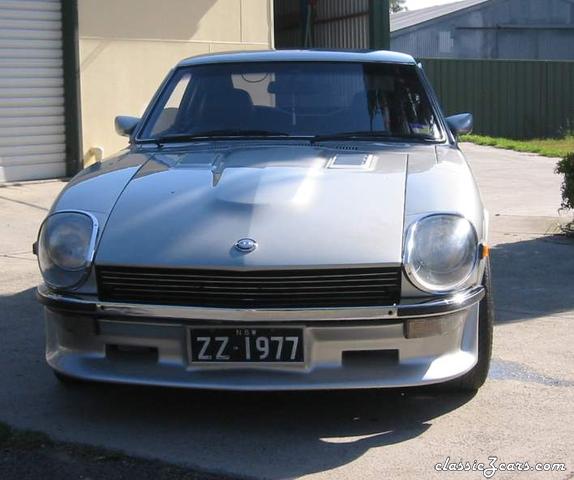 My car went to its new owner last night 24th Jan.
 -