


thorz
Community Member
-
Joined
-
Last visited
-
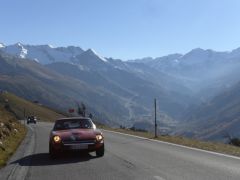 Mountain pass Austria Italy (Timmelsjoch)
 -
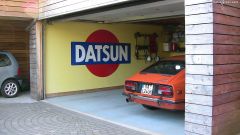 biggest Datsun logo in Europe?
 -
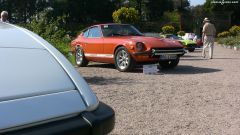 Datsun 240z, 1970 at Concours d'eleganza Schwetzingen, Germany; award for best design 1961 - 1970
 -
 Datsun 240z, 1970 at Concours d'eleganza Schwetzingen, Germany; award for best design 1961 - 1970
 -
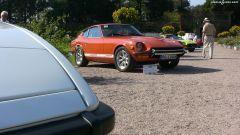 Datsun 240z, 1970 at Concours d'eleganza Schwetzingen, Germany; award for best design 1961 - 1970
 -
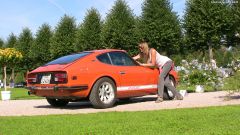 Datsun 240z, 1970 at Concours d'eleganza Schwetzingen, Germany; award for best design 1961 - 1970
 -
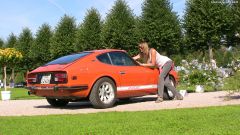 Datsun 240z, 1970 at Concours d'eleganza Schwetzingen, Germany; award for best design 1961 - 1970
 -
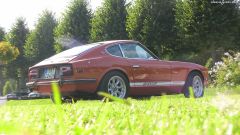 Datsun 240z, 1970 at Concours d'eleganza Schwetzingen, Germany; award for best design 1961 - 1970
 -
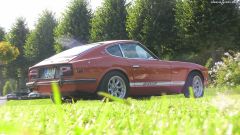 Datsun 240z, 1970 at Concours d'eleganza Schwetzingen, Germany; award for best design 1961 - 1970
 -
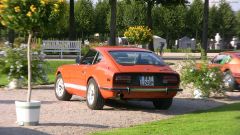 Datsun 240z, 1970 at Concours d'eleganza Schwetzingen, Germany; award for best design 1961 - 1970
 -
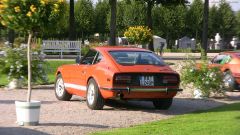 Datsun 240z, 1970 at Concours d'eleganza Schwetzingen, Germany; award for best design 1961 - 1970
 -
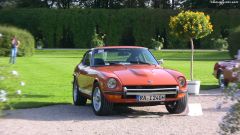 Datsun 240z, 1970 at Concours d'eleganza Schwetzingen, Germany; award for best design 1961 - 1970
 -
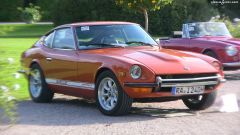 Datsun 240z, 1970 at Concours d'eleganza Schwetzingen, Germany; award for best design 1961 - 1970
 -
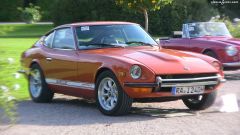 Datsun 240z, 1970 at Concours d'eleganza Schwetzingen, Germany; award for best design 1961 - 1970
 -
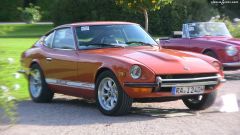 Datsun 240z, 1970 at Concours d'eleganza Schwetzingen, Germany; award for best design 1961 - 1970