billcapp
Community Member
-
Joined
-
Last visited
Everything posted by billcapp
-
-
 Are Aussies prone to poor sight? My gosh, what big license plate numbers!!!!!!!!!
-
A roo stuck under your tire?....seriously you never said when it makes the noise....
-
Real cute 2 many..but I still get quite a chuckle from them.....
-
 No...it's about 100 miles away.
-
 A really nice detail job...must have taken lots of hours.
-
 Isaac, What are the wheels you have and size of tire? They look great
-
 right rear quarter shot; note the defroster lines - vertical
-
-
Look in my gallery to see if that's the part you are talking about.
-
Yyour best bet would be a junk yard. Are you talking about the large clip that is under the metal ring? If so, it's odd it broke.
-
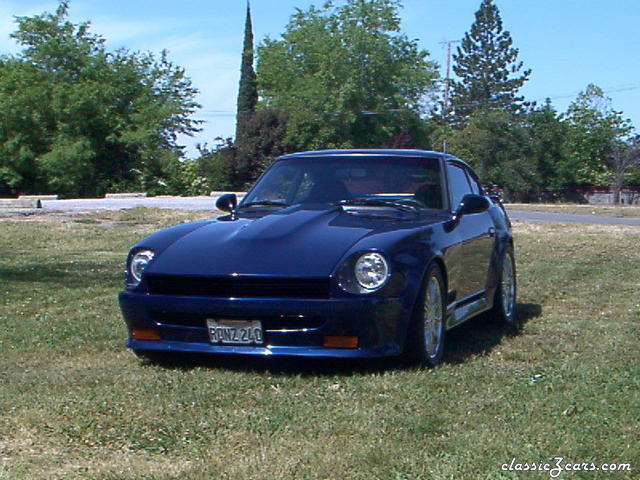
 This shot shows off the metallic paint!
-
 Steering wheel needs refinishing and paint.
-
 This is the passenger side.
-
 This is the back of the horn button showing the cracking.
-
 this is my horn button removed
-
 This is one fine detail job on the engine compartment.
-
-
 I can't believe all the nice paint on the engine and then leave the coil and brake booster the way they are!
-
m240 the paint not peeling is normally a function of the preparation done to the old paint. If the paint under the new paint is in poor shape and already peeling, without removing all of it, your new paint will just do the same. It's not the problem with the new paint, but still the problem with the old paint. My car has been painted over two old paint jobs but it has never peeled or flaked off because the prep work was done properly. One of the other members, perhaps mperdue or hmsports could enlighten you more. In my case I would not paint over the three already on the body but rather strip it and start over again.
-
-
-
 Pix always look better when there is not a lot of clutter in them.
-

-
DUUUUH!!!! Guess I should look around first...just saw it in the upper left corner. Sorry Mike Bill