Community News - Classic Z Car Club Skip to content
  • Entries

    7
  • Comments

    0
  • Views

    83348

About this blog

Website and relevant news

Entries in this blog

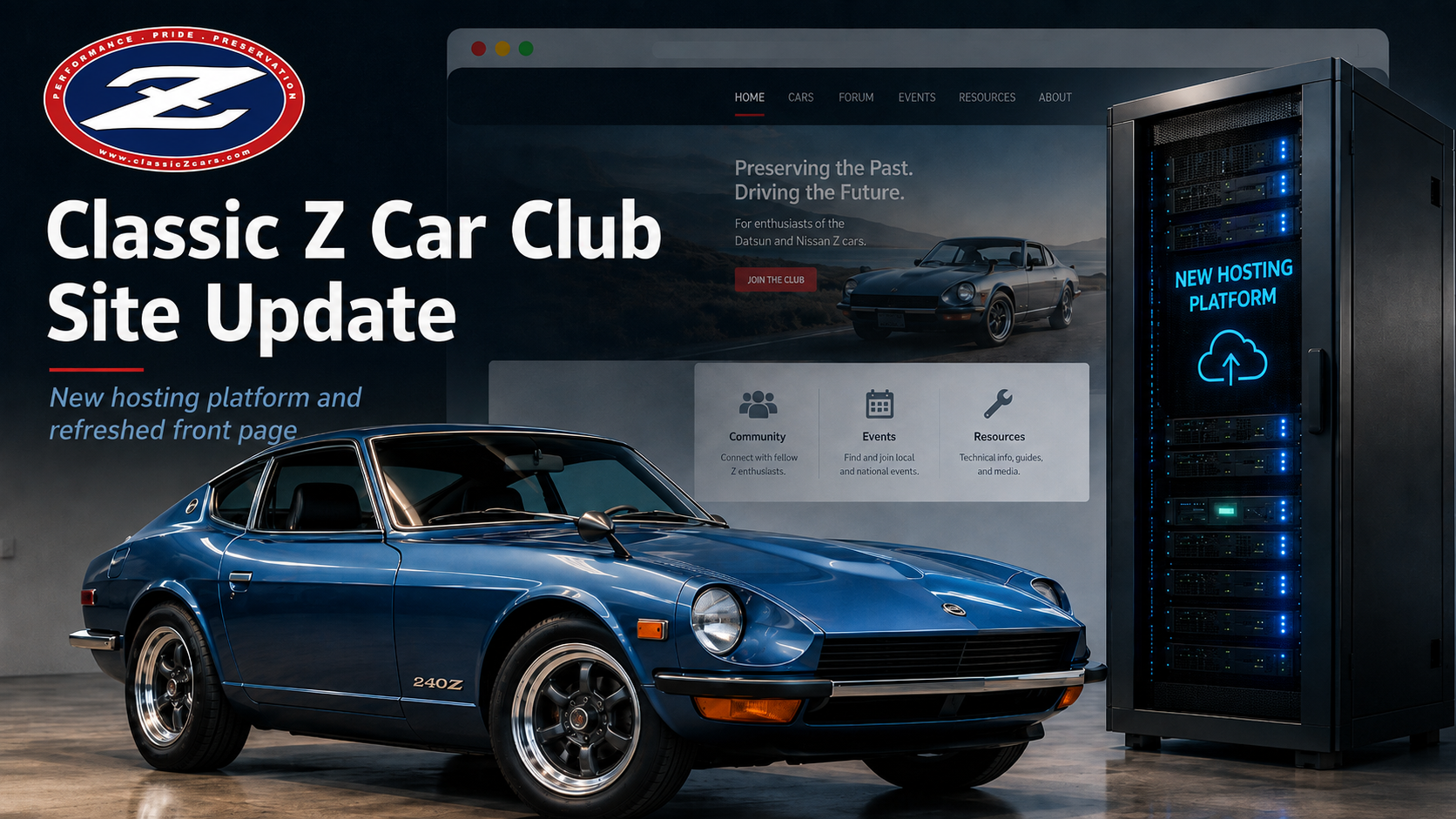
Classic Z Car Club Hosting & Homepage Update We’ve recently completed a few important upgrades to ClassicZCars.com. First, the site has been moved to a new hosting platform, helping us significantly reduce ongoing server expenses while maintaining the performance and reliability needed to support the community. We’ve also refreshed the front page with a more modern layout and improved content presentation. As part of that update, the large advertisement that previously appeared at the very t
I’ve received a few reports about issues with our downloads section, so I took some time this morning to investigate. It turns out there was a permissions problem affecting access. The good news: this has now been fixed, and access to the downloads area has been fully restored. To avoid any confusion, here’s a quick reminder of how download access works: Guest Members – No access New Members – Up to 2 downloads per day Community Members – Full access Subscribing Members – Full access Moving
Exciting News: Welcome to the Next Chapter of The Classic Zcar Community! Greetings, Z enthusiasts! I’m thrilled to introduce you to the refreshed and revitalized Classic Zcar Community—the next evolution of the space we’ve all cherished for the past 30 years. While we may have a new name, our mission remains the same: to bring together passionate Z-car owners, restorers, and fans from around the world. This update isn’t just about a fresh look—it’s about embracing new technology while preservin

Account

Navigation

Search

Search

Configure browser push notifications

Chrome (Android)
  1. Tap the lock icon next to the address bar.
  2. Tap Permissions → Notifications.
  3. Adjust your preference.
Chrome (Desktop)
  1. Click the padlock icon in the address bar.
  2. Select Site settings.
  3. Find Notifications and adjust your preference.