


TIX
Community Member
-
Joined
-
Last visited
-
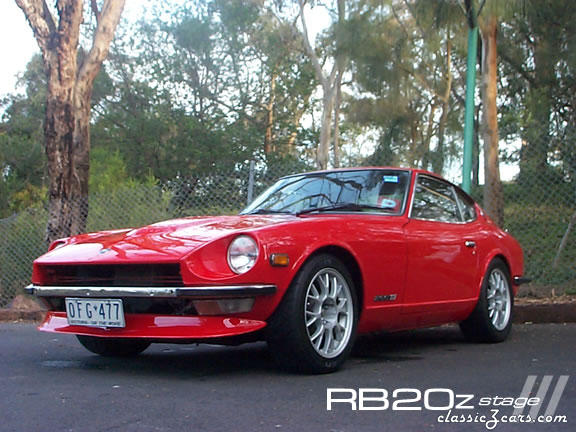 Agressive look....I like it!
 -
-
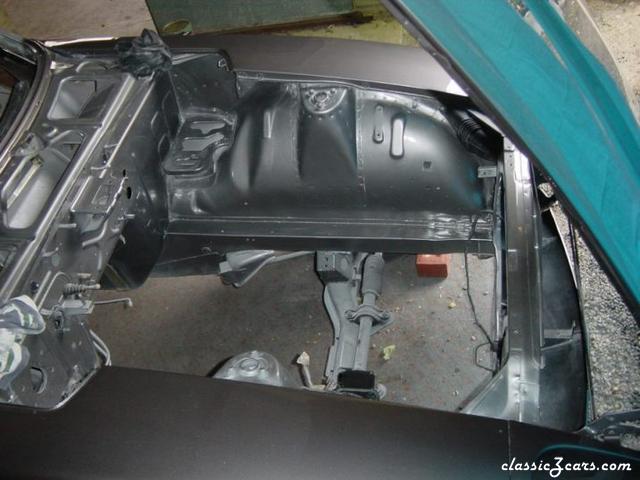 Ah yes .....we do take our Z,s serious. Lotta work done here. Top job.
 -
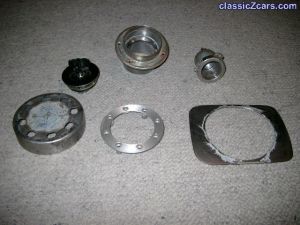 Modifying a universal aftermarket motorcycle fuel cap....is a hard way to go. The curve of the body presents problems. I also had to make an unleaded insert to pass A.D.R..I think next time I ll spend the money and buy one made for cars.
 -
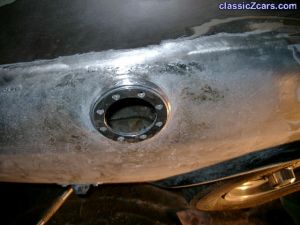 I cant deny...It was hard ( for me) I went psycho in the overkill department . this aftermarket universal bike cap is not a good way to go.For a start the inner seal is off centre and makes it difficult. I think for a couple of hundred, car ones can be purchased.Ill download more pics of project to show how much time I waste. In the end I guess it was cheap.
 -
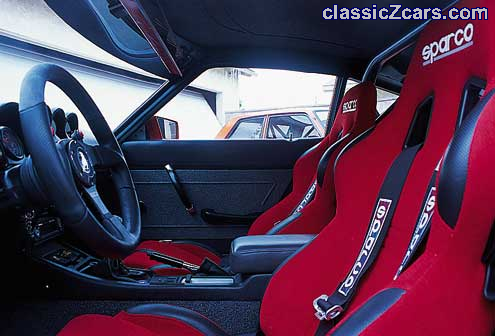 Somthing about a set of nice new sports seats in an old Z. Nice.......
 -
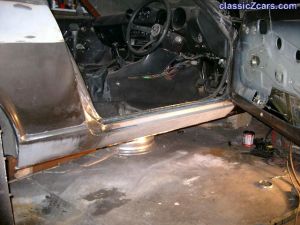 It wasnt easy ....but the next one will be. learning...learning ......
 -
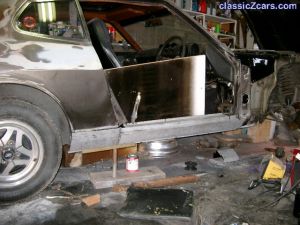 Never attemted this before.Oh well....one more to go.
 -
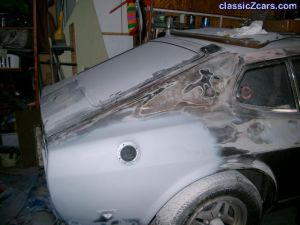 Was a lot harder than anticipated. Im not the greatest mig welder.
 -
I had to remove rust....I thought....Why not...whatever!
-
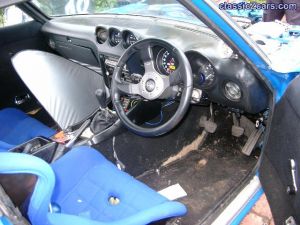 Nice Velo sports seats, Momo wheel & FR17 Simmons. Pity they didnt come with the purchase.
 -
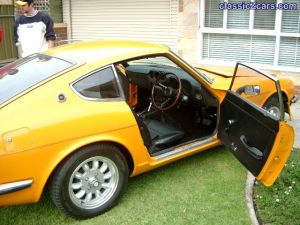 I was invited to have a look at car because of my interest in fiberglass panels.Found out ...the car is for sale.
 -
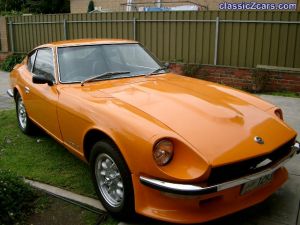 Hmmmmm. sweeeeet....but not mine. This ones currently for sale in Adelaide.
 -
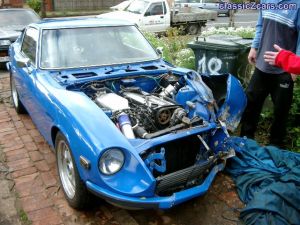 Can be rebuilt so they tell me Gav. Just need some of that green stuff which is so hard to come by.
 -
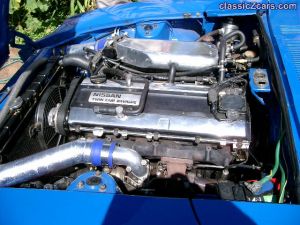 Yeah Gav...all the hard work has been done