
Racer X
Community Member
-
Joined
-
Last visited
Everything posted by Racer X
-
-
-
-
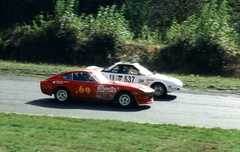
From the album: Racer's Z Cars
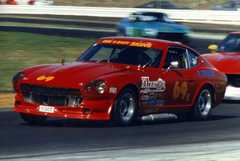
Lapping an MR2 during the race. -
-
-
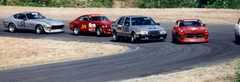
From the album: Racer's Z Cars
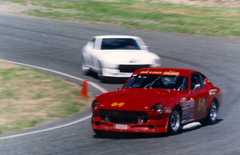
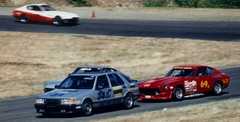
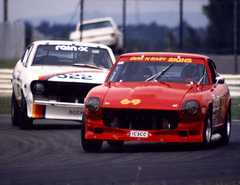
The guy in the SAAB had a 2000 Roadster, which he sold to someone who shipped it to Japan. He had the SAAB as a daily driver, put a cage in it and then gave us fits. He was very fast and a great race driver. -
-
-
-
-
-
-
-
-
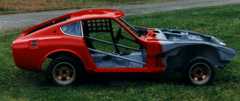
From the album: Racer's Z Cars
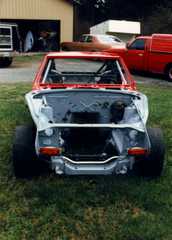
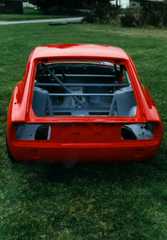
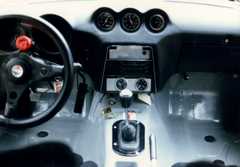
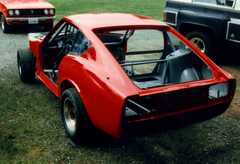
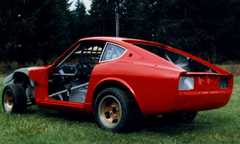
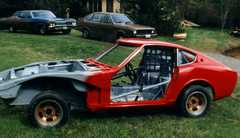
New full cage, chassis fully stripped, cleaned and painted, ready for installation of engine, tranny, etc. -
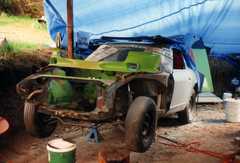
From the album: Racer's Z Cars
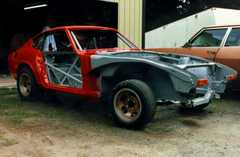
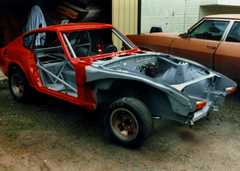
The Clown Car getting ready for a total makeover. -
-
-
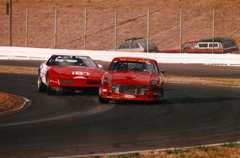
From the album: Racer's Z Cars
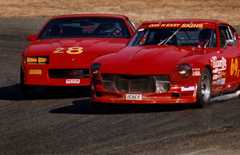
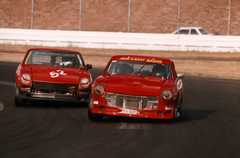
The guy in the 'Vette wasn't in my class, and clearly had a faster car. All season long that guy was in my way. Fast down the straights, then tiptoe through the corners. Anyone can go fast in a straight line. Real racers go fast everywhere. -
-
-
-
-