inZane240
Community Member
-
Joined
-
Last visited
-
Excellent thread. Lots of great transformations.

-
You are a very lucky man. Great find! Update your blog!
-
There's some baselines towards the beginning of this thread that might prove useful: http://www.classiczcars.com/forums/showthread.php?t=37116
-
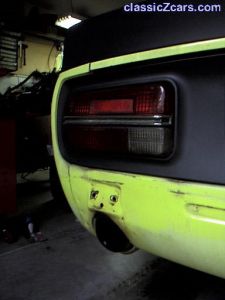 It's a street car.
 -
This is just what I was looking for! Thanks!
-
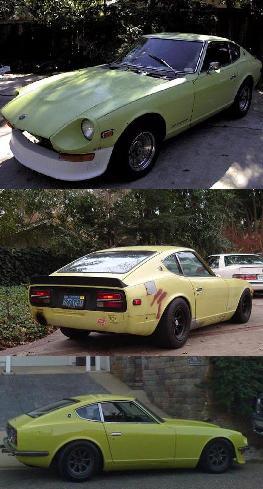
BRE spoiler, flush exhaust, stock(crappy) paint
-
-
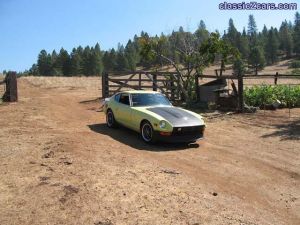 On my ranch near Valcano, California
 -
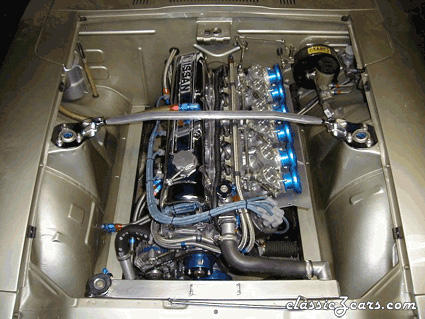 http://www5a.biglobe.ne.jp/~satotats/zhp/
 -
-
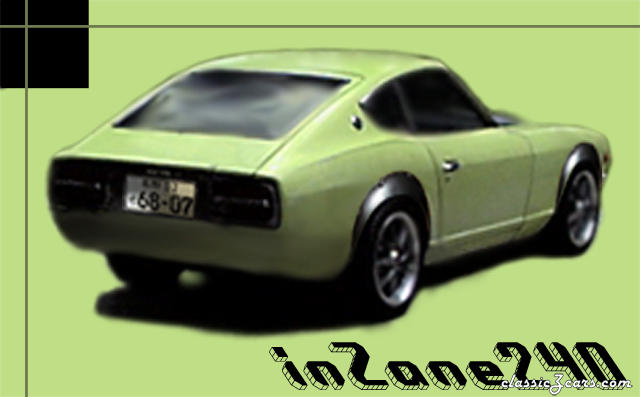 Anime/Wangan look with my car as subject.