James Salvato
Community Member
-
Joined
-
Last visited
Everything posted by James Salvato
-
-
-
-
-
Never new how tuff you guys could be on someone who does not have your opinion.Live and let live.
-
-
 Santa Fe-New Mexico-usa
 -
-
-
-
-
2 and a half is what all say is the best for a nice exhaust.I run 3 inch and feel i am losing some bottom end power.Car still seems fast but some local z thugs told me i am leaving power on the table with my set up.It was a turbo car before but running su setup now.James Salvato Santa Fe New Mexico usa....
-
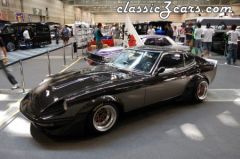
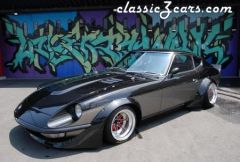
I know that the hardcore traditionalists will never understand the mod scene with a 70s z.You like it stock(and slow)...I love a true clean vintage all original s30,s and respect that.I am sort of a traditionalist and would allways keep it nissan.This v8 car breaks all the rules but i still respect the hours this guy put in his zcar.I would take his car over any original z i have seen.Believe me I have seen some clean s30s.At least he is in the running.Give em a break.
-
You have got to be kidding me.You got my vote.You have to understand that we are a very special and exclusive part or vintage car culture.Even if yu update your ride(like i have and will )its still a datsun.you go boooyyyyy!!!!
-
-
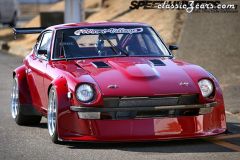
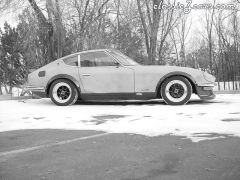
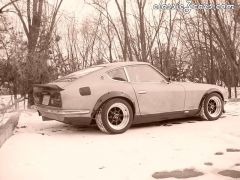
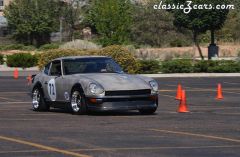
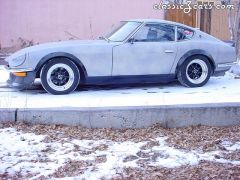
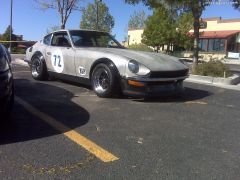 s30 1972 z scca santa fe new mexico 2009
 -
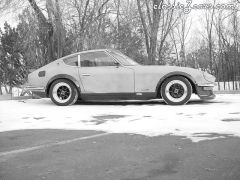
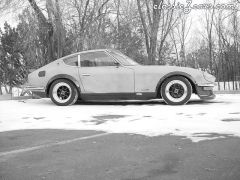
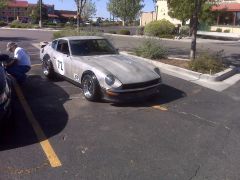 s30 1972 z scca santa fe new mexico 2009
 -
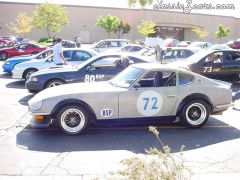 santa fe new mexico rgrscca autocross
 -
-
-
-
-
-
-