rxsleeper
Community Member
-
Joined
-
Last visited
Everything posted by rxsleeper
-
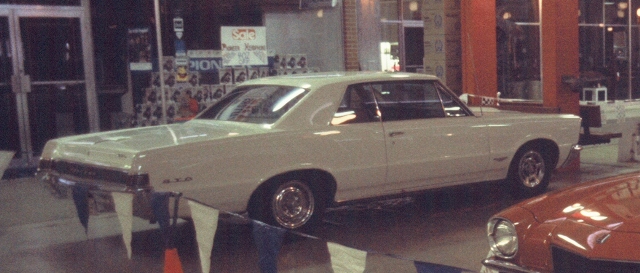
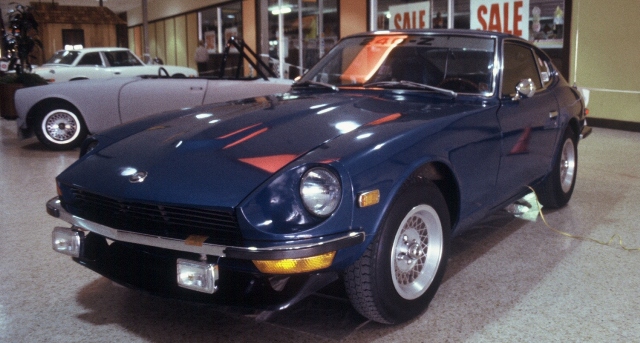
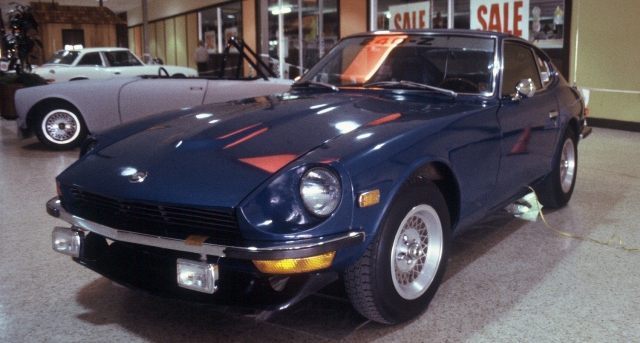
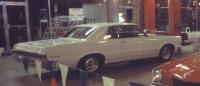
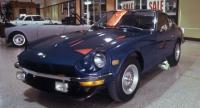
As a newb I thought I would chirp in here. 1st car was a '64 Rambler American 4T. Not a very sexy car. For my second it was a '65 GTO seen below and the 3rd was a '71 240z
-
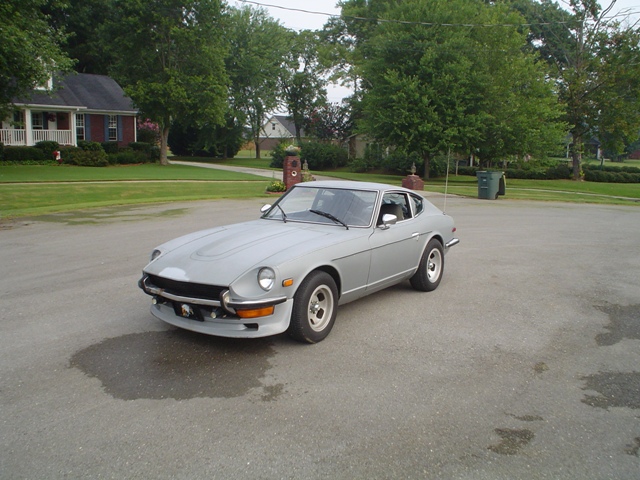
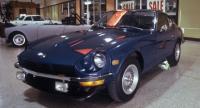
Sorry about the delay in response, work got in the way. Overall the car is in very good condition. my plan is to disassemble, fix the battery box area and pasenger floorpan/frame rail. Then do the rest of the car slowly. I hope to make it a very fun street car. Only some mild improvements in suspension and engine. Here is a picture of another Z I owned long ago:
-
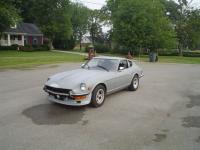
Just a quick Hello I have lurked here for a while. I bought a 1970 build date series I car to resotre earlier this year. See my post in the vin thread for more details.
-
Greetings to all. I have been lurking here for a while. I have just finished reading this thread and thought I would chime in about Z's I have owned and currently own. HLS30 00999, 1970, Red with Blk interior. Don't remember the build date. I was the 2nd owner and it was purchased/resided in North Alabama. It was built into a Pro-Rally competition vehicle and I bought it for parts after it went on it's roof before it hit the tree in Michigan in 1974. HLS30 22508, 2/71 build date. Dark Blue with Blue Interior. I built this car into a street/autox machine in the mid 70's. Sold it to a local car club member who supposedly went racing with it. Anybody seen it? HLS30 17954, 12/70 build date. Silver with Blk interior. I bought the car several months ago to restore. I drove it home, but it needs work. Only rust is the battery box/firewall area with a few bubbles in the doglegs. I have papers from early 72 until today on the car. It was orginally sold in Cali and then came east after about 10 years. Please add these into the database. Paul