nismospek
Community Member
-
Joined
-
Last visited
-
I want to thank everyone for the help, I was able to fix it. My rack wasn't completely grounded. Special thanks to Hotsho111 who suggested checking out the coupler for ground. I grounded that and then kept working my way up to shaft to see where I could no longer fix a ground. I tried drilling a hole for a tap but the metal was too soft and just kept crumbling. I ended up just running a self tapper to the ground near the vent pull.
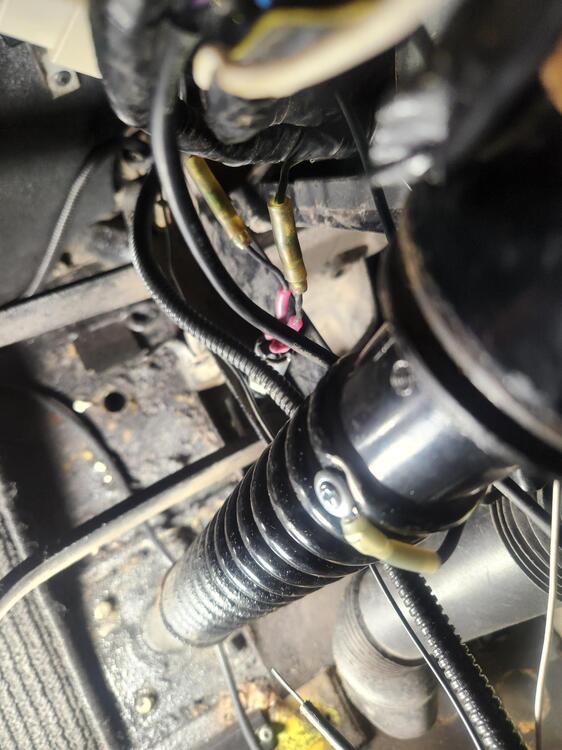
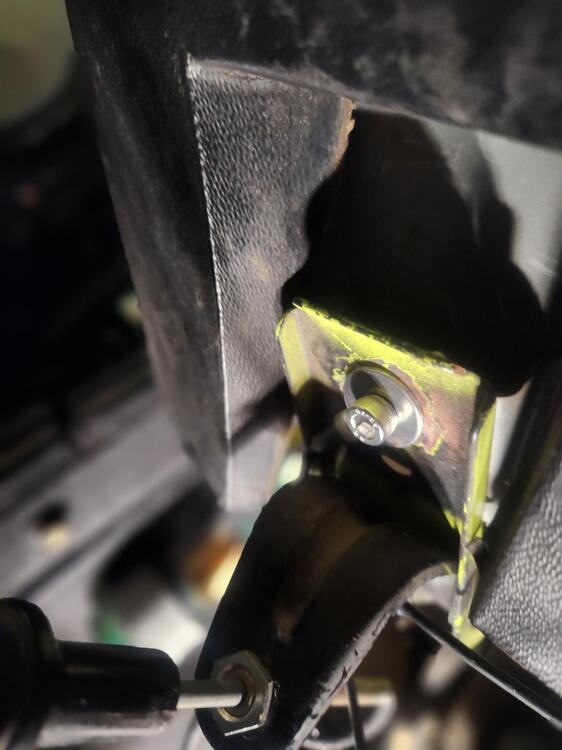
-
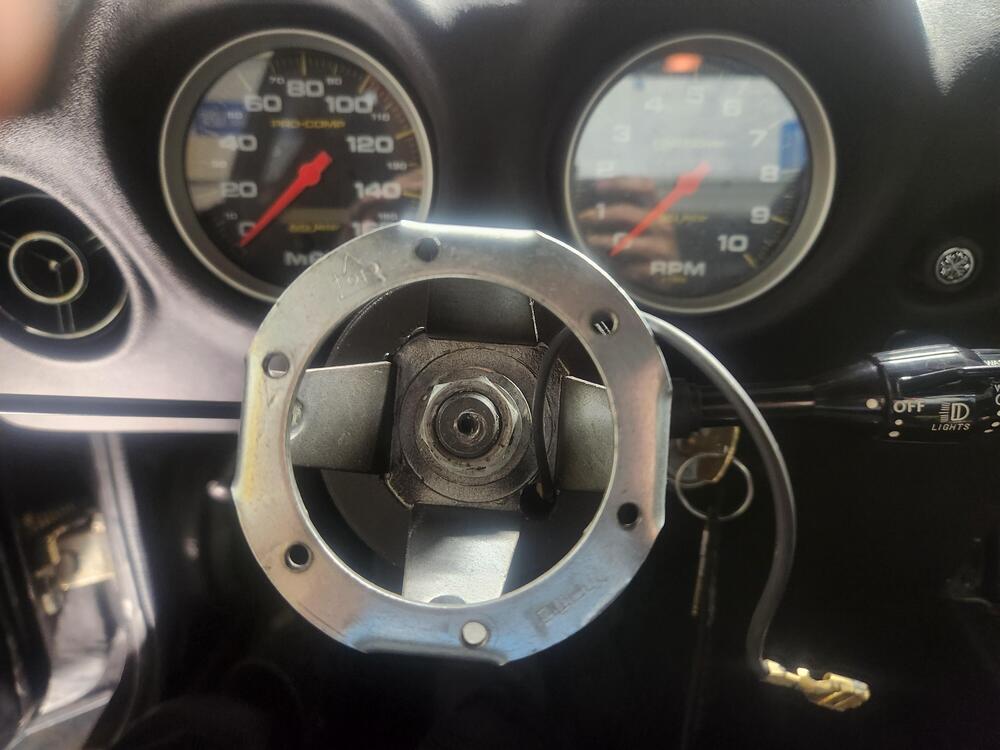
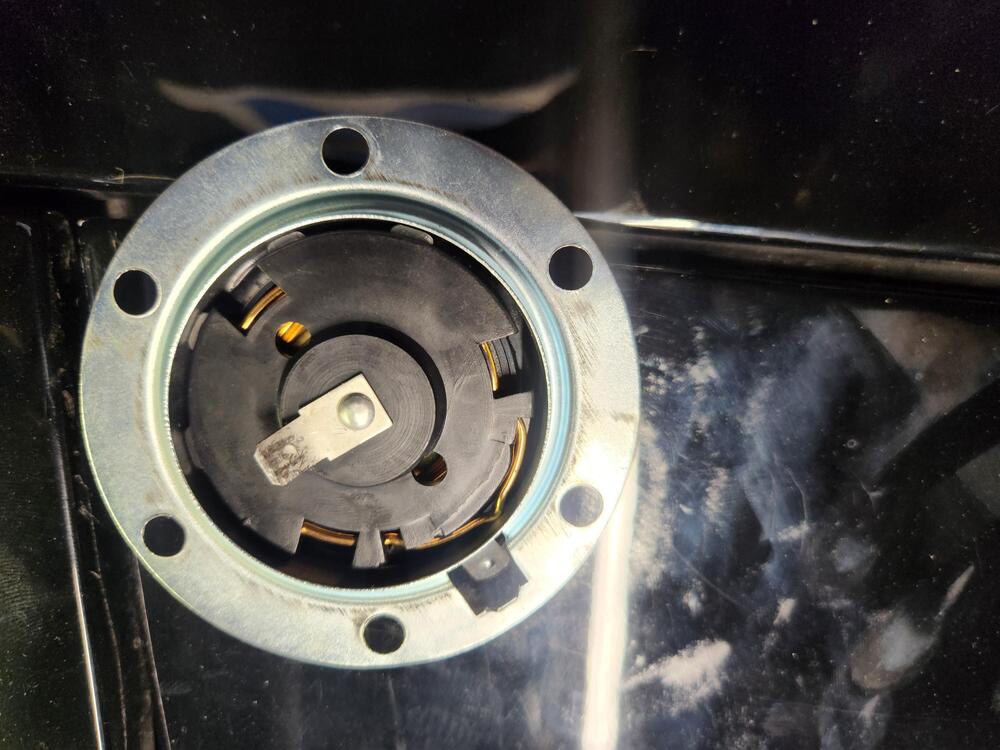
I removed the hub, cleaned the contacts and the back of the hub. When I ground the wire coming out of the hub the horn goes off. I thought the Green Black wire was the one grounding the hub? I don't know how I would go about finding another ground to add to make it work. Is the steering rod supposed to be grounded?
-
Yeah, its making contact. I am going to remove the hub and inspect it. I want to make sure there isn't a protective film over the back of the hub. When I tested that little arm, it was showing 12 volts so it should be grounding the hub. I have owned this Z for over a decade and the horns never worked, it had other wiring issues so I never messed with it. Sadly back then I didn't know alot about cars so most of the work was done by a shop. I have been looking at videos and most setups are using a modern horn that has two connections on the back. There are two connections, one from the hub and the other from the ring adapter that connect. Mine only has 1 connection on the horn button.
-
Okay got some progress, I can now verify that the problem is at the horn button/ hub side. When I ground the wire coming from the hub the horn sounds. The hub comes with a metal ring where the horn wire can attach but nothing happens when I press the horn.
-
Thanks, I was able to test that and found out my horn was bad. I bought an aftermarket one and the horn works using that method. Now I need to find out why the Green Black wire is not sending the ground signal. Any ideas on how to test that side?
-
Good afternoon everyone, would like to get some help in getting my horn to work. I have an aftermarket momo hub and horn button. I have tested the turn signal switch part that touches the back of the hub and it shows 12V. I have the oem relay and an aftermarket one. I have tested both with a powersupply and both click with 12V. The Green Red wire that comes from the fuse panel shows 12V. The Green Black wire that comes from the switch doesn't show anything. The Green wire that goes to the horn doesn't show anything either. I saw that someone else ran into a similar problem, so I ran a ground from the steering rack mount holes to vent opener which seems to be part of the chassis. Am I suppose see 12V on the Green Black wire also? Are there any other tests I can do?
-
View Advert WTB Door Glass bumper Looking for door glass bumper L and R for a 240Z. Advertiser nismospek Date 06/15/2020 Price Category Parts Wanted Year 0 Model 1973 240Z
-
-
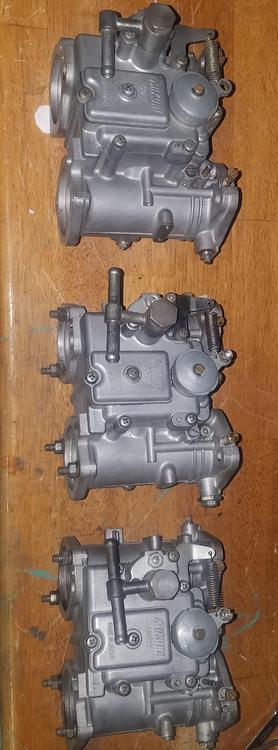
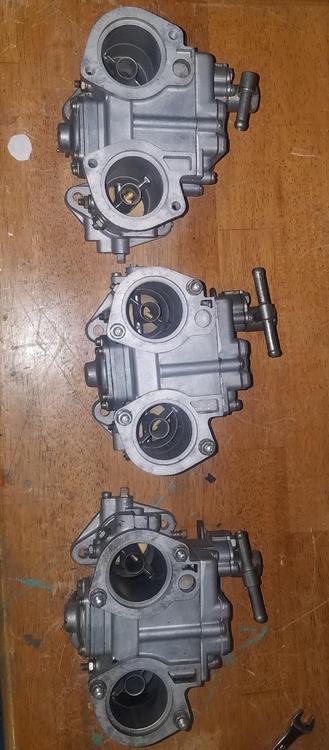
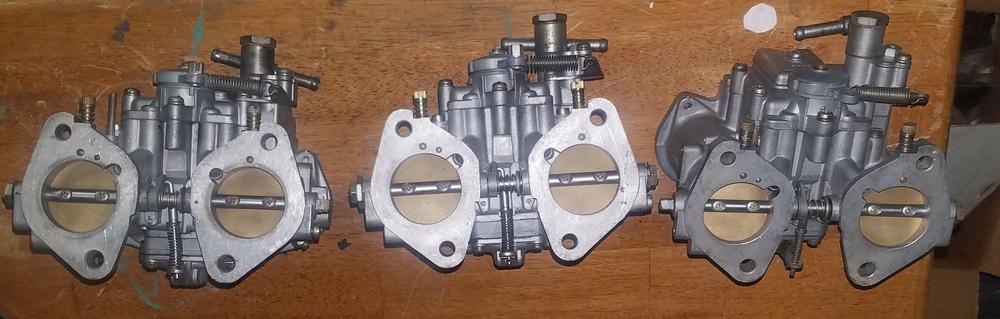
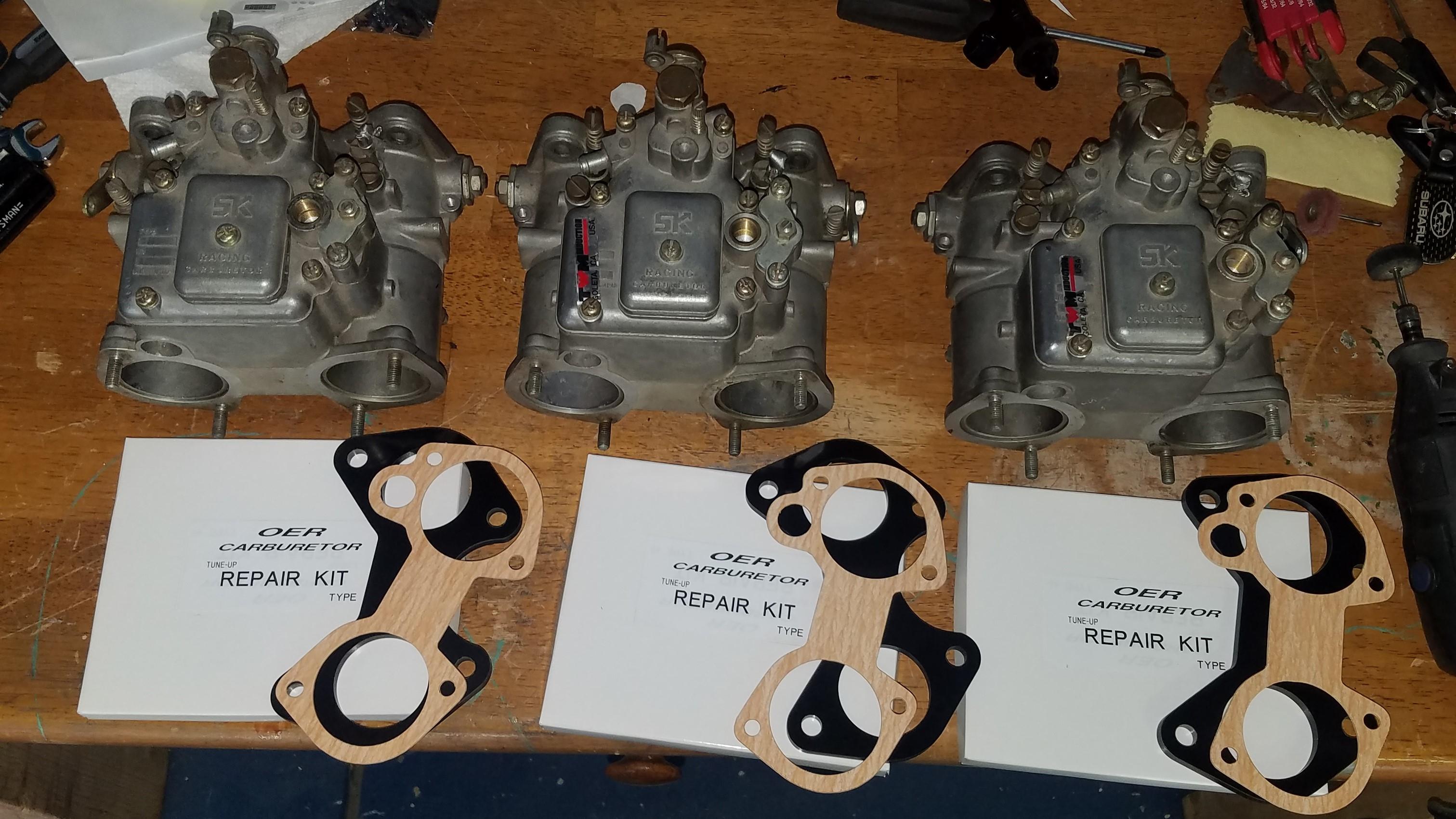
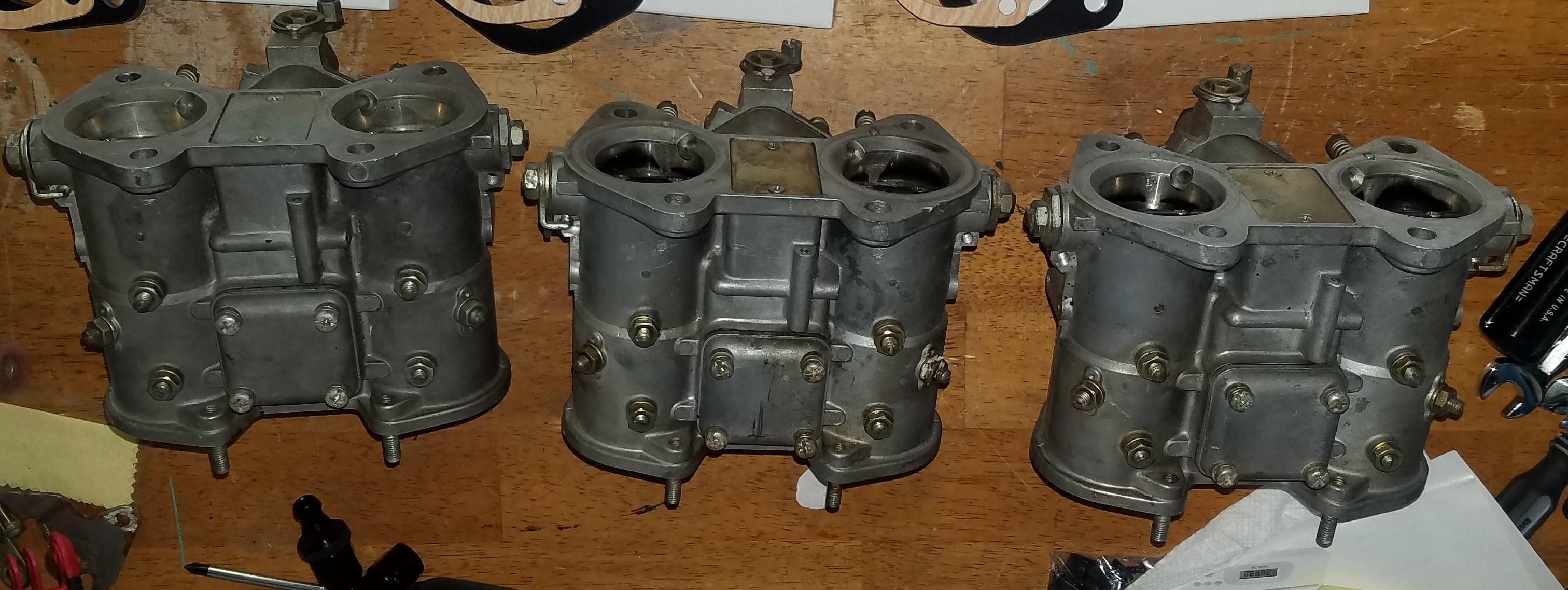
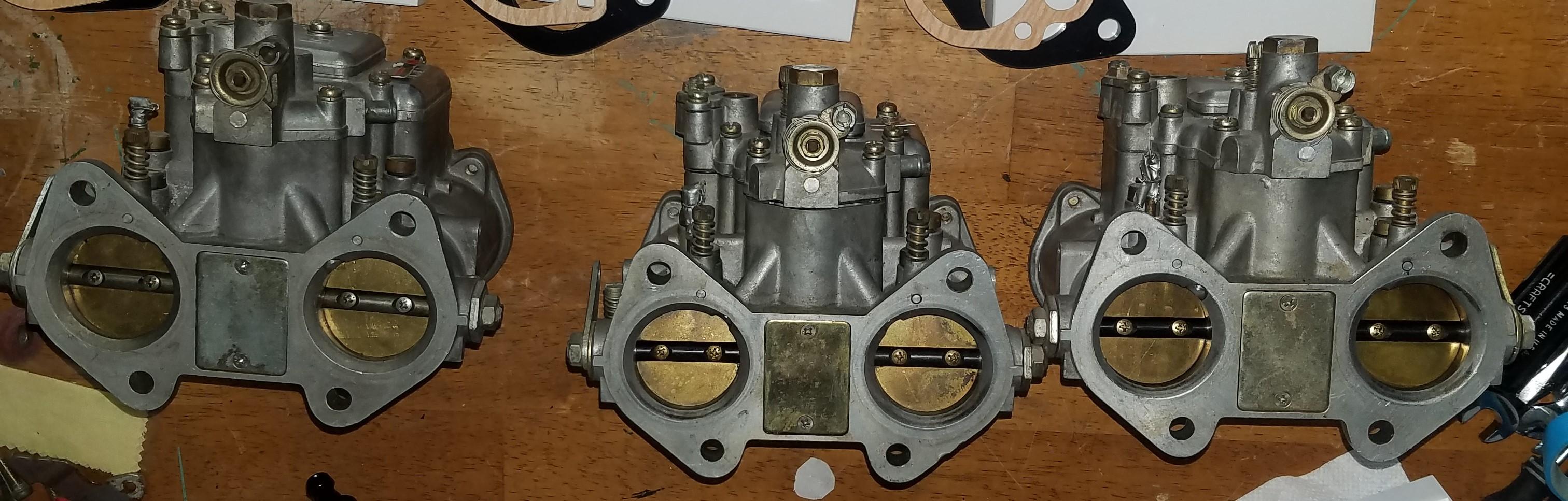
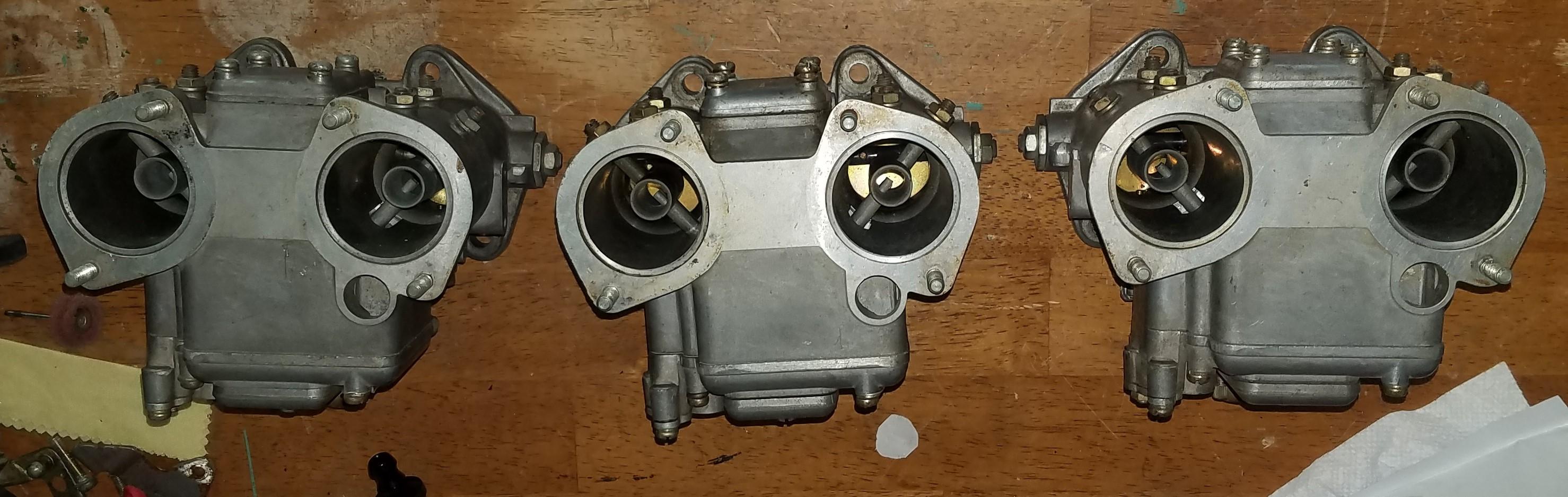
These are still available for sale. Need them gone so I can go ITB. Willing to let them go for 700 shipped CONUS.
-
-
-
I just saw your wanted ad on craigslist. Ill give you a call.
-
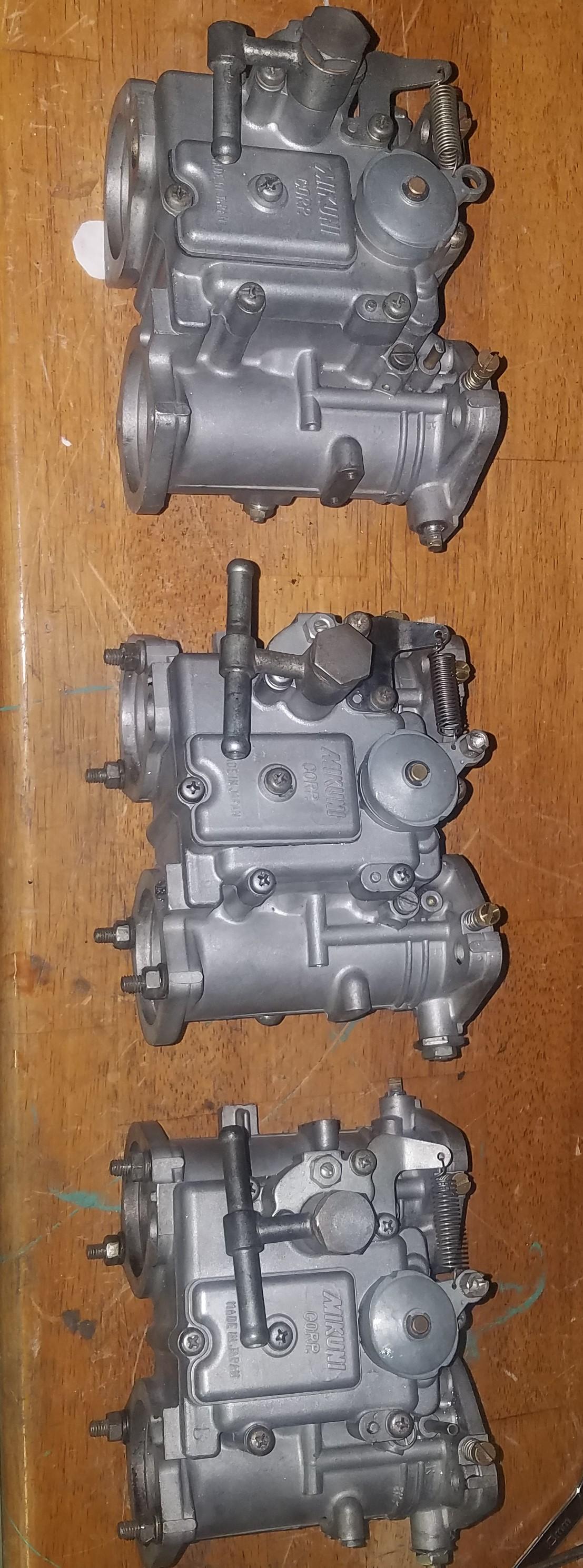
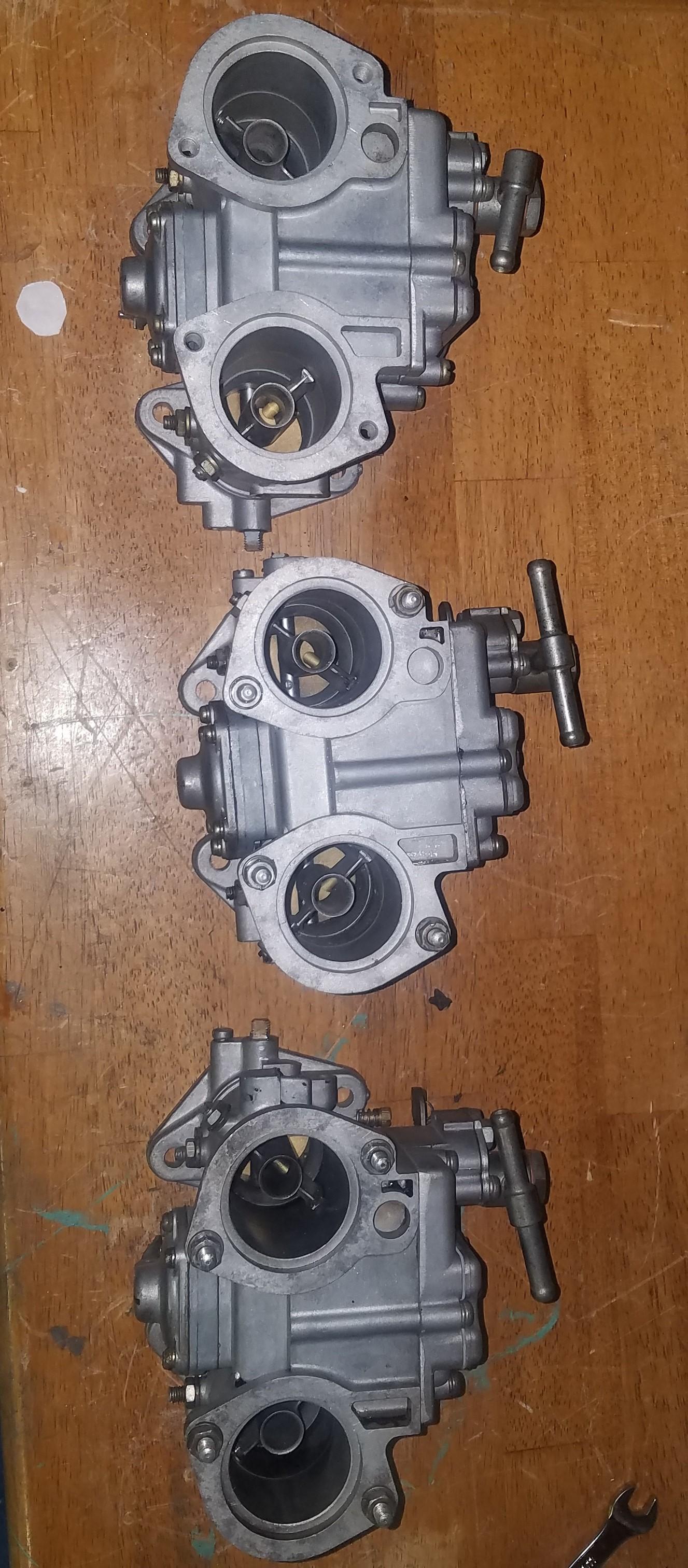
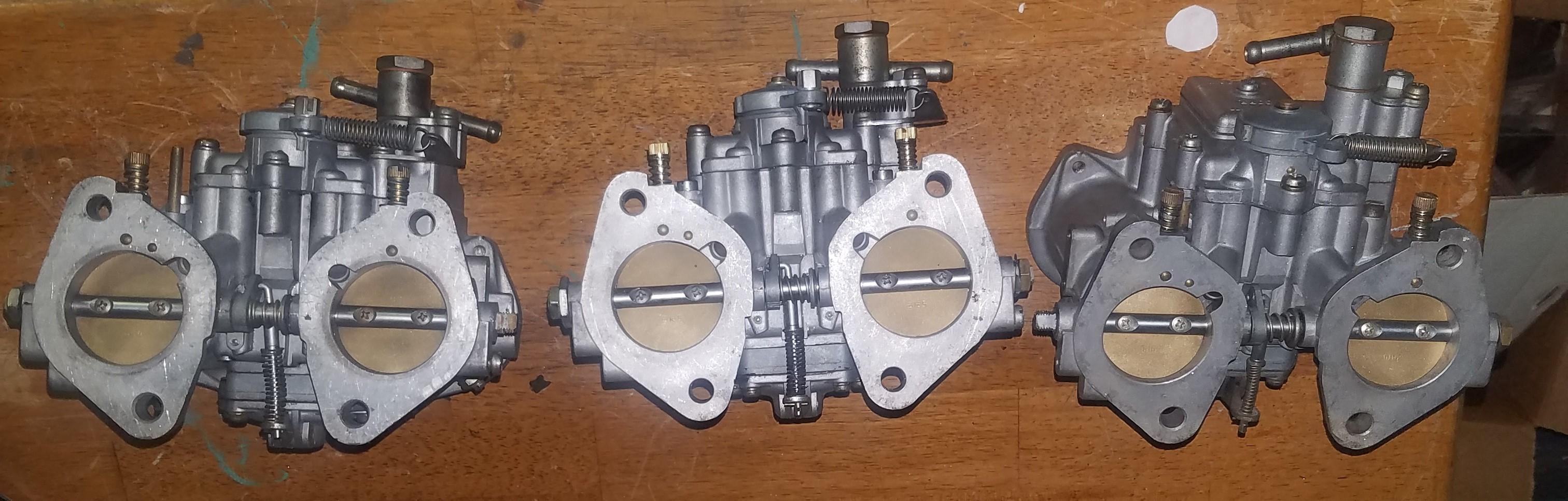
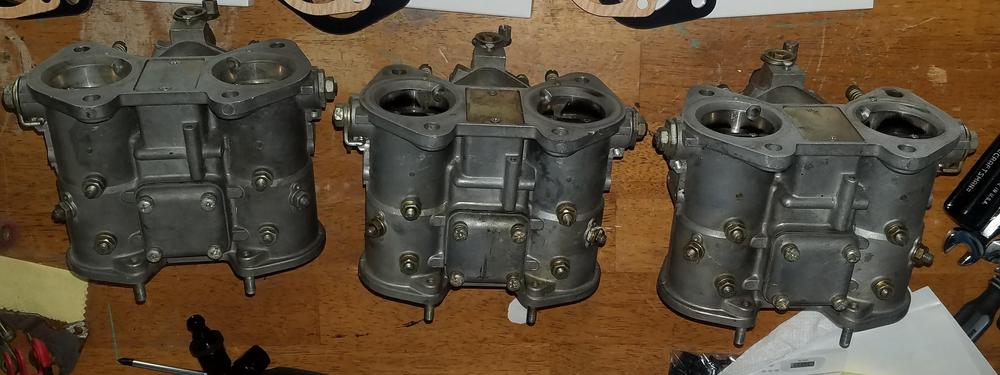
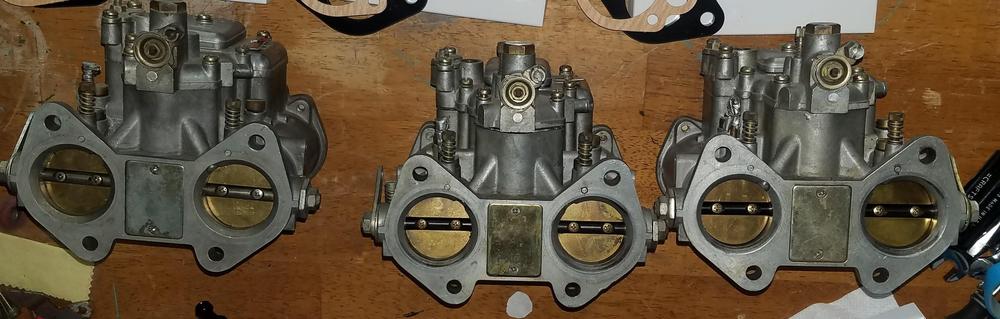
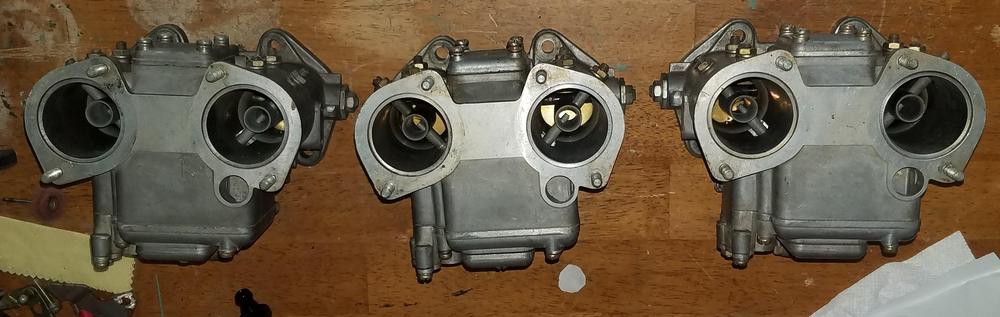
Have a triple set of SK 40mm carbs. Comes with isolators and filter gaskets. Asking 1000 OBO.

-
-
I have a completely rebuilt with new gaskets set of triple mikunis. They are missing the throttle body assemblies and one carb is missing the filter/velocity stack studs. These are a matched set with 150 Main Jets, 220 Air Correctors, 52.5 idle, and 40 pump jets. Asking 1500 OBO