Ben's Content - Page 9 - Classic Z Car Club Skip to content

Ben

Community Member
  • Joined

  • Last visited

Everything posted by Ben

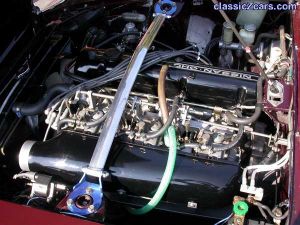
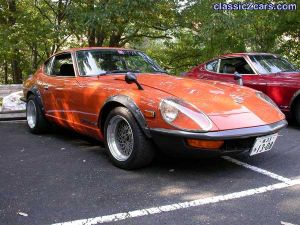
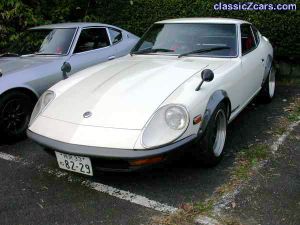
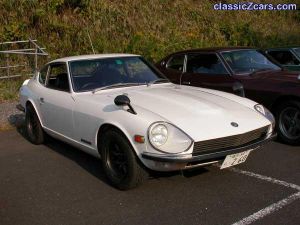
  1. Ben commented on HS30-H's gallery image in 03 Sagamiko Picnic Land
  2. Ben commented on HS30-H's gallery image in 03 Sagamiko Picnic Land
  3. Ben commented on HS30-H's gallery image in 03 Sagamiko Picnic Land
  4. Ben commented on HS30-H's gallery image in 03 Sagamiko Picnic Land
  5. Ben commented on HS30-H's gallery image in 03 Sagamiko Picnic Land
  6. Ben commented on HS30-H's gallery image in 03 Sagamiko Picnic Land
  7. Ben commented on HS30-H's gallery image in 03 Sagamiko Picnic Land
  8. Ben commented on HS30-H's gallery image in 03 Sagamiko Picnic Land
  9. Ben commented on HS30-H's gallery image in 03 Sagamiko Picnic Land
  10. Ben commented on HS30-H's gallery image in 03 Sagamiko Picnic Land
  11. Ben commented on HS30-H's gallery image in 03 Sagamiko Picnic Land
  12. Ben commented on HS30-H's gallery image in 03 Sagamiko Picnic Land
  13. Ben commented on HS30-H's gallery image in 03 Sagamiko Picnic Land
  14. Ben commented on HS30-H's gallery image in 03 Sagamiko Picnic Land
  15. Ben commented on HS30-H's gallery image in 03 Sagamiko Picnic Land
  16. Ben commented on HS30-H's gallery image in 03 Sagamiko Picnic Land
  17. Ben commented on HS30-H's gallery image in 03 Sagamiko Picnic Land
  18. Ben commented on HS30-H's gallery image in 03 Sagamiko Picnic Land
  19. Ben commented on HS30-H's gallery image in 03 Sagamiko Picnic Land
  20. Ben commented on HS30-H's gallery image in 03 Sagamiko Picnic Land
  21. Ben commented on HS30-H's gallery image in 03 Sagamiko Picnic Land
  22. Ben commented on HS30-H's gallery image in 03 Sagamiko Picnic Land
  23. Ben commented on HS30-H's gallery image in 03 Sagamiko Picnic Land
  24. Ben commented on HS30-H's gallery image in 03 Sagamiko Picnic Land

Account

Navigation

Search

Search

Configure browser push notifications

Chrome (Android)
  1. Tap the lock icon next to the address bar.
  2. Tap Permissions → Notifications.
  3. Adjust your preference.
Chrome (Desktop)
  1. Click the padlock icon in the address bar.
  2. Select Site settings.
  3. Find Notifications and adjust your preference.