Huckleberry
Community Member
-
Joined
-
Last visited
Everything posted by Huckleberry
-
-
-
-
-
a BIG THANKS to everyone that responded and especially sblake01 for selling me the part that i needed...:classic:
-
-
talked to a rep at Victoria British and they said they have a part called Vacuum Switch-Ported part # 52-635 just wondering if this will work?
-
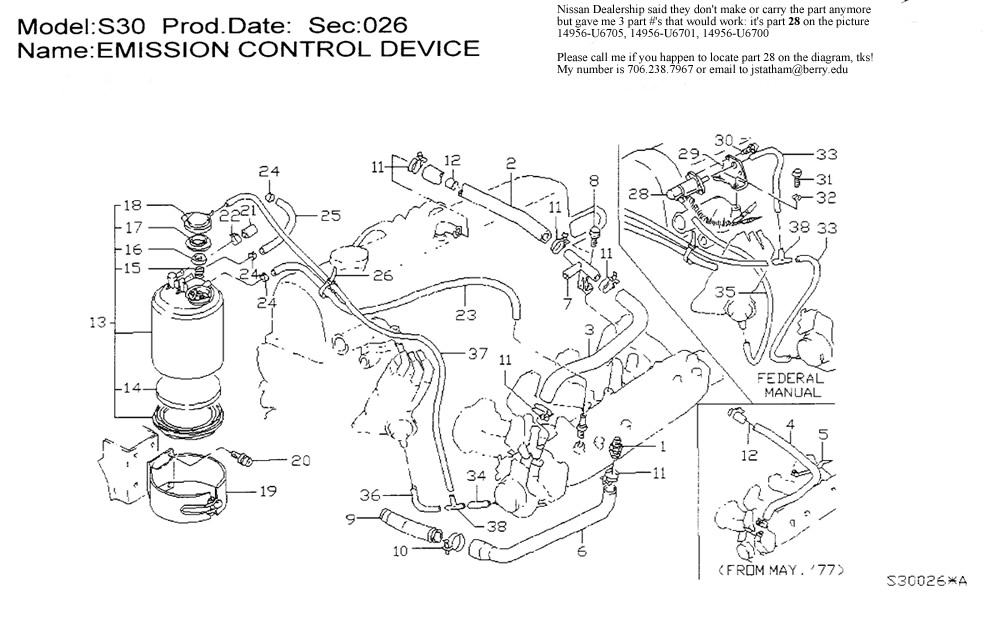
I've included a picture of the part that i need... thanks for any help you can give ;-)
-
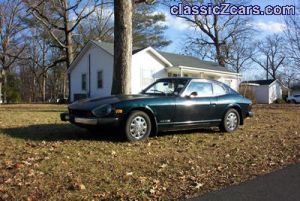
still searching for a valve-vacuum switch for a 1976 280z 2+2... it has a straight six and has been running great until a sensor wire broke off. Now the car thinks it's running cold all the time and is running the gas too rich. or at least that's what i think it's doing. Nissan gave me this part number of 14956-U6705 and they said two other part numbers will work 14956-U6701 and 14956-U6700. but of course, nissan doesn't make or carry this part anymore! i've checked several parts houses and now i'm looking in the junk yards. any HELP would be greatly appreciated ;-)
-
Can anyone help direct me to a place to find a part for a 1976 Datsun 280Z 2+2 I need a part called a valve vacuum switch and the nissan part # is 14956-U6705, and there are two other part #'s that will work: 14956-U6701 and 14956-U6700 Tks in advance.. Huck