kenpomgm
Community Member
-
Joined
-
Last visited
Everything posted by kenpomgm
-
-
On my test drive after installing the clutch that is EXACTLY what I did: 60mph around the corners on a back road, and it felt great. Unfortunately, my u-joints were complaining, so it is time to see if the swapping the half shafts from my parts car fixes the problem. --Mark
-
A Z is a Z. But my 240 has a ZX engine, tranny, and rear end. Does that make it a ZY?
-
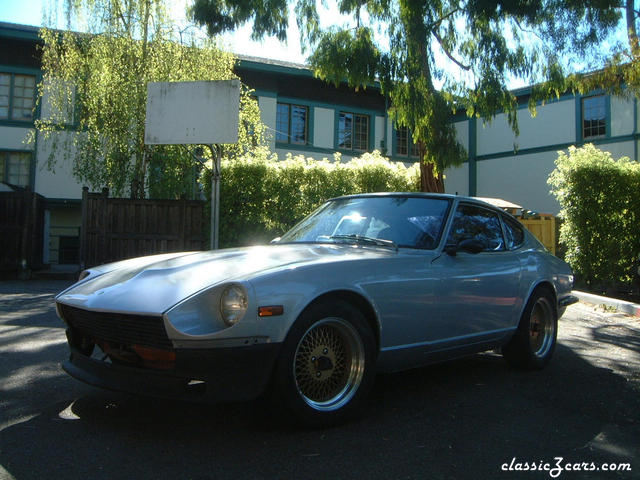
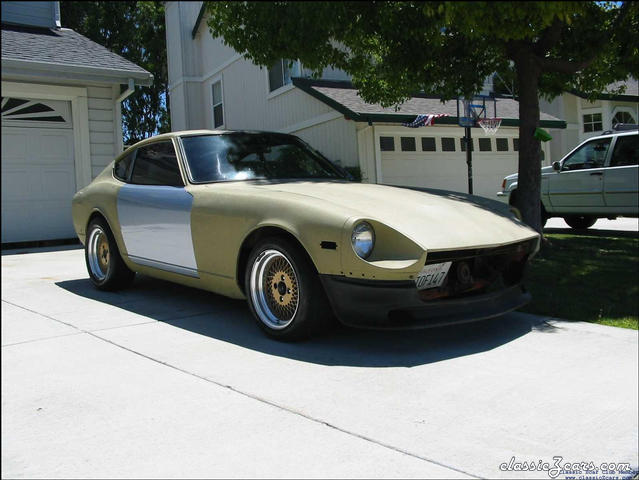
I just wanted to say that after 6 weeks of Z ownership, I LOVE MY Z! I just put a new clutch and lightened flywheel in my 70 240z today(L28, SU's, 5 Spd, 16" wheels, Tokicos) and for the first time since I bought it I got a feel for what driving this awesome machine is going to be like. It absolutely rocks with the new clutch. The 70z is so light, the engine is quick and responsive, and it handles as flat as a piece of plywood! Add to that the stereo I installed this week, and it is starting to feel like a real car. Now all I need to do is put on the better fenders, hood, and bumpers I have in the back yard. Then of course, there is paint prep and paint. Oh, then I want to try triple carbs, and bigger exhaust, maybe headers. Turbo? Lowered suspension? All new bushings? Oh, I guess I'm not done after all!
-
I haven't done mine yet, but my friendly local Z Guru told me that a radiator shop can do your gas tank for you. I have a leak in my daily driver's tank, so I plan to pull the tank from my parts car and have it done, then swap them. I'll let you know how it goes with the radiator shop. --Mark
-
-
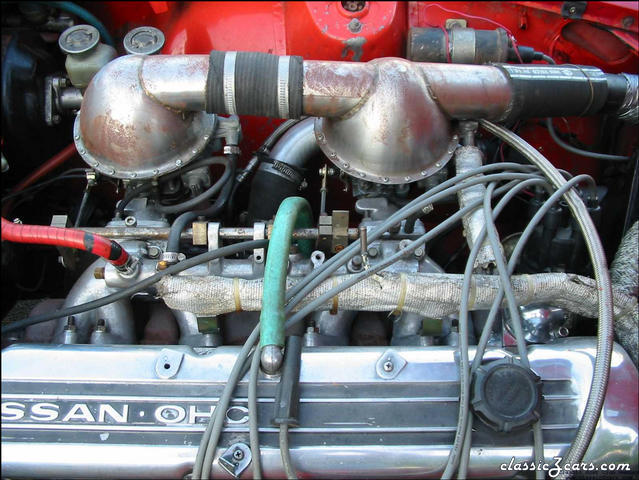 This is the T3 turbo setup on my 73 240z.
 -
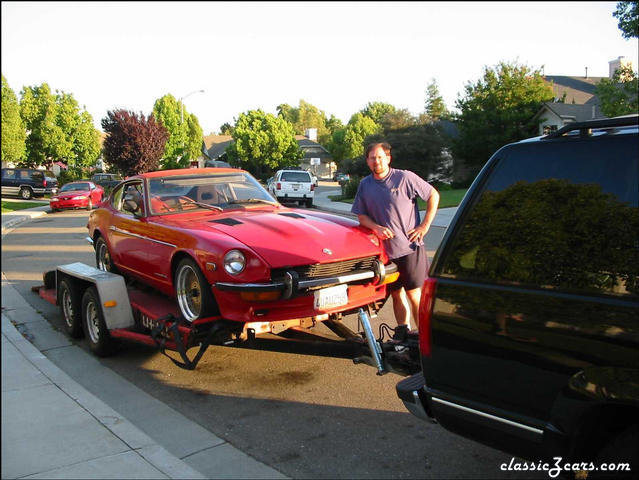 Only 3 weeks later, I can't resist and I buy another Z!
 -