


Bill.Oakes
Community Member
-
Joined
-
Last visited
Everything posted by Bill.Oakes
-
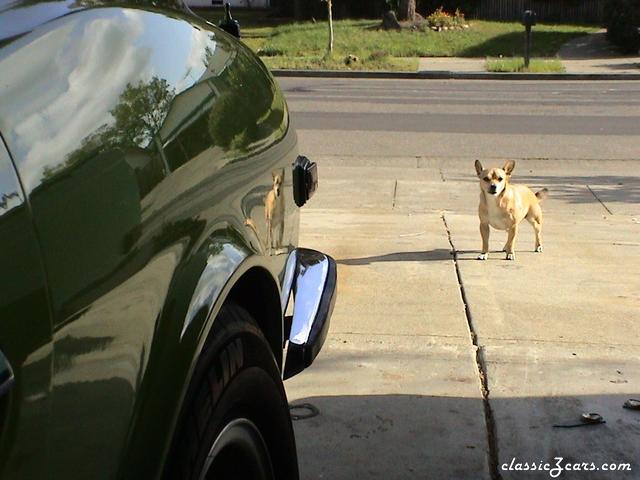 Holy frijoles that car is green!
-
 Thanks, that was a great show. I remember your car, too, very clean. Hope to see you this year again, fun group.
-
My car "kissing the bricks" at the Indianapolis Speedway during the Indy Z Car club show in 2002
-

-
-
-
-
 Is that your garage? Cool Datsun sign, love to get my hands on one like that.
-
-
 You mean there is more than one of these?
-
 The goal was for a three car garage that didn't look bigger than our house. Making the single car port lower helped it scale better.
-
 One in the back turned sideways and the other facing out leaves room for another car in the Winter
-
 The "Runs Better Than It Looks" and the Looks Better Than It Runs" out for some Spring air.
-
 One way of doing a hardtop convertible
-
 Wouldn't be a complete collection without a blown Z
-
 How could we forget the 4WD Monster Z???
-
 Someone must have had some extra plaid cloth leftover from their kilt.
-
 The Ghost Rider - for sale on eBay 4/6/2003: Welcome to the "Ghost Rider", one mean looking Nascar style V8 Chevy 350 powered 240Z. I think the word custom is an understatement when describing this fantastic looking car! <snip>there has been at least $22,000 lavished on this car (the reserve is set at less than 1/3 of this), and that does not include the blood, sweat and tears that went into it, the car is a driving memorial to the late owner. It is powered by a tuned Chevy 350 with cam Holley 650 double pumper, headers and has got less than 1,000 miles on it since the engine was built and is music to the ears. The transmission is a 400 turbo with shift kit and a B & M slapstick shifter, I have no idea how many horses it lets rip from the rear end, but I can tell you this much it was the fastest car on the army base (Fort Hood, Texas) at the time. No easy claim to fame to beat. It is fitted with aluminum center line rims, new Cobra tires and full custom Nascar racing style interior. It is also fitted with some very neat little touches, like cable operated door releases, rubber body skirts, fabric covered hood and side exiting exhausts and much more. So now is your chance to drive something absolutely unique - but watch out for speeding tickets. The only way to draw more attention to yourself would be to drive it NAKED!!
-
 Yellow is quite the theme for the Ghost Rider
-
 The rear end of the Ghost Rider
-
 Very nicely detailed engine
-
 The Evel Eagle - Part 1971 240z/Part who-knows-what-they-were-thinking. It is now available for sale for only $25,000 from Pennsylvania Motor Sport at http://www.pamotor.com/cars/2_Datsun_1971_240Z_Evel_Eagle/Evel_Eagle.html
-
-
 The rear of the Evel Eagle
-


