cremmenga's Content - Page 6 - Classic Z Car Club Skip to content

cremmenga

Community Member
  • Joined

  • Last visited

Everything posted by cremmenga

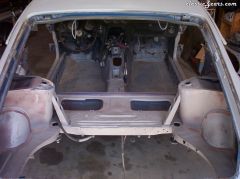
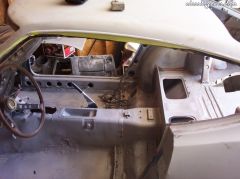
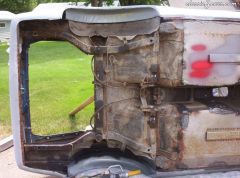
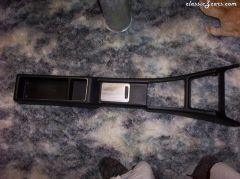
  1. cremmenga posted a gallery image in Big Z Photo Collection
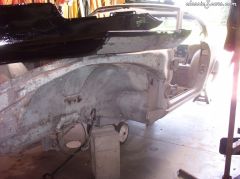
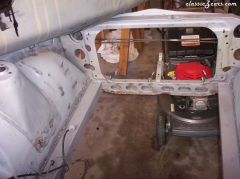
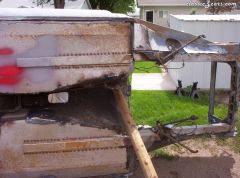
  2. cremmenga posted a gallery image in Big Z Photo Collection
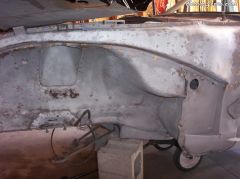
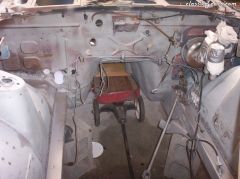
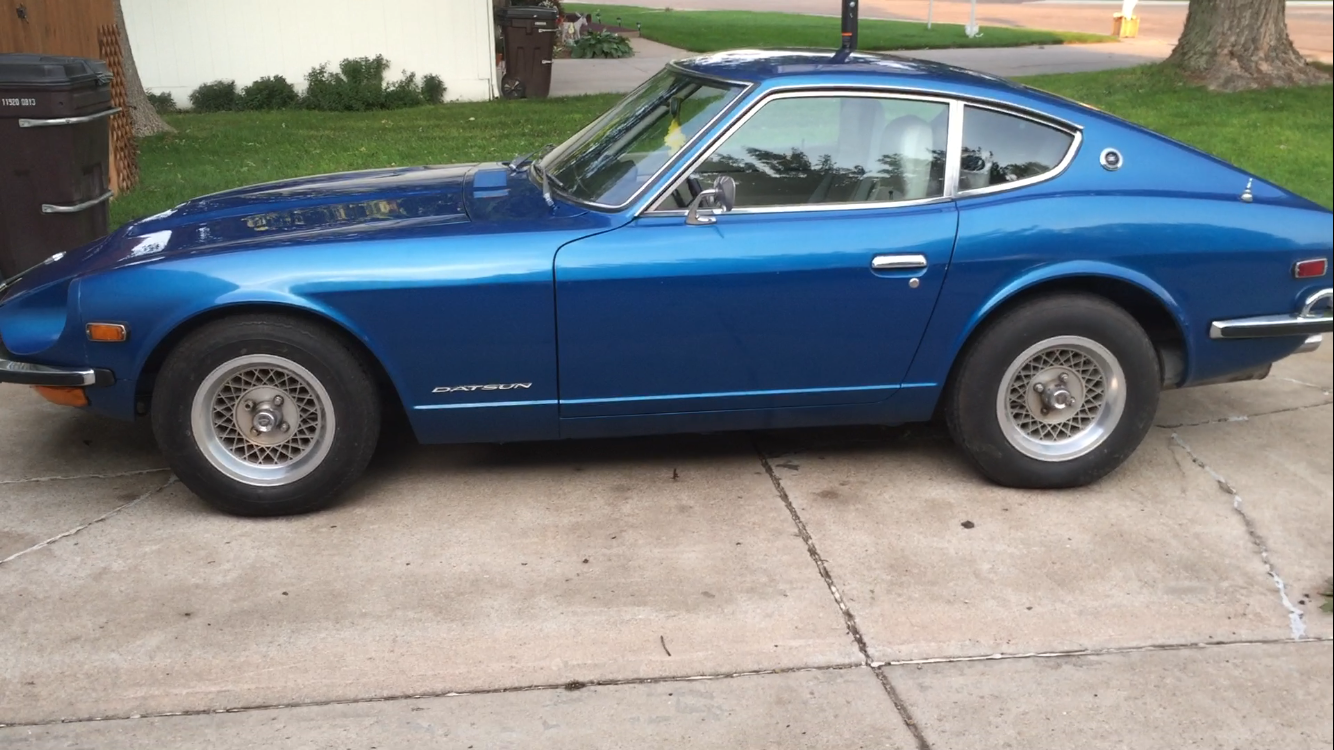
  3. cremmenga posted a gallery image in Big Z Photo Collection
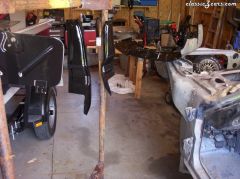
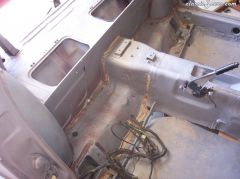
  4. cremmenga posted a gallery image in Big Z Photo Collection
  5. cremmenga posted a gallery image in Big Z Photo Collection
  6. cremmenga posted a gallery image in Big Z Photo Collection
  7. cremmenga posted a gallery image in Big Z Photo Collection
  8. cremmenga posted a gallery image in Big Z Photo Collection
  9. cremmenga posted a gallery image in Big Z Photo Collection
  10. cremmenga posted a gallery image in Big Z Photo Collection
  11. cremmenga posted a gallery image in Big Z Photo Collection
  12. cremmenga posted a gallery image in Big Z Photo Collection
  13. cremmenga posted a gallery image in Big Z Photo Collection
  14. cremmenga posted a gallery image in Big Z Photo Collection
  15. cremmenga posted a gallery image in Big Z Photo Collection
  16. cremmenga posted a gallery image in Big Z Photo Collection
  17. well put arne!!
  18. cremmenga replied to cremmenga's topic in Open Discussions
    well $^!# ok so i was gone for awhile!!! sorry delete this thread please
  19. cremmenga posted a topic in Open Discussions
    Heads up to you guys, I'm not 100% sure but I think on July 12th, On pinks on the speed channel there is going to be a datsun racing!!!! Like i said I just saw the previews and thought thats what it looked like. Lets hope he wins if it is!!
  20. Unless your good at body work, take it to a professional!! Thats my opinion, it may actually save you money in the long run. think of it you buy $^!# to fix it, you mess it up and then have to spend more to have it done right!! but like i said if you know what your doing, by all means give it a go!!!
Account

Navigation

Search

Search

Configure browser push notifications

Chrome (Android)
  1. Tap the lock icon next to the address bar.
  2. Tap Permissions → Notifications.
  3. Adjust your preference.
Chrome (Desktop)
  1. Click the padlock icon in the address bar.
  2. Select Site settings.
  3. Find Notifications and adjust your preference.