Gholsie's Content - Classic Z Car Club Skip to content

Gholsie

Community Member
  • Joined

  • Last visited

Everything posted by Gholsie

  1. Gholsie replied to Mike's topic in Video Center
    Trying Barts link (url bar) from a user account with member permissions: https://www.youtube.com/watch?v=HML-cWNoLu4 Trying link from the shortened share link: https://youtu.be/HML-cWNoLu4 Now testing with the embedded player code: <iframe width="560" height="315" src="https://www.youtube.com/embed/HML-cWNoLu4" frameborder="0" allowfullscreen></iframe> <iframe width="560" height="315" src="https://www.youtube.com/embed/HML-cWNoLu4" frameborder="0" allowfullscreen></iframe>
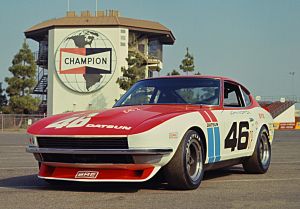
  2. BRE

    Images added to a gallery album owned by Gholsie in Member Albums
  3. Images added to a gallery album owned by Gholsie in Member Albums
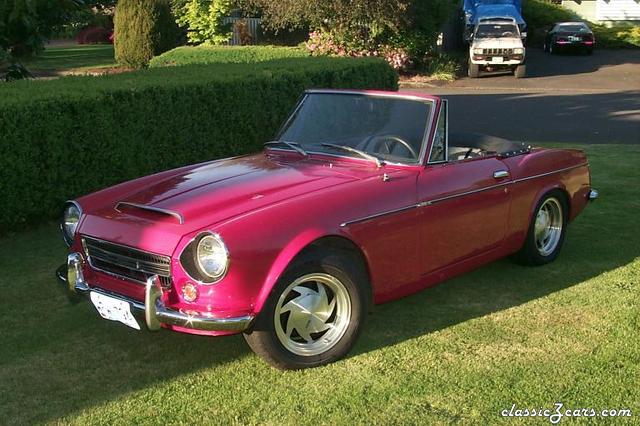
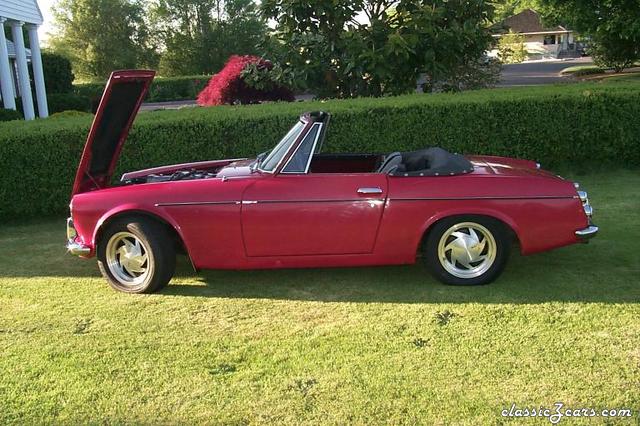
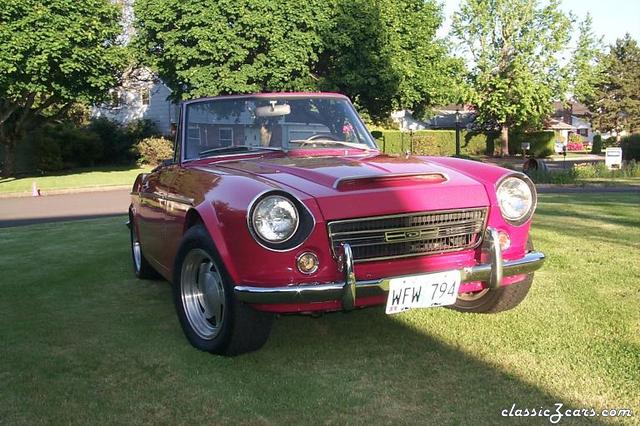
    Roadster
  4. Gholsie posted a gallery image in Member Albums
  5. Gholsie posted a gallery image in Big Z Photo Collection
  6. Gholsie posted a gallery image in Big Z Photo Collection
  7. Gholsie replied to Mike's topic in Open Chit Chat
    Testing a reply with another image
  8. BRE

    Images added to a gallery album owned by Gholsie in Member Albums
    Famous BRE cars
  9. Images added to a gallery album owned by Gholsie in Member Albums
    testing

Account

Navigation

Search

Search

Configure browser push notifications

Chrome (Android)
  1. Tap the lock icon next to the address bar.
  2. Tap Permissions → Notifications.
  3. Adjust your preference.
Chrome (Desktop)
  1. Click the padlock icon in the address bar.
  2. Select Site settings.
  3. Find Notifications and adjust your preference.