240z5ltr
Community Member
-
Joined
-
Last visited
-
 nice try guys, sounds more like ur jealous, i doubt any of u have had better plus im sure this chic has feelings aswell!
 -
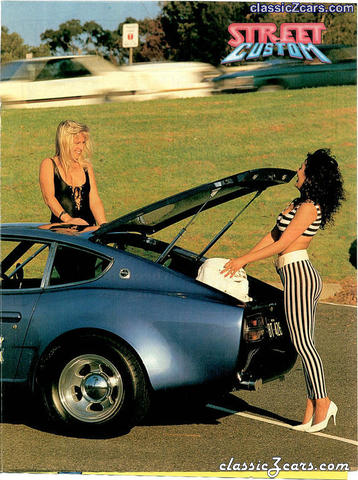 i have a copy of this magazine aswell, ill see if i can scan the whole article and post it on here, i think this magazine came out in the early 1980's
 -
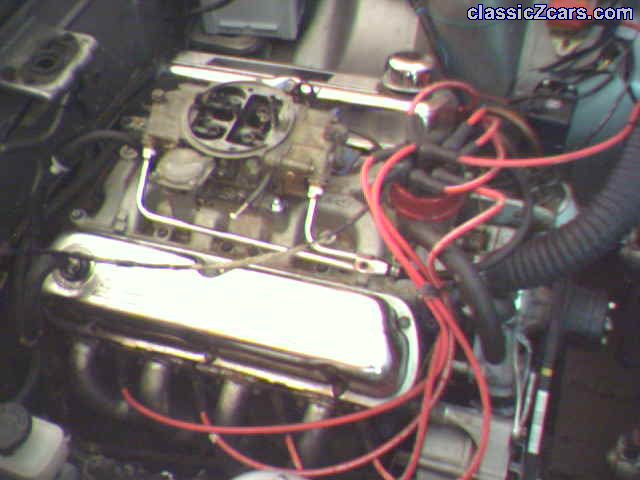 nah its a 750 vac, it used to have a 650 spreadbore double pumper but i took it off cause it was a pain in the arse!originally it had a 600 vac with huge jets so i got a standard 750 which puts in about the same fuel but has bigger ports for more air!
 -
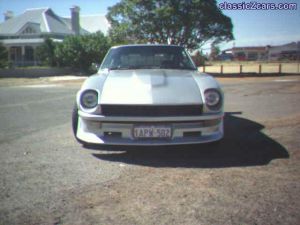
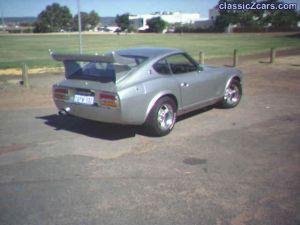
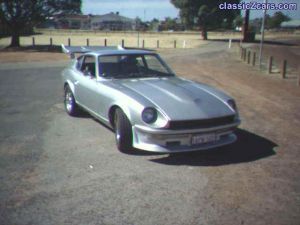
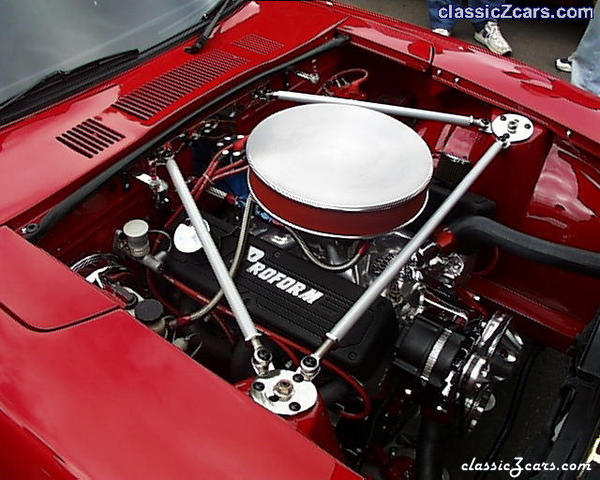 i have one for sale and im in perth and i also have the paperwork saying mine was the first street lagal v8 240z in australia, mine only have a 302 boss! good going with the chev though! but i still think mine looks way better if u want to see it!
 -
will i dont know cause my father and uncle did the conversion almost 30 yrs ago! my uncle is a blacksmith and custom forged the mounts and as far as i know the sump is standard, they had to remote mount the oil filter though!
-
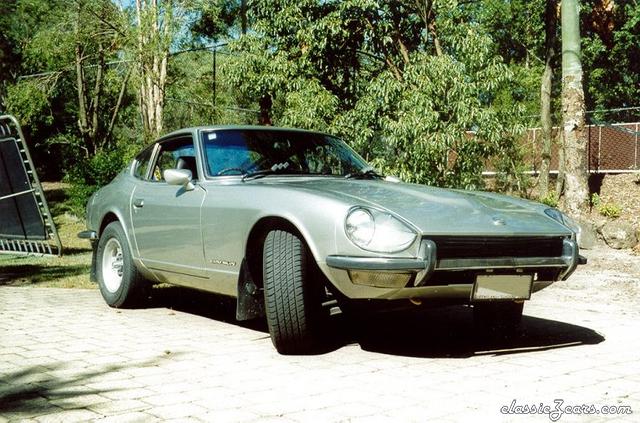 alright car but ill take 2 off cause theres no wing! hehehe just kiddin
 -
-
-
-