Z 4 Z
Community Member
-
Joined
-
Last visited
Everything posted by Z 4 Z
-
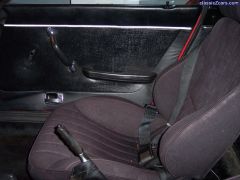
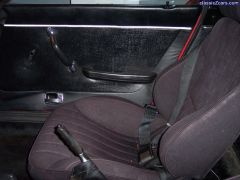
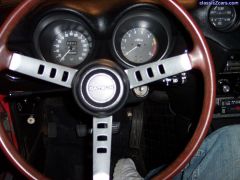 super clean
 -
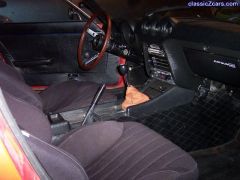 unmolested interior custom center console
 -
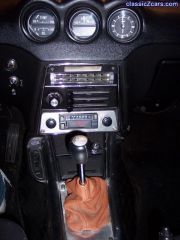 original ashtray-never used custom radio faceplate -alum. custom center console finisher - Alum custom shift boot
 -
-
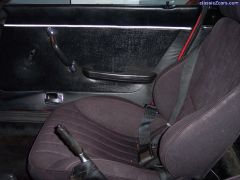
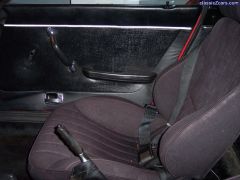
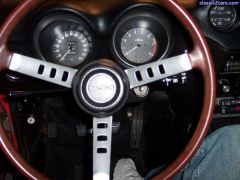 super clean
 -
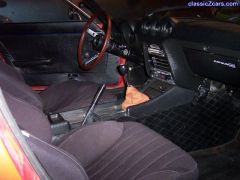 unmolested interior custom center console
 -
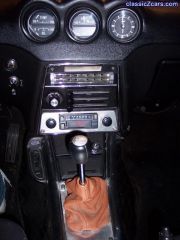 original ashtray-never used custom radio faceplate -alum. custom center console finisher - Alum custom shift boot
 -
-
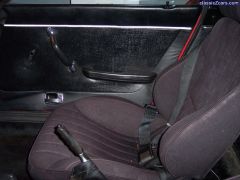
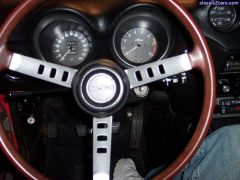 super clean
 -
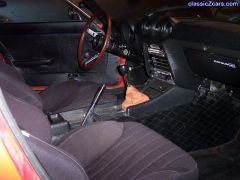 unmolested interior custom center console
 -
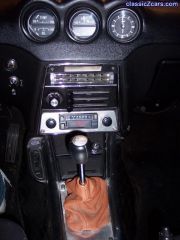 original ashtray-never used custom radio faceplate -alum. custom center console finisher - Alum custom shift boot
 -
-
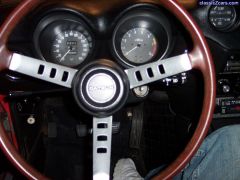 super clean
 -
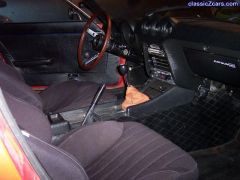 unmolested interior custom center console
 -
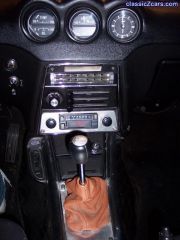 original ashtray-never used custom radio faceplate -alum. custom center console finisher - Alum custom shift boot
 -
-
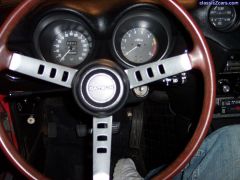 super clean
 -
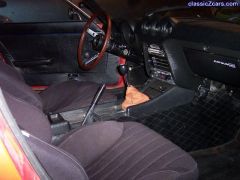 unmolested interior custom center console
 -
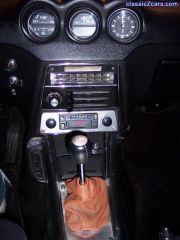 original ashtray-never used custom radio faceplate -alum. custom center console finisher - Alum custom shift boot
 -
-
-
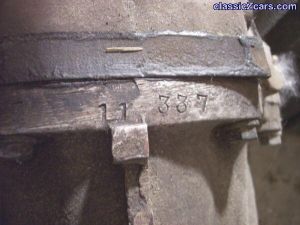
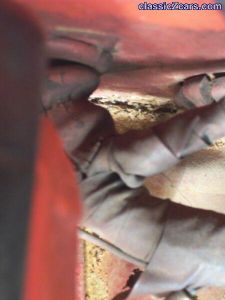 detail of seam- minor buildup of cleaning solution and dirt
 -
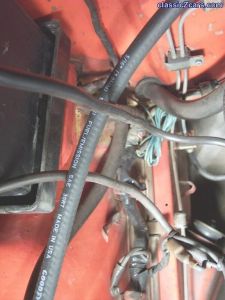 Under the battery tray framerail area is clean and unmolested no rust- small area on inside of framerail had some paint that flaked off, but not bad
 -
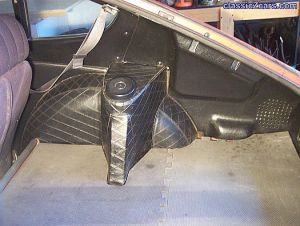 perfect passenger quarter trim- no cracks, breaks or tears in vinyl. Never been taken apart. Original belts
 -
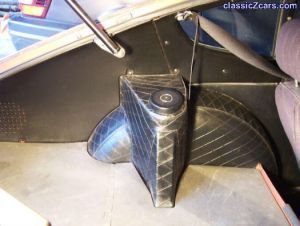 Drivers side quarter trim in perfect condition. Never been taken apart- no breaks or cracks- all great vinyl- no tears.