v12horse
Community Member
-
Joined
-
Last visited
Everything posted by v12horse
-
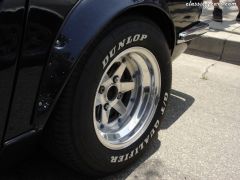 That is awesome Victor! What size, offset, and for which of your beautiful Datsun's are they for? Ben
 -
This is a JDM style 240z with Long Champ XR-7 wheels. There was a nice group of Japanese S30 Z owners lined up here.
-
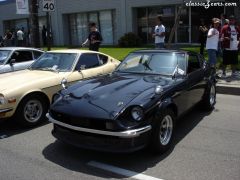 This is a JDM style 240z with Long Champ XR-7 wheels. There was a nice group of Japanese S30 Z owners lined up here.
 -
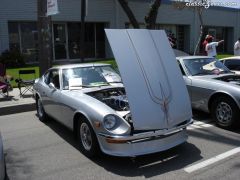 This is a classic 1970's Datsun with American style.
 -
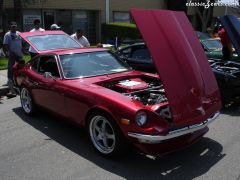 This was a really clean and classy looking Z.
 -
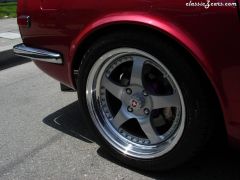 These are beautiful wheels, but uncommon on Zcars. HRE is a premier wheel maker in the LA area. They make three piece wheels to the customers exact specifications. They have forged centers and they are usually put on BMW, Viper, Porsche, Ferrari, Mercedes, and other high end cars.
 -
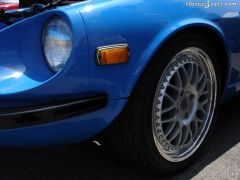 These are beautiful wheels, but uncommon on Zcars. HRE is a premier wheel maker in the LA area. They make three piece wheels to the customers exact specifications. They have forged centers and they are usually put on BMW, Viper, Porsche, Ferrari, Mercedes, and other high end cars.
 -
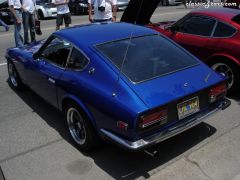 I swore that this was a 240z and then I looked at the vin and the interior, and sure enough, it was a 260z. Never the less, it was a beautiful car. I love the simplicity of it with the S30-S style bumpers, clean airdam, no frills body, and 15' Konig Rewind wheels.
 -
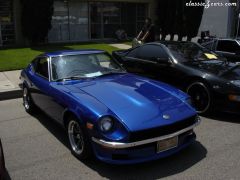 I swore that this was a 240z and then I looked at the vin and the interior, and sure enough, it was a 260z. Never the less, it was a beautiful car. I love the simplicity of it with the S30-S style bumpers, clean airdam, no frills body, and 15' Konig Rewind wheels.
 -
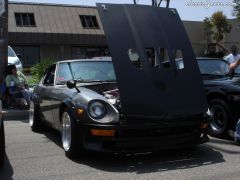 Watanabe Type R wheels R:16 X 9.5J F: 16 X 9J
 -
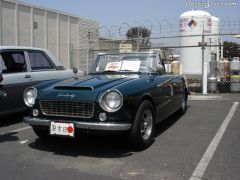 Another gem of a roadster.
 -
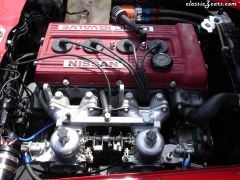 This is an amazing 2000 roadster with an SU equipped FJ20.
 -
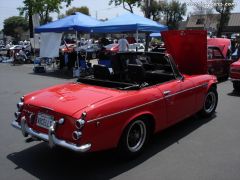 This is an amazing 2000 roadster with an SU equipped FJ20.
 -
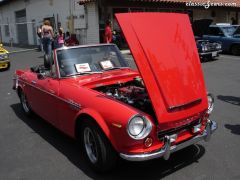 This is an amazing 2000 roadster with an SU equipped FJ20.
 -
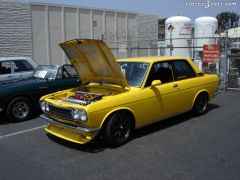 Datsun 510 Coupe with RS-Watanabe wheels.
 -
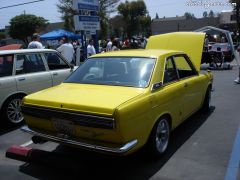 This is a very nice 1600SSS Bluebird.
 -
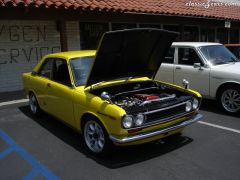 This is a very nice 1600SSS Bluebird.
 -
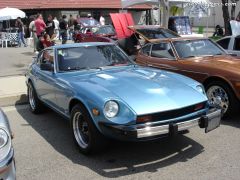 This was a very nice 77-78' 280z with some nice mesh wheels.
 -
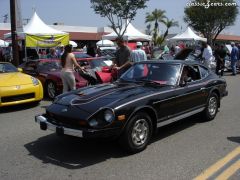 This was a beautiful 78' 280z "Black Pearl Edition".
 -
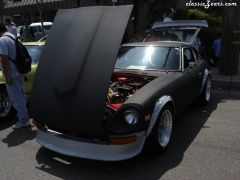 Watanabe Type R wheels R:16 X 9.5J F: 16 X 9J
 -
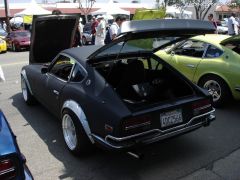 Watanabe Type R wheels R:16 X 9.5J F: 16 X 9J
 -
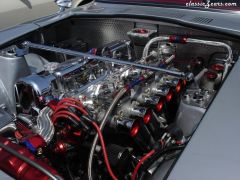 Very clean engine bay of the silver wide body Pierre Zcar.
 -
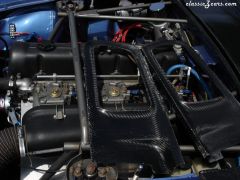 CF 240z tail light surrounds.
 -
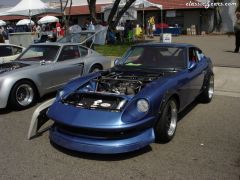 Racing g-nose 240z. I think this was done by Pierre Z, but I am not sure.
 -
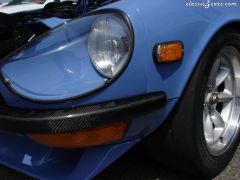 CF bumper. Nice, but not my cup of tea.