Skip to content

Cuong Nguyen

Community Member
  • Joined

  • Last visited

Everything posted by Cuong Nguyen

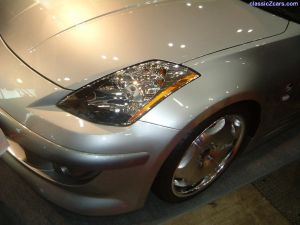
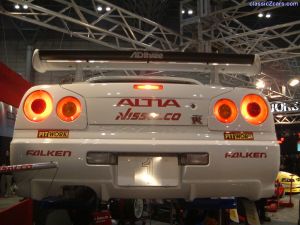
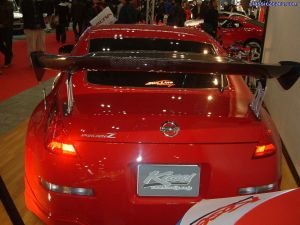
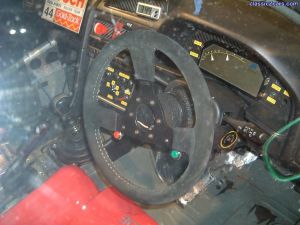
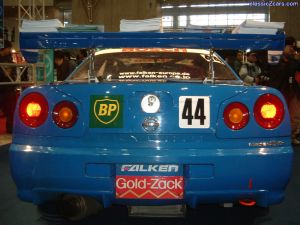
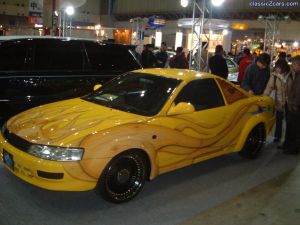
  1. Cuong Nguyen posted a gallery image in 03 Tokyo Auto Salon
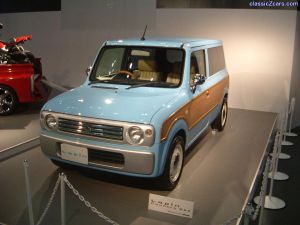
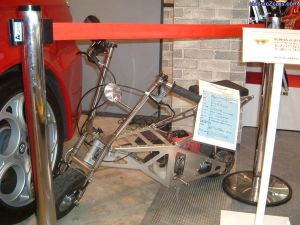
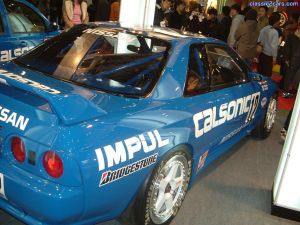
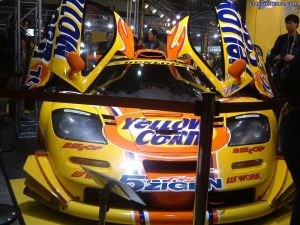
  2. Cuong Nguyen posted a gallery image in 03 Tokyo Auto Salon
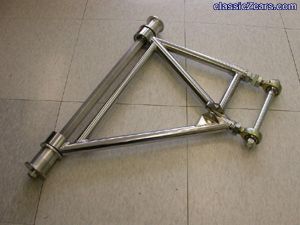
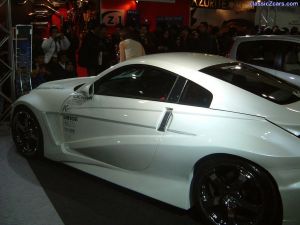
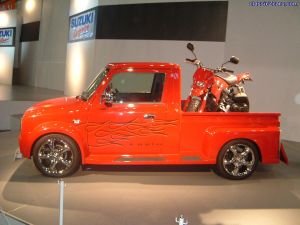
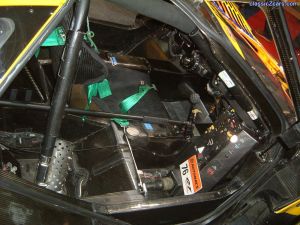
  3. Cuong Nguyen posted a gallery image in 03 Tokyo Auto Salon
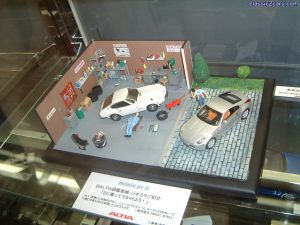
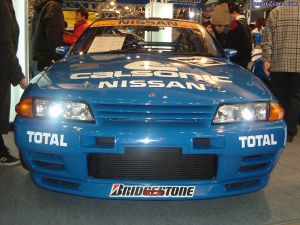
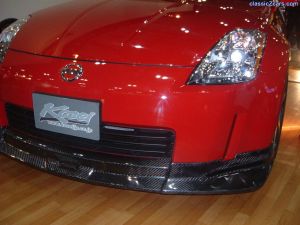
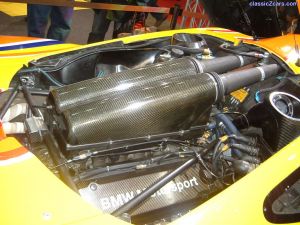
  4. Cuong Nguyen posted a gallery image in 03 Tokyo Auto Salon
  5. Cuong Nguyen posted a gallery image in 03 Tokyo Auto Salon
  6. Cuong Nguyen posted a gallery image in 03 Tokyo Auto Salon
  7. Cuong Nguyen posted a gallery image in 03 Tokyo Auto Salon
  8. Cuong Nguyen posted a gallery image in 03 Tokyo Auto Salon
  9. Cuong Nguyen posted a gallery image in 03 Tokyo Auto Salon
  10. Cuong Nguyen posted a gallery image in 03 Tokyo Auto Salon
  11. Cuong Nguyen posted a gallery image in 03 Tokyo Auto Salon
  12. Cuong Nguyen posted a gallery image in 03 Tokyo Auto Salon
  13. Cuong Nguyen posted a gallery image in 03 Tokyo Auto Salon
  14. Cuong Nguyen posted a gallery image in 03 Tokyo Auto Salon
  15. Cuong Nguyen posted a gallery image in 03 Tokyo Auto Salon
  16. Cuong Nguyen posted a gallery image in 03 Tokyo Auto Salon
  17. Cuong Nguyen posted a gallery image in 03 Tokyo Auto Salon
  18. Cuong Nguyen posted a gallery image in 03 Tokyo Auto Salon
  19. Hi All, just thought that there may be a few of you guys that would be interested in this. RB26DETT 240Z complete with the ATTESSA 4WD system from a GTR Skyline. Note the extensive body mods, both the rear and the front end of a GTR have been grafted to a S30 shell. http://www.komycars.jp/drag/z.html Cuong Nguyen
  20. Cuong Nguyen commented on HS30-H's gallery image in Member Albums
  21. Thanks guys, will forward him the link to the replies and see if he can give any extra info. Also will post the problem once he finds out what it is. Cuong Nguyen
Remove Ads

Important Information

By using this site, you agree to our Privacy Policy and Guidelines. We have placed cookies on your device to help make this website better. You can adjust your cookie settings, otherwise we'll assume you're okay to continue.

Account

Navigation

Search

Search

Configure browser push notifications

Chrome (Android)
  1. Tap the lock icon next to the address bar.
  2. Tap Permissions → Notifications.
  3. Adjust your preference.
Chrome (Desktop)
  1. Click the padlock icon in the address bar.
  2. Select Site settings.
  3. Find Notifications and adjust your preference.