.jpg.017c2fbd9ed4c548138d9c6f6c49e029.jpg)

astrohog
Supporting Member
-
Joined
-
Last visited
Everything posted by astrohog
-
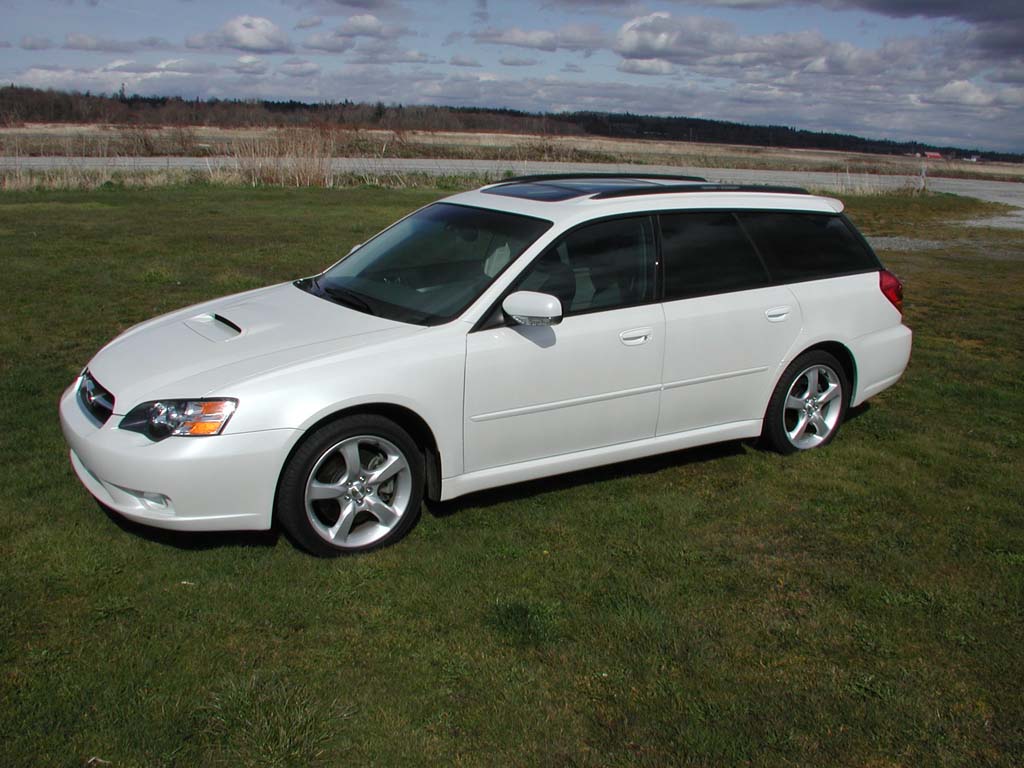
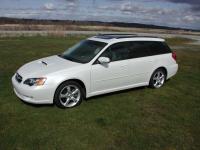
Hey all! Just curious, what other cars are you all driving or own? Daily driver, etc. I have found that car enthusiasts rarely drive "boring, or non-inspiring" cars, so I would like to know what else you all drive. I drive a 2001 Dodge Ram 2500 w/ Cummins turbo diesel. (I know, kinda boring, but I need it for work and to pull our travel trailer). My wifes daily driver is a 2005 Subaru Legacy GT Ltd. wagon. Now that, my friends is one helluva car! I do not want to start anything with all of the Datsun purists out there, but I have been LOVING the Subie since we got it in May!!! So whattya think, this might be a fun thread! Oh yeah, pics are always good, too!!! Regards, Astrohog
-
this is all I have so far!
-
-
-
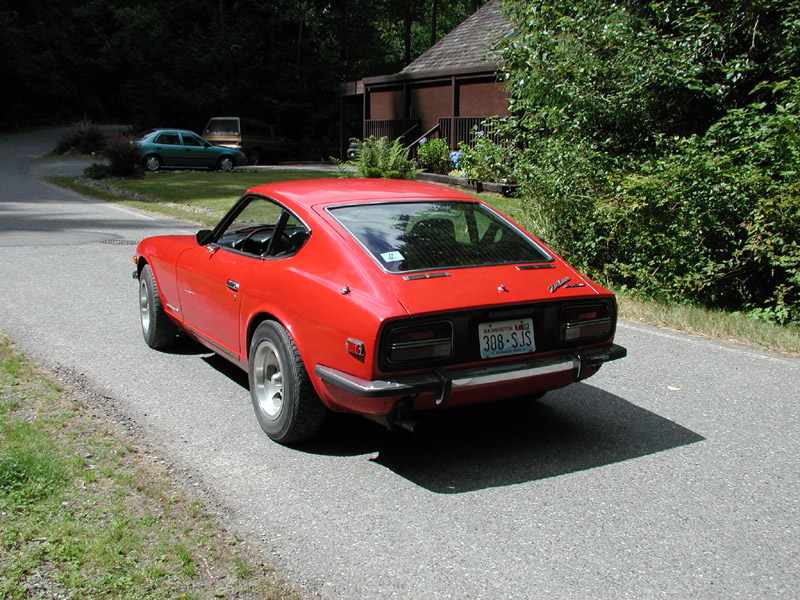
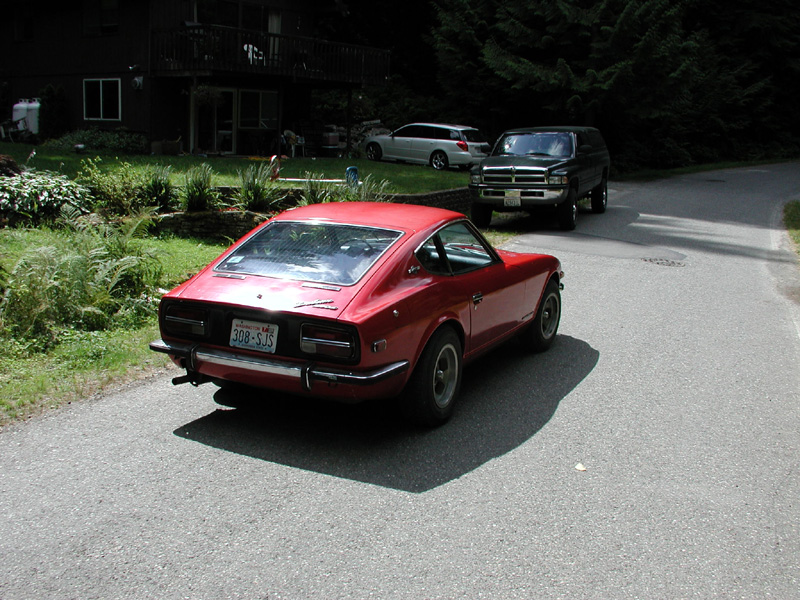
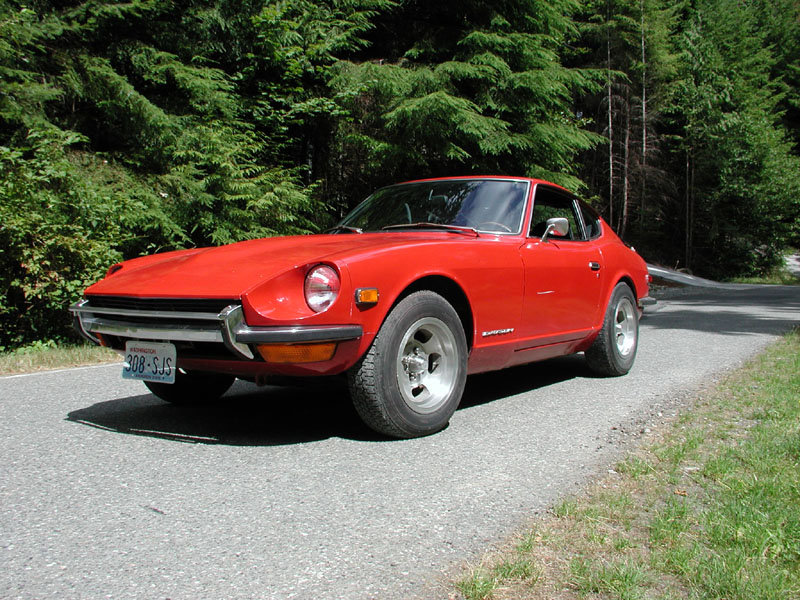
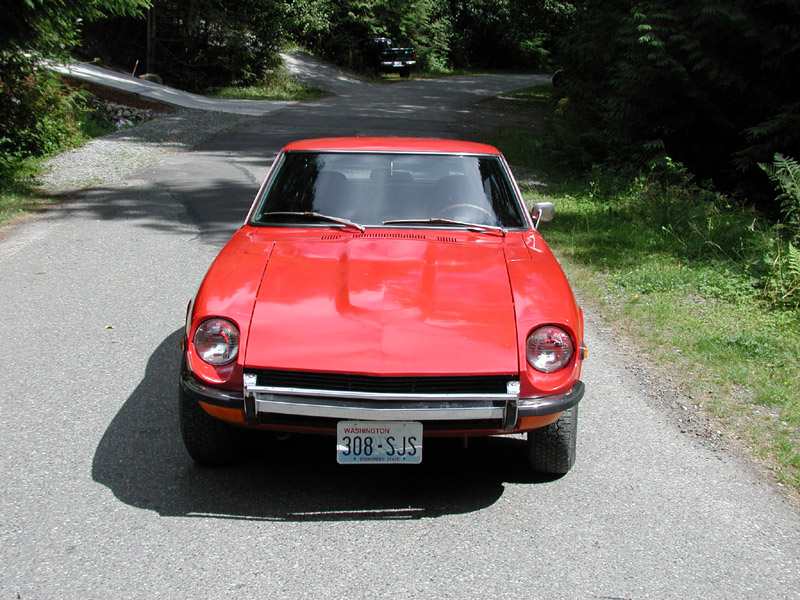
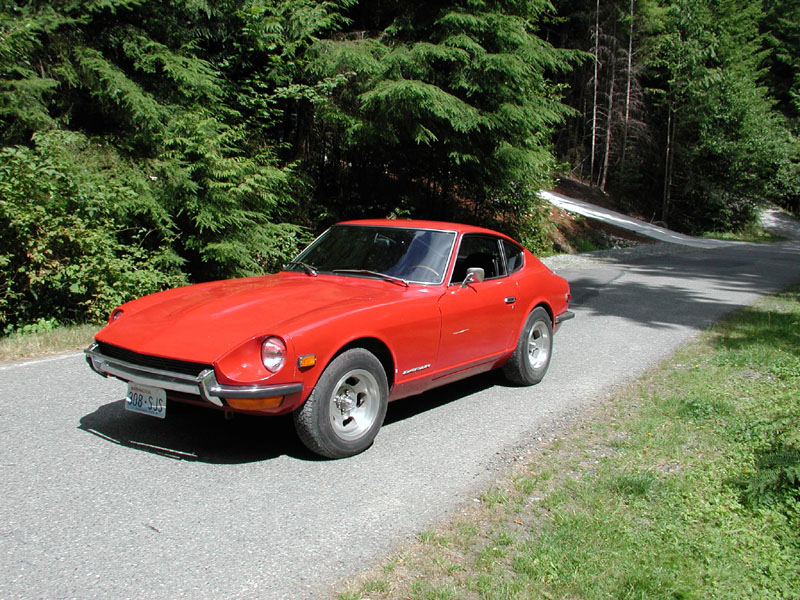
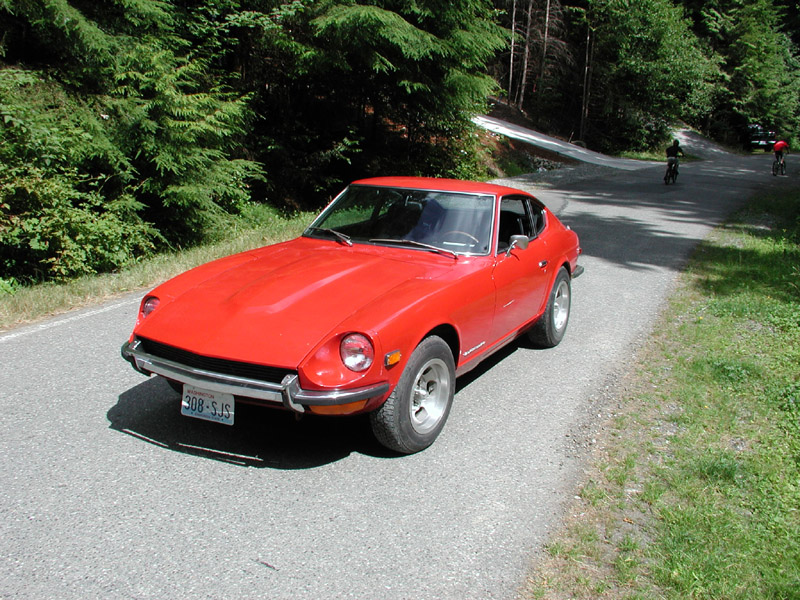
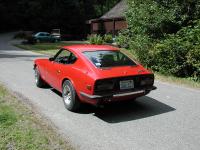
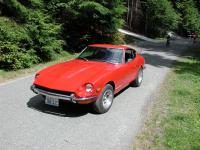
Any of you Washington guys belong to ZCCW? Here are some more pics. No Interior shots yet, but the interior is in better shape than the outside! Not a crack in the dash. Passenger seat is orig. and not a single rip or tear. Drivers seat has splits on the stitchesw on the bottom only (the back of seat is perfect). has original carpet and is in good shape, although it is quite faded. not a rip or tear anywhere else in the interior! The "diamond vinyl is perfect as is the headliner and sunvisors. Enjoy! Astrohog
-
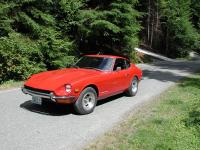
Thanks, I am sure one will be enough for me!! I have plenty to do to this one, trust me!!! Do you belong to the Z Car Club of Washington? I am gonna join and will be at their meeting of the Mindz in Port Townsend in August. You coming? Astrohog
-
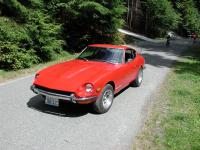
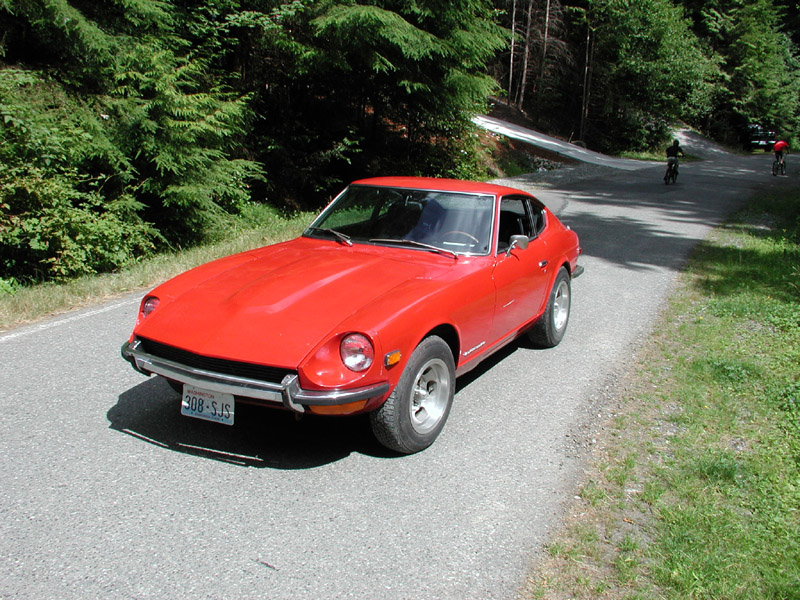
Hey all! Just bought my first Z. it's a 1971 240Z. Looking forward to "refreshing" her with all your help and advice!!! Regards, astrohog