


User Group Policy Update

By Mike in Website Updates
· 518 views
Hi everyone,
We’ve introduced an updated user group hierarchy here at The Classic Zcar Club. This change helps us:
Keep the forum safe from spam and scams
Protect our technical downloads and resources
Recognize the members who actively contribute to the community
Below is a quick breakdown of how the new system works.
👀 Guest
Visitors who are browsing the forum without creating an account.
Permissions
• Read-only access to public areas
• Cannot post, message, or download files
These are typically casual visitors, search engine traffic, or the occasional internet bot wandering through the garage.
🆕 New Member
Members who have recently joined and completed email verification.
New Members can participate in the forum normally, but a few temporary limits are in place until they reach 10 posts in public forums.
Temporary Restrictions
• Private messaging disabled
• Downloads limited to 1 per day
• Minor account limits in certain areas
These safeguards help us prevent private message scams, spam accounts, and automated downloading of community resources.
Once a member reaches 10 posts, they automatically move up to the next level.
🧰 Community Member
Members who have made 10 or more posts and are actively participating in the club.
At this stage, all normal forum features are unlocked, including:
• Private messaging
• Full download access
• Normal forum participation across the site
This level represents members who are actively engaging with the Classic Z community.
⭐ Supporting Member
Supporting Members are Community Members who have chosen to support the club through a subscription.
These members help keep the forum running and receive:
• Highlighted username recognition
• Access to potential extra perks and benefits
• The appreciation of the entire community for supporting the site
You can learn more in the Subscriptions section of the forum.
🙏 Thank You
The Classic Zcar Club has always been about sharing knowledge, helping each other, and keeping these amazing cars on the road.
Thank you to everyone who contributes, supports the club, and keeps the community thriving.
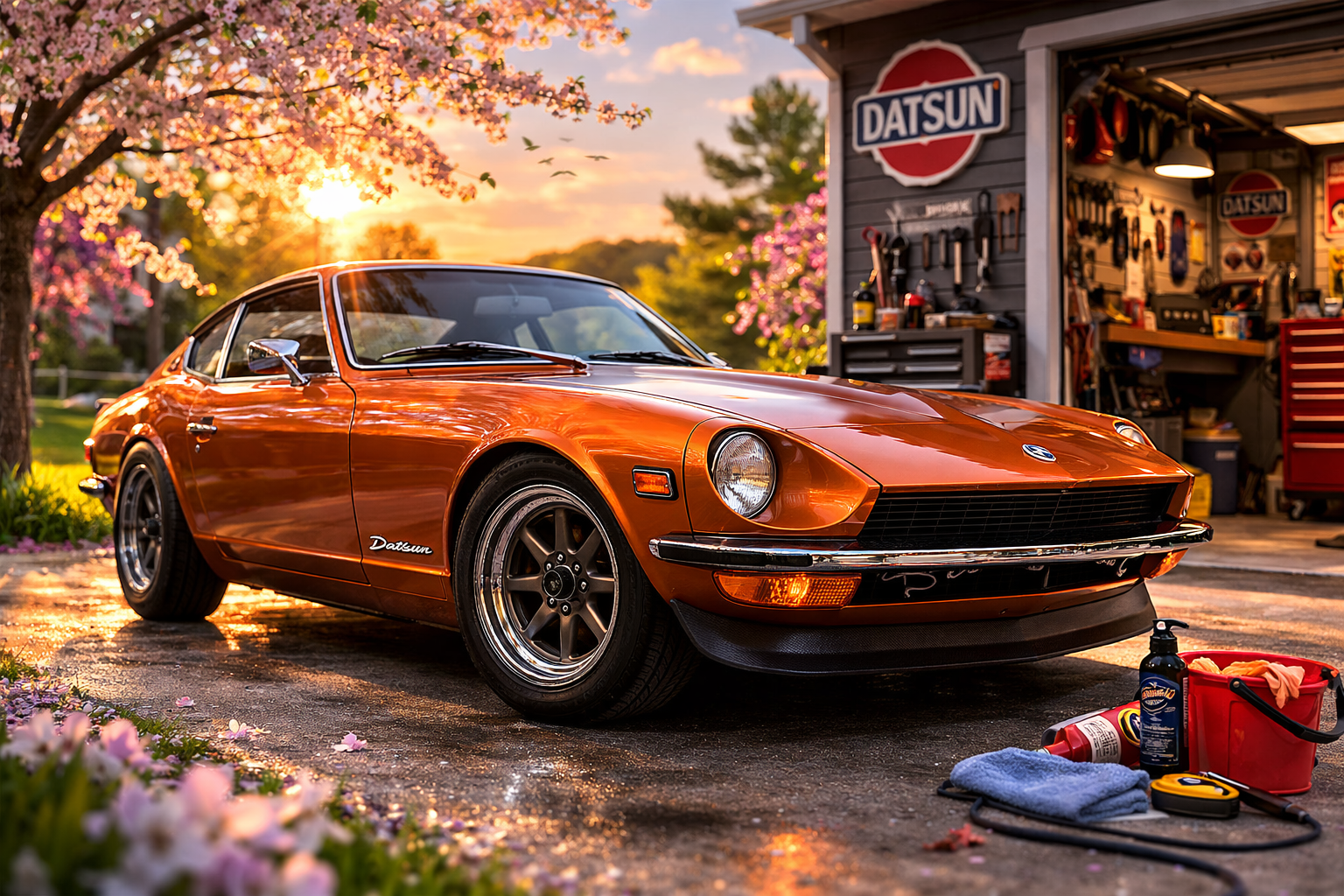
Spring driving season is almost here… time to get those Z’s out of the garage.
See you on the forums!
— Mike 🚗
-
 3
Recommended Comments