DRT240
Community Member
-
Joined
-
Last visited
-
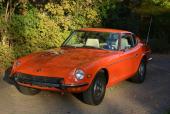
I recently bought a reconditioned combo switch for my 72, It worked fine for a few weeks although stiff. Now the dash lights no longer come on. A little worrisome at night when you have to depend on the flow of traffic to adjust your speed! Any recommendations for businesses that rebuild these switches without cutting corners? Now I have two switches - one doesn't turn on the headlights and the other doesn't turn on the dash lights. I tried taking apart the one where the headlights no longer work and I noticed that some of the small copper like springs were missing - it came that way from rebuilders. Thanks in advance.
-
-
-
-
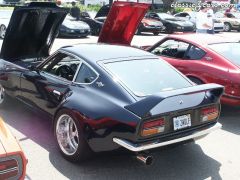
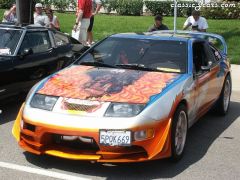
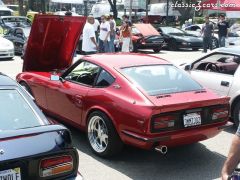
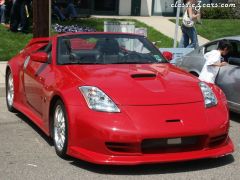 Motorsport Z West Coast Nationals 2006
 -
-
-
-
-
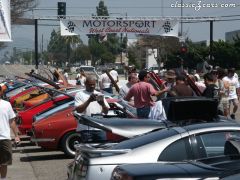
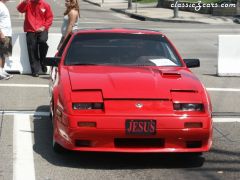
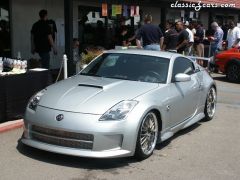
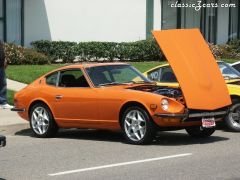 Motorsport Z West Coast Nationals 2006
 -
-
-
-
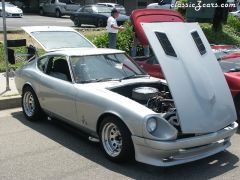
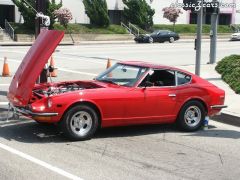
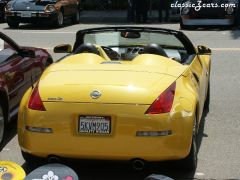
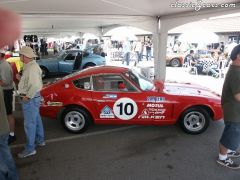 Motorsport Z West Coast Nationals 2006
 -