kenz240z
Community Member
-
Joined
-
Last visited
Everything posted by kenz240z
-
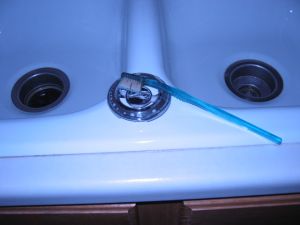 An old toothbrush makes cleaning the emblem easier.
 -
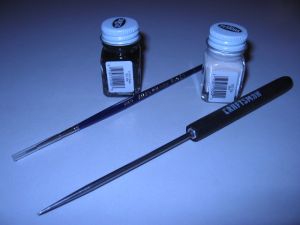 I used Testors model paint. The flat black and egg colors are very close to the original.
 -
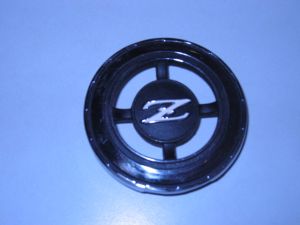 Here's the same emblem with new paint.
 -
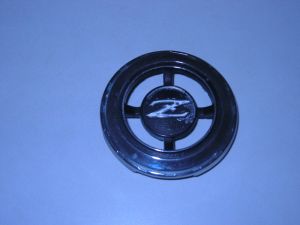 The paint on this emblem is in rough shape.
 -
 Another shot of the horn button back in the car.
 -
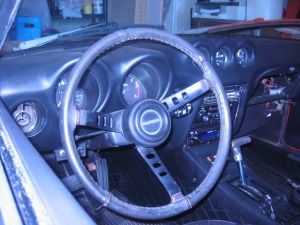 Here's the horn button, back in the car.
 -
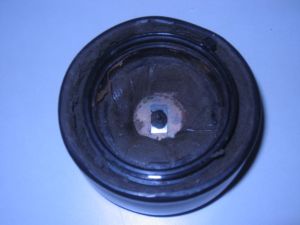 The tie wrap has been cinched tight and trimmed.
 -
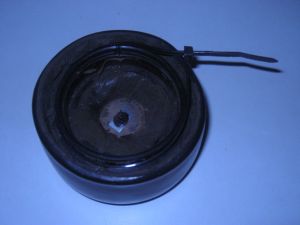 The tie wrap is in place, waiting to be cinched tight.
 -
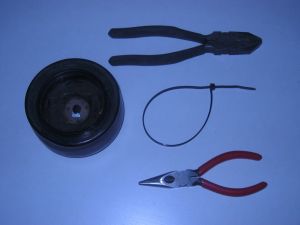 I used a tie wrap and a couple of pliers to fix the horn button.
 -
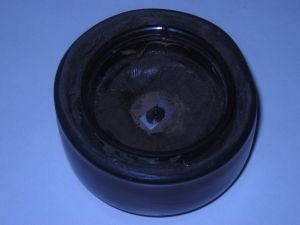 Here's another shot of the cracks in the horn button.
 -
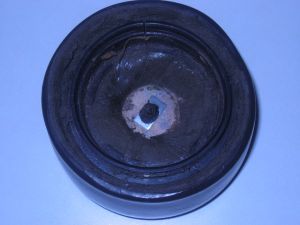 Here's a shot of the cracks in the back of the horn button on my 240Z
 -
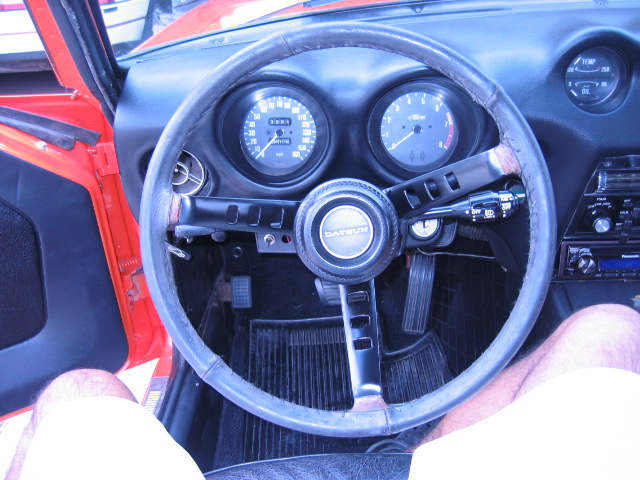
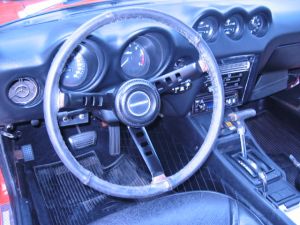 Here's another shot of the steering wheel back in the car, this time without my legs in the picture!
 -
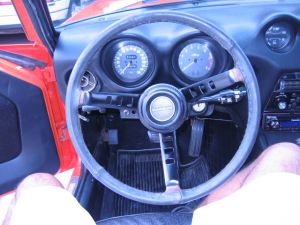 Here's a shot with the steering wheel back in the car. The whole project took about 2 hours to finish.
 -
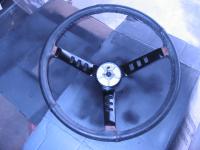
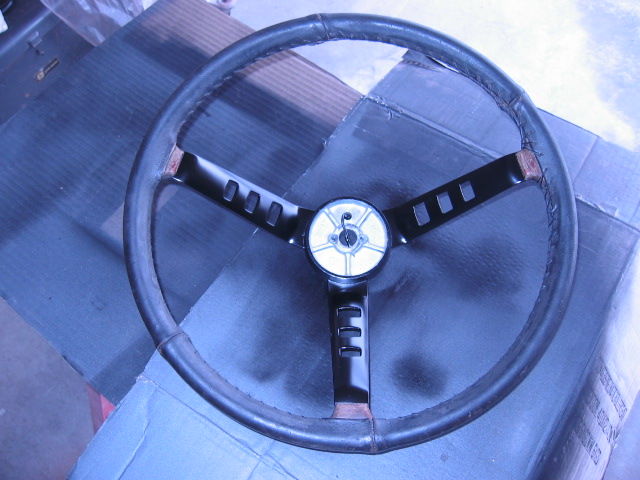
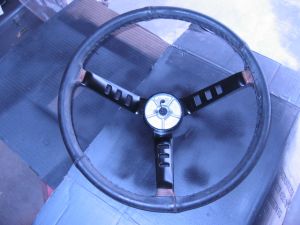 Here's the steering wheel with new paint & the masking tape removed.
 -
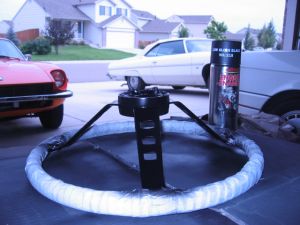 I used a low gloss, high temp engine paint...it yields a nice satin finish & was the only black paint I could find in the garage!
 -
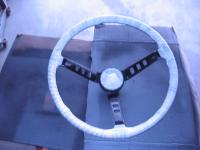
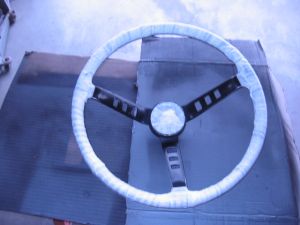 Now the steering wheel has been completely masked.
 -
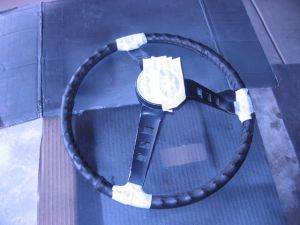 Another shot of the partially masked steering wheel.
 -
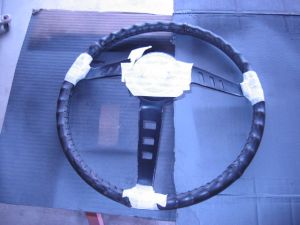 I started masking the wheel and trimming the tape in the center.
 -
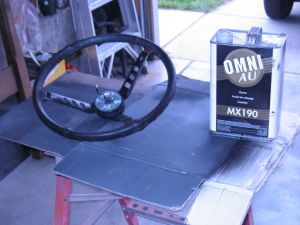 The surfaces to be repainted were cleaned with a wax & grease remover.
 -
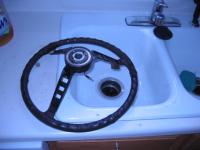
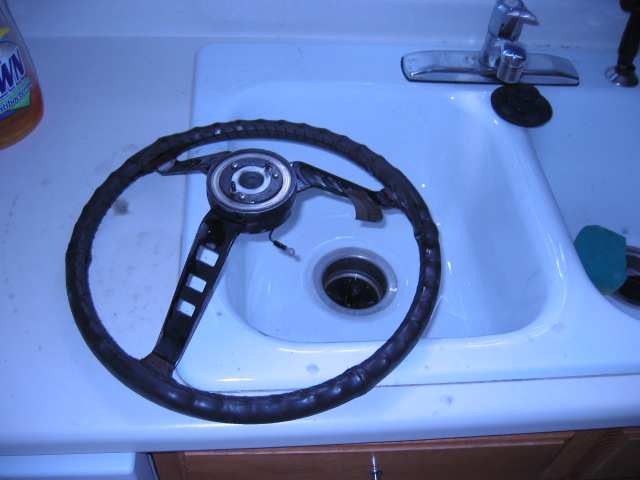
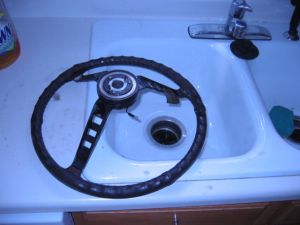 Wet sanded the painted surfaces with 400 grit paper.
 -
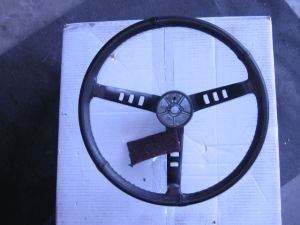 I used a Scotchbrite pad to scuff the painted surfaces.
 -
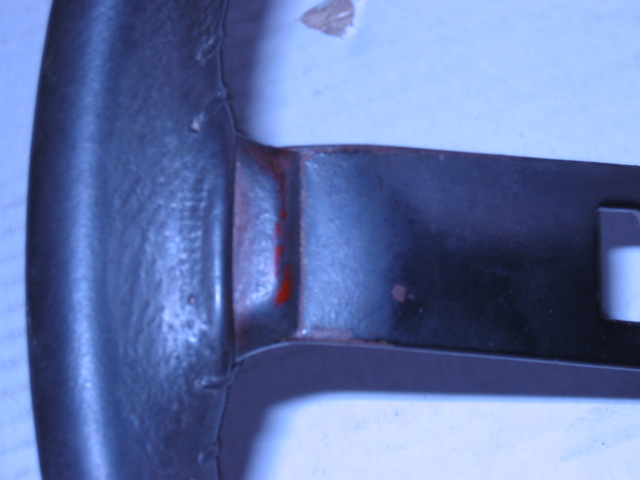
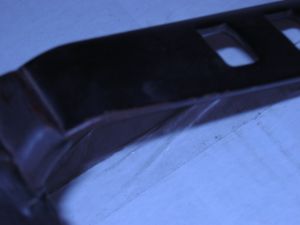 The spokes also had rust on the side edges.
 -
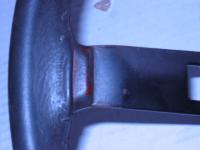
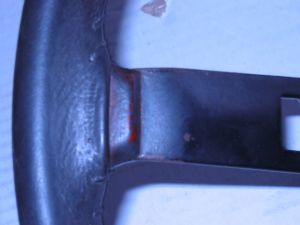 All 3 spokes were rusty where they meet the outer wheel.
 -
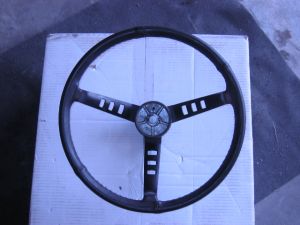 Here's the steering wheel after I pulled it out of my 240Z.
 -
I finally had a free day to myself, a welcome relief as my summer has been busy. My sweetheart and I were married 2 weeks ago, so most of the summer has been spent in planning for the big day. Anyway, I decided to pick up some weed & feed for the lawn, and being such a nice day, I drove my Z. I've been concentrating on freshening up the interior, and one item on my list was the steering wheel. The paint was dull, and there was a little bit of rust in a few spots. So, upon returning home I decided to repaint it. I began by scuffing the painted surfaces with a Scotchbrite pad. This was followed by wet sanding with 400 grit paper (I hope my wife doesn't kill me for using the kitchen sink for this part ) Next I returned to the garage and cleaned everything with a bit of wax & grease remover. I then began the most time consuming part of the project, namely masking off the outer wheel part and the front and back of the center. Once masked off, I went over the exposed surface with wax & grease remover one more time. Once it was dry I tacked the surface and then proceeded to paint. I happened to use a low gloss, high temp engine paint. I did this for two reasons: first, because it yeilds a nice satin finish; second, because it was the only black paint I had in the garage :knockedou! Here are a few photos I took as I worked on it. Kenny P.