yoogener
Community Member
-
Joined
-
Last visited
Everything posted by yoogener
-
I haven't been a long time member of this site, but i assume that there aren't any a'holes downloading pictures of things that belong to someone else to show off or what not. as everyone should be doing for safety of all reasons, just block out the license plate number. if people are downloading pictures off of someone else then the owner should feel good that they like it and want to keep it for memory or something. i'm sure there aren't people downloading for a stupid reason. honestly, i would like to download other people's pictures because i look up to what they've done and how it looks. i use it for memory and advice, if that's not a crime.
-
oh yeah theyre still being "approved" or something or i dont know i'm new to this haha. i signed up early this year and said i was lookin for a Z n never came back
-
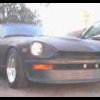
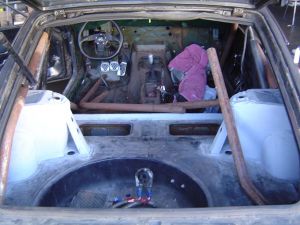
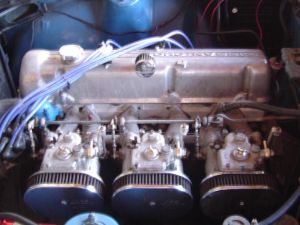
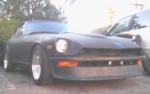
just recently my brother helped me get a '71 240z. personally, i think this deal is like once in a lifetime. especially around my area. brother's friend found this deal off a AAA towtruck driver selling his Z for 1500. for that price he threw in installed L28, triple webers, E88 head(dont know much about that), said to have some upgraded cams, MSD ignition, MSD Blaster2 coil, LSD, CenterLine 15x7's, 4spd&shaft, and extra 5spd&shaft. the L28 was driven for 3000 miles after rebuild and parked for 3 years. downside is that the interior's stripped NEKKED, and the shocks are completely blown, wewt! and gotta weld on new floor of chassis. BUT i think i got my money's worth for sure or even better. check out my photo gallery!
-
-
-