


Patto
Community Member
-
Joined
-
Last visited
-
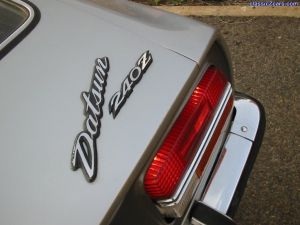 This is my current wallpaper... I advise you be like me and right click this large image and select 'set as background' Good clean space to put icons too. For more tips on being like me see my book "543 Ways to be Less Like You!" available at all low self-esteem bookstores.
 -
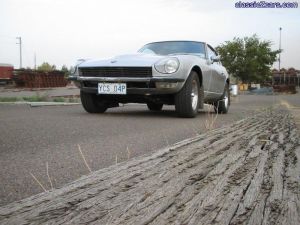 The timber edge of a loading ramp frames the 240Z. Note slightly bent apron where wrong hook was used for tow... bugger.
 -
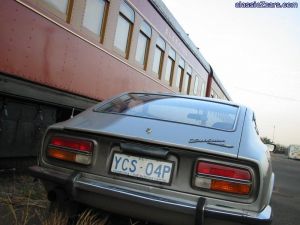 I like this shot... a bit out of focus and on a tilt, gives an interesting contrast with the tuscan carriage.
 -
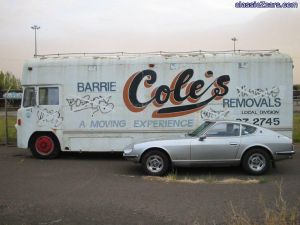 A Moving Experience indeed. This Bedford Van is apparently a former race car transporter. These days it is stored and being vandalised.... would be great transport if you had a Le Mans spec 240Z!
 -
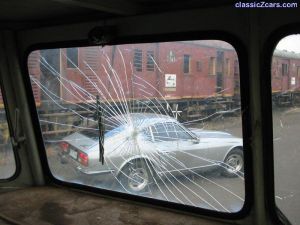 my 1971 Z viewed through the shattered windscreen of an old Bedford Van
 -
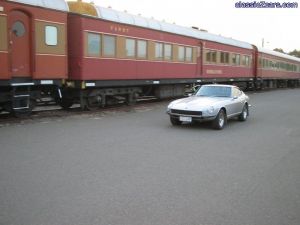 Another action shot.... Z on the move but photo well focused. Nice background effect.
 -
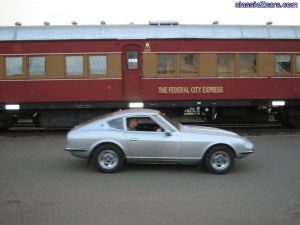 Bit of an action shot... myself piloting the Z, Adrian behind the camera focused in on the background, with a nice blur resulting.
 -
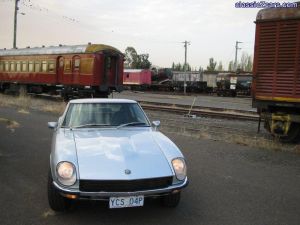 Z with lights ablaze. These shots were taken in Kingston railway yard in Canberra.
 -
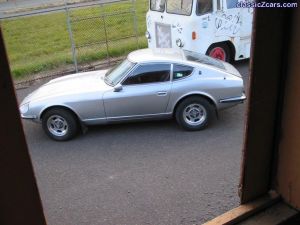 My 1971 240Z and a Bedford removals van rumored to have previously been a race car transporter. Shot through the window of a guard's van.
 -
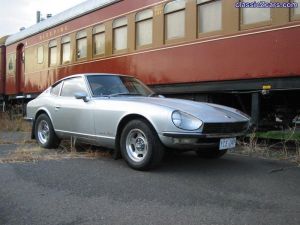 I like the contrasting colours on this one.
 -
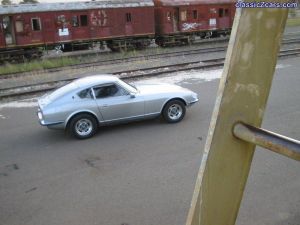 The rare silver 240z in its natural habitat.
 -
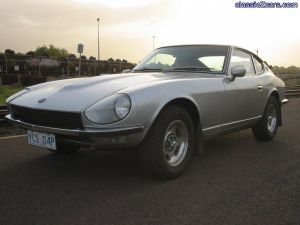 Great light reflection on the Z's curves. Those skies are not the work of a lense or paintshop either.... a duststorm hit town earlier that day.
 -
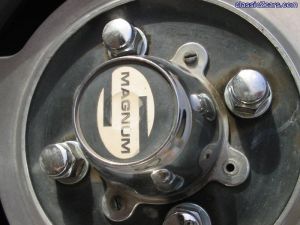 Close up of my mags.... seem to be missing a screw there. Well worn, but suits the car to a tee.
 -
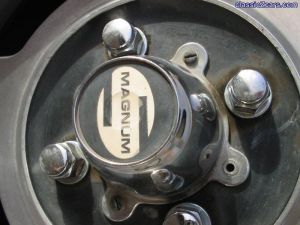 Close up of my mags.... seem to be missing a screw there. Well worn, but suits the car to a tee.
 -
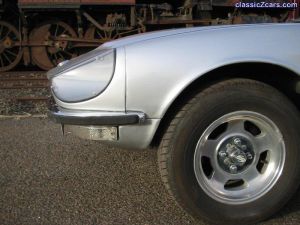 More than one set of wheels in this shot. Can I also mention that all 240Z's should have headlight covers. Thank you.