About My Cars
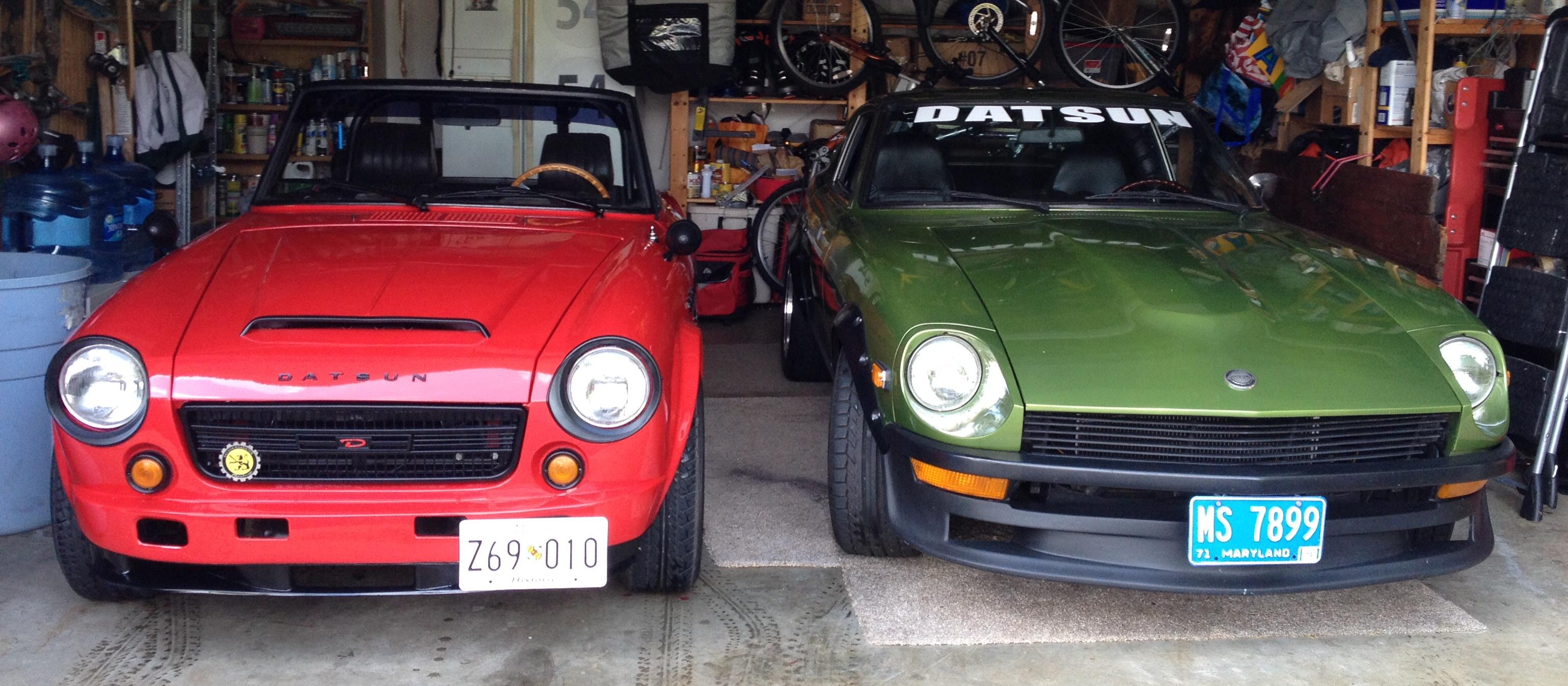
‘72 240Z w/2.8L N47 block, E88 head, Schneider 275 cam, triple Weber DCOE side draft carbs, ceramic coated 6-2-1 header, 5 speed, 10lb flywheel, alum. driveshaft, R180 3.9 LSD, D2 racing coil overs, Sakura Garage camber plates, ST anti-sway bars1” front, .75” rear, Bad Dog Parts rear A arms and frame rail kit with sub-frame brackets, stock brakes(drilled-slotted rotors front) Hawk pads and shoes, 16X10 Rota Grid V’s wearing Toyo Proxes 245/45/16 sneakers. I’m sure I left out a bunch of stuff. Interior is stock and beautiful. I went the resto-mod route instead of stock because my 1st 240Z in 1980(‘71) was a great performer relative to the cars in the market place at the time. Very few cars performed like the 240 at that time...pretty high on the food chain. In today’s market, a stock 240Z is just a nice old classic car. Not very competitive relative to the cars on the road today. I tried to stay as close as possible to stock appearance and interior, with performance upgrades that puts it right up near the top of the food chain where it resided decades ago.