frankp
Community Member
-
Joined
-
Last visited
-
-
-
-
-
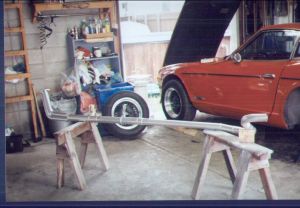 MSA's headpipe,welded 2 1/2 exhaust
 -
-
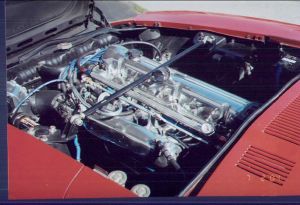
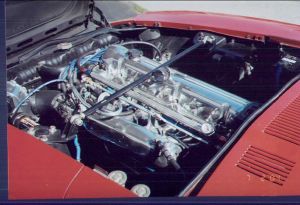
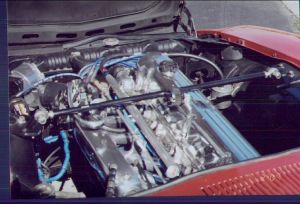
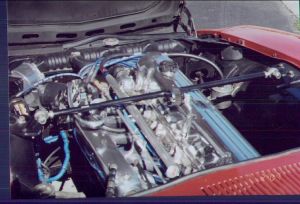 280ZXT AFM,3" RADIATOR HOSE FOR BOOTS, ALUMINUM FUEL RAIL w/ PRESSURE GUAGE FAB'ED BY MYSELF, MSA's EXHAUST,CUT OFF 'NISSAN OHC'(via bridgeport)& polished cam cover,intake.
 -
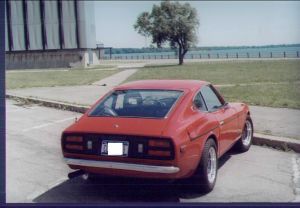 yes it is! i live in the falls,& work at the goodyear/dunlop tire on sheridan dr. in buff.(tonawanda)
 -
-
-
-
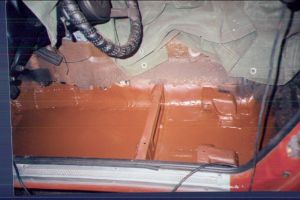
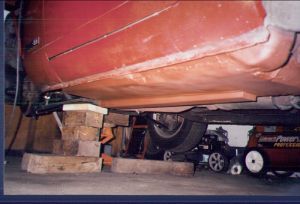 FLOOR REPLACEMENT (about 1994)
 -
-
-
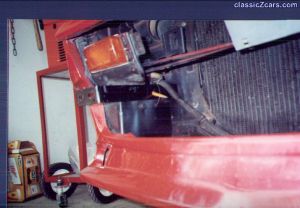 in order to mount the bracket w/ 2 bolts,one existing hole is used and one must be drilled (where the pencil is)